126 Dodatak: Upotreba (Launcher) za verziju softvera stariju od v01.00.19.00
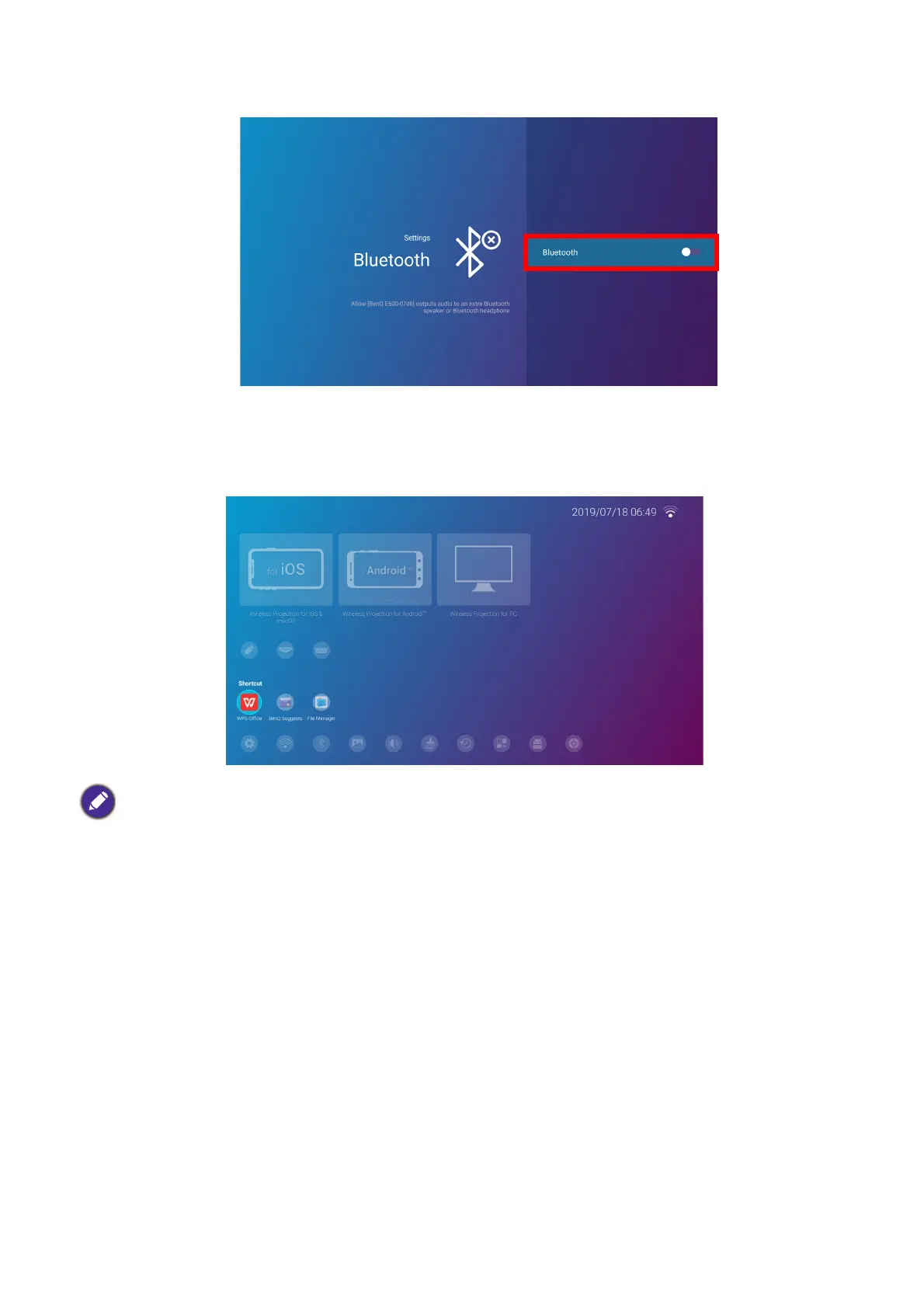
3. Select Bluetooth and press OK to disable Bluetooth.
Apps
The Shortcut section of BenQ Launcher features shortcuts to the pre-installed File Manager,
and BenQ Suggests apps, as well as a customizable selection of downloaded apps.
To access all the apps installed on the projector, select All Apps in the Settings menu, see All
Apps on page 134.
To configure the apps that appear in the Shortcut section, see Screen Settings on page 138.
Certain apps require the use of a mouse and/or keyboard to operate. It is suggested that you connect a
mouse and/or keyboard to the projector before opening any apps from the Shortcut section.













 To Next Page