134 Dodatak: Upotreba (Launcher) za verziju softvera stariju od v01.00.19.00
All Apps
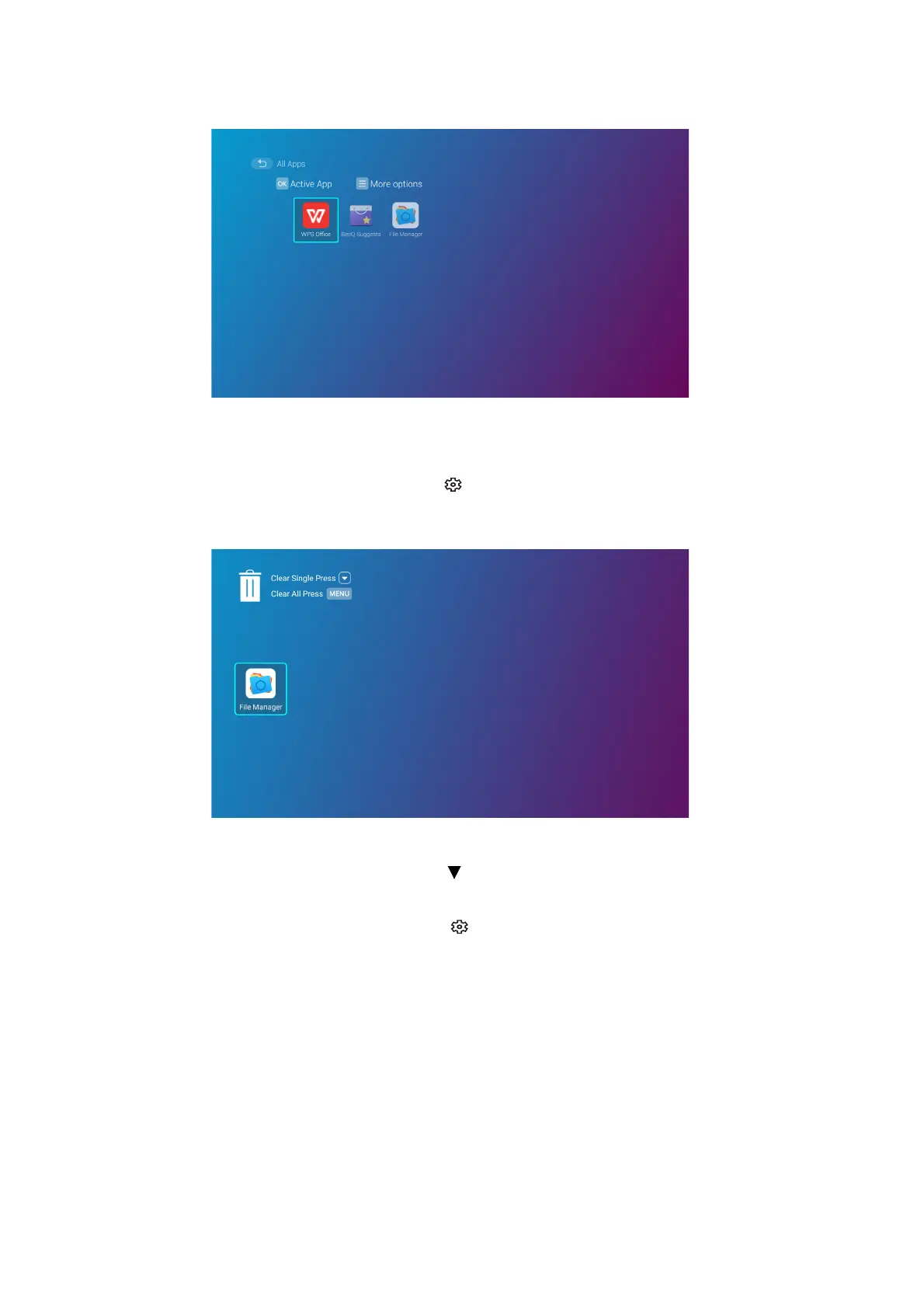
Select the All Apps menu to access all the apps that have been installed on the projector.
• Select an app and press OK to launch the app.
• Select an app and press the menu button ( ) to uninstall the app.
Recent Apps
Select the Recent Apps menu to access a list of apps that have been recently used.
• Select any icon and press the down button ( ) to remove the icon from the list of recently
used apps.
• Select any icon and press the menu button ( ) to clear all icons from the list of recently used
apps.













 To Next Page