135 Dodatak: Upotreba (Launcher) za verziju softvera stariju od v01.00.19.00
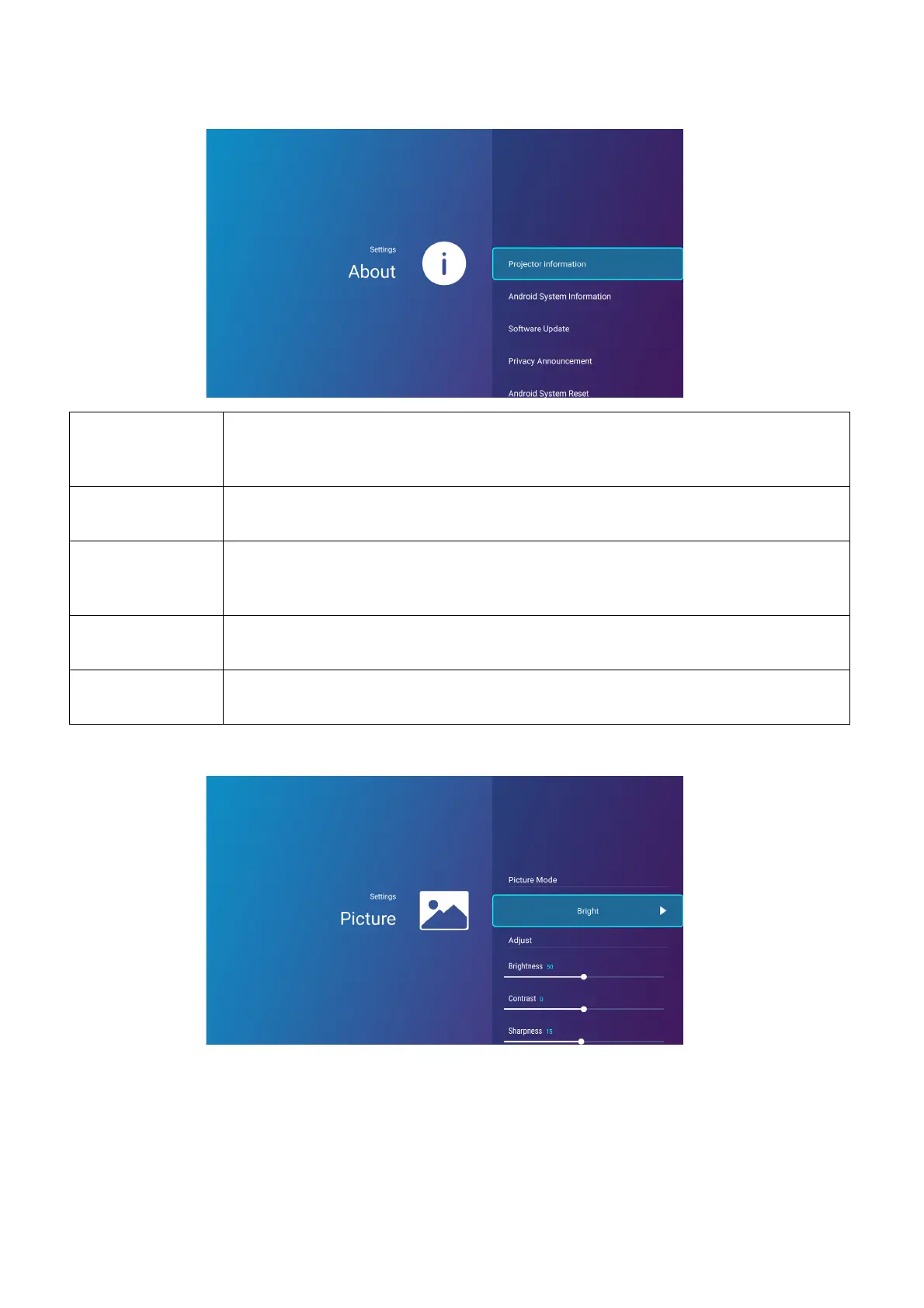
About
Picture
The options available for the Picture settings menu are the same as the options available in the
OSD menu. See Izbornik Napredni on page 80 for the Picture settings options.
Projector
Information
Displays information on the current status of the projector including the
current Native Resolution, Picture Mode, Light Mode, Light Usage
Time, Firmware Version, and Service Code.
Android System
Information
Displays information on the Android operating system including Android
Version, Ram, System storage, Internal storage, and MAC address.
Software
Update
Allows you to update the Android operating system via an Over-The-Air
(OTA) update or a USB flash drive. For more information see System
Update on page 144,
Privacy
Announcement
Allows you to view and accept or reject BenQ’s privacy policy.
Android System
Reset
Returns all settings to the factory preset values.













 To Next Page