142 Dodatak: Upotreba (Launcher) za verziju softvera stariju od v01.00.19.00
1. Choose one of the following options:
• Connect your smartphone to the same wireless network as your projector.
• Enable wireless hotspot for your projector and then connect your smartphone to the
projector’s wireless hotspot. For instructions on how to enable wireless hotspot for your
projector see Hotspot on page 131.
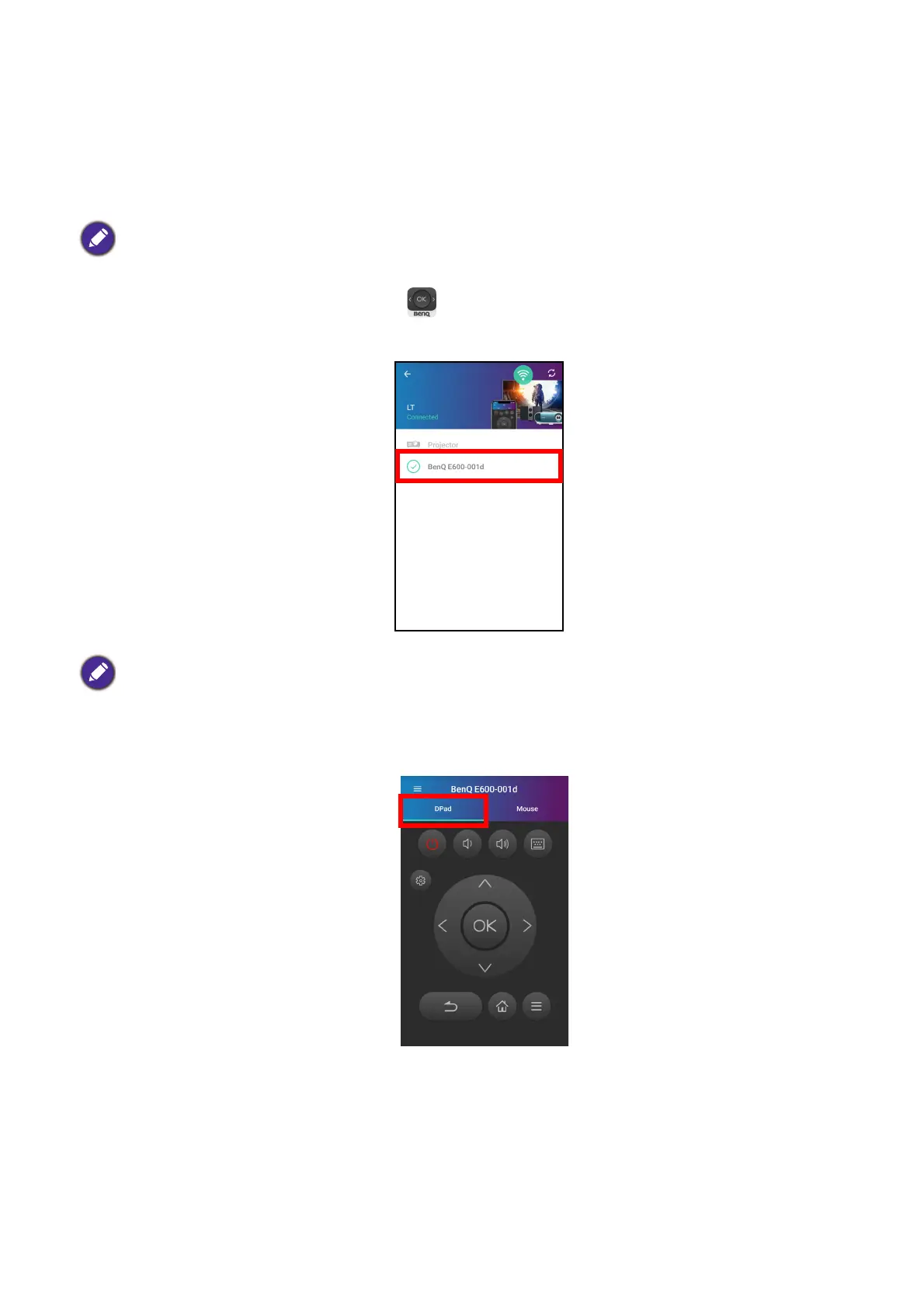
2. Open the BenQ Smart Control app on your smartphone.
3. Select the projector from the BenQ Smart Control device list.
4. Choose one of the following methods to use BenQ Smart Control:
• Tap DPad to use the pre-configured buttons in the app to control your projector.
You must be connected to either the same wireless network as the projector or the projector’s wireless
hotspot for BenQ Smart Control to work correctly.
The default name for the projector is "BenQ E600-xxxx" where the final four digits are the last four digits of
its MAC Address.













 To Next Page