51 Upotreba (pod Launcher izvorom)
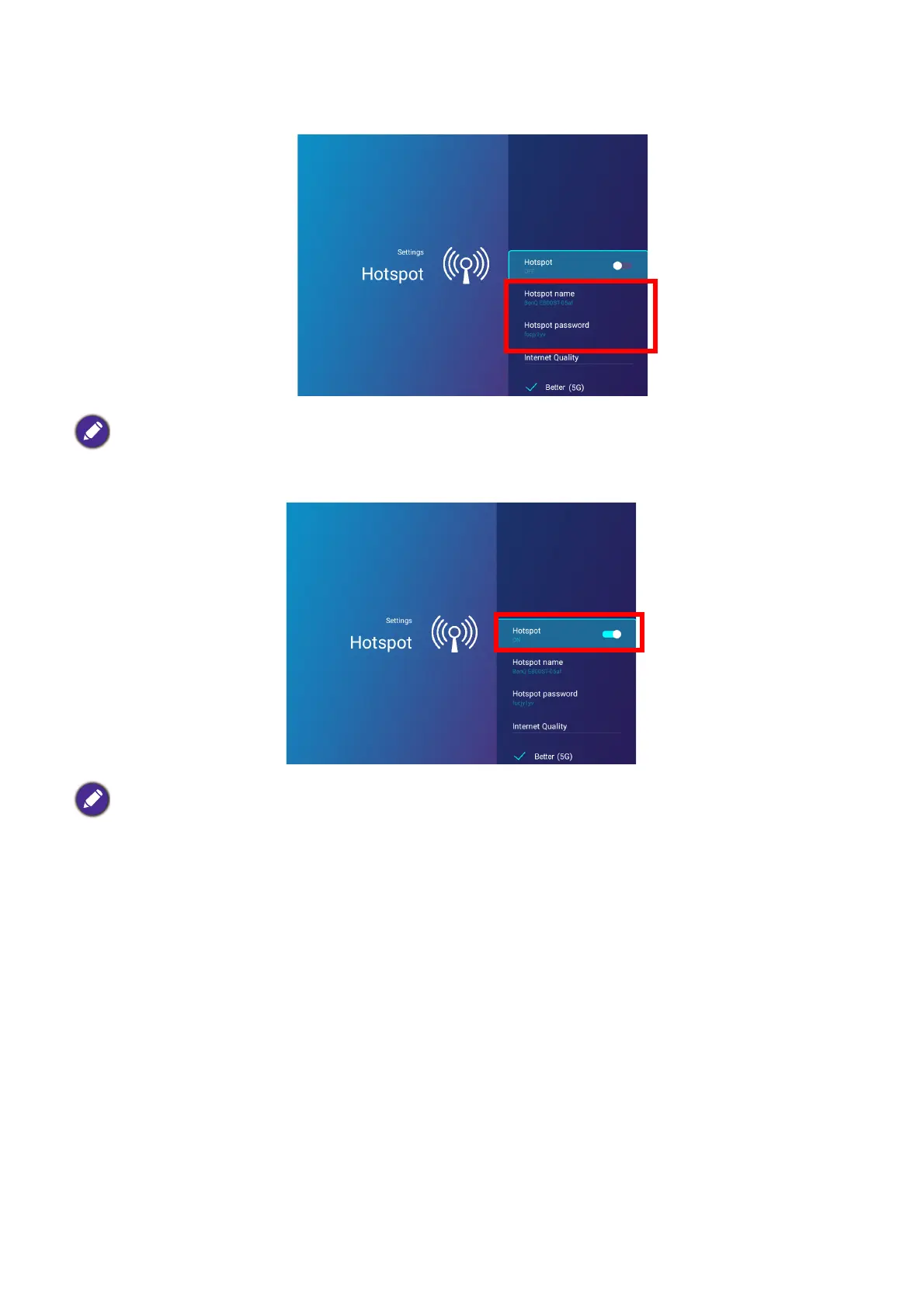
5. (Optional) Select Hotspot Name and/or Hotspot Password and press OK to change the
name and/or password of the wireless hotspot.
6. Select Hotspot and press OK to enable wireless hotspot.
7. Once wireless hotspot is enabled, use the name shown in the Hotspot Name field as the
SSID to connect to from your mobile device’s wireless menu and use the password shown
in the Hotspot Password field as the connection password.
You can only change the Hotspot Name and Hotspot Password when Hotspot is disabled.
The projector will have no access to the Internet while in wireless hotspot mode.













 To Next Page