50 Upotreba (pod Launcher izvorom)
Wireless Hotspot
In situations where the projector is out-of-range of a wireless network (for example while on a
camping trip), you can configure the projector to act as a wireless hotspot to create a closed
network for devices to connect directly to the projector via a wireless connection and to project
files from their local storage.
To create a wireless hotspot:
1. Install the wireless dongle provide into the wireless dongle port (see Instalacija bežičnog
hardverskog ključa on page 8).
2. Power on the projector (see Uključivanje projektora on page 22).
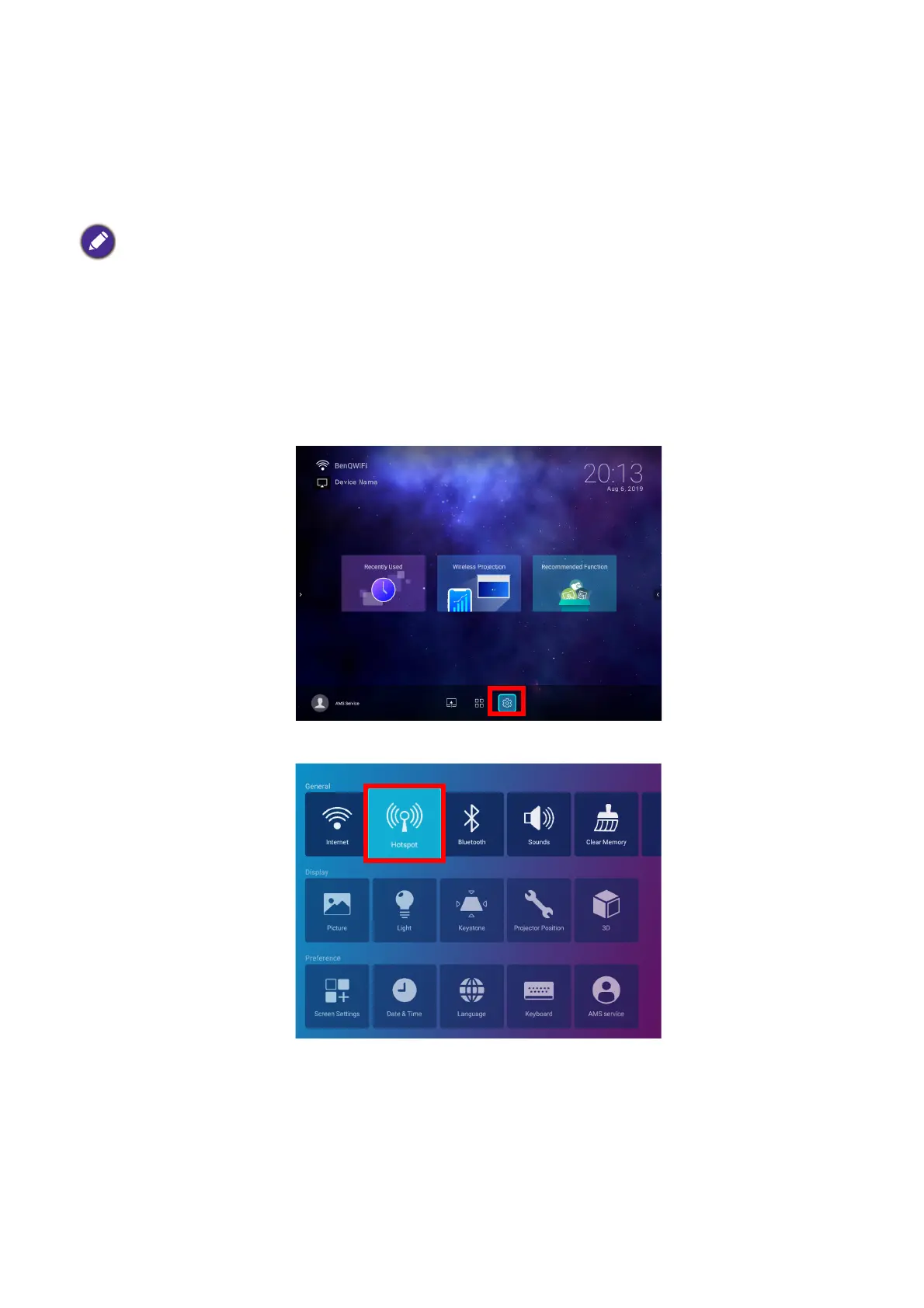
3. On the home screen of the BenQ Launcher interface select the Settings button and press
OK.
4. Select Hotspot and press OK.
The projector will have no access to the Internet while in wireless hotspot mode.













 To Next Page