62 Upotreba (pod Launcher izvorom)
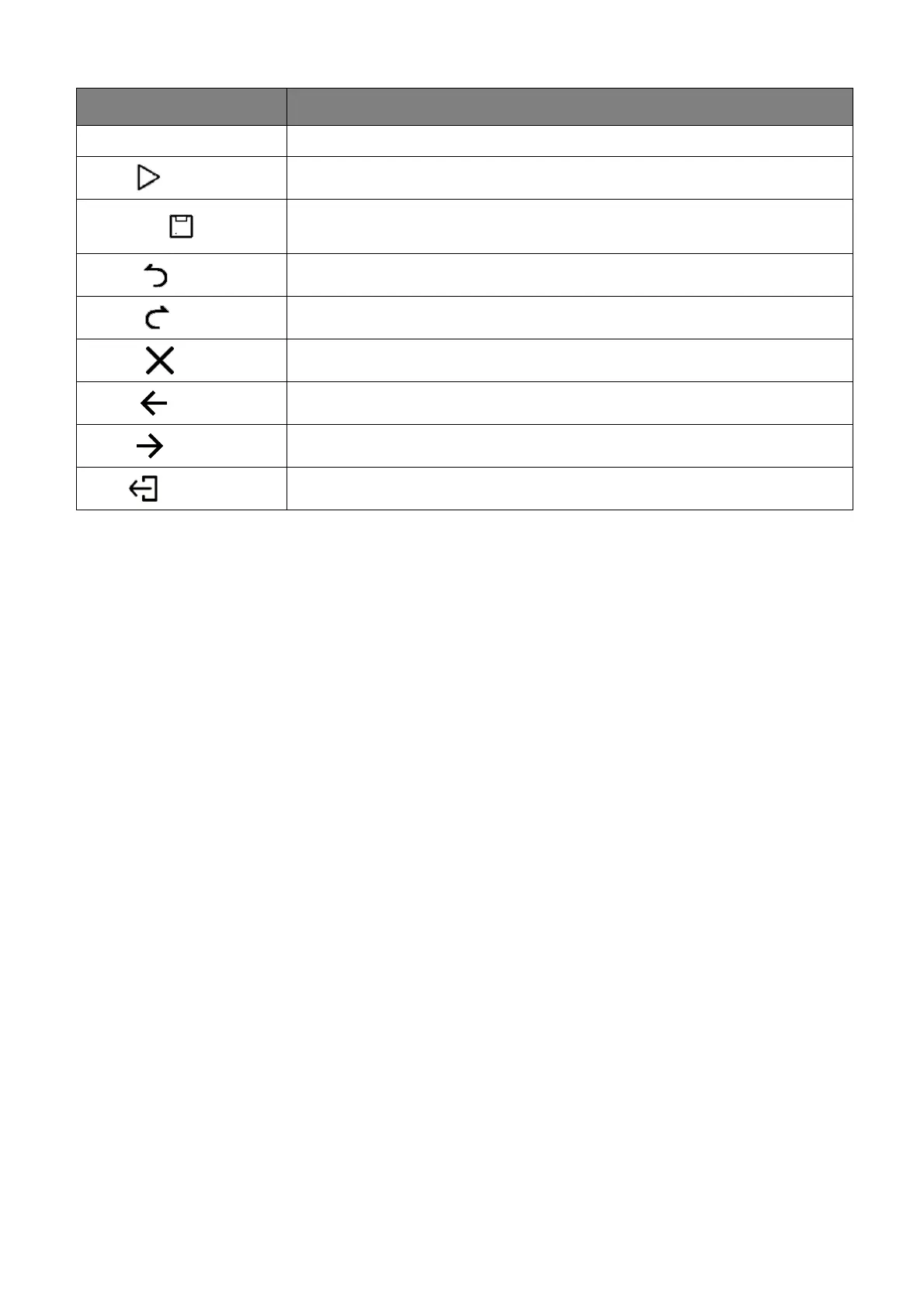
Pen Select to write, draw, paint or sketch to the slides.
Play ( )
Select to start a slide show.
Save As ( )
Select to save the presentation file on either the display’s internal
memory, an external storage device, or cloud storage.
Undo ( )
Select to undo an action.
Redo ( )
Select to redo the last action.
Close ( )
Select to close the presentation file.
Back ( )
Select to return to the previous page.
Next ( )
Select to go to the next page.
Exit ( )
Select to exit WPS Office.
Function Description



 To Next Page