61 Upotreba (pod Launcher izvorom)
WPS Office
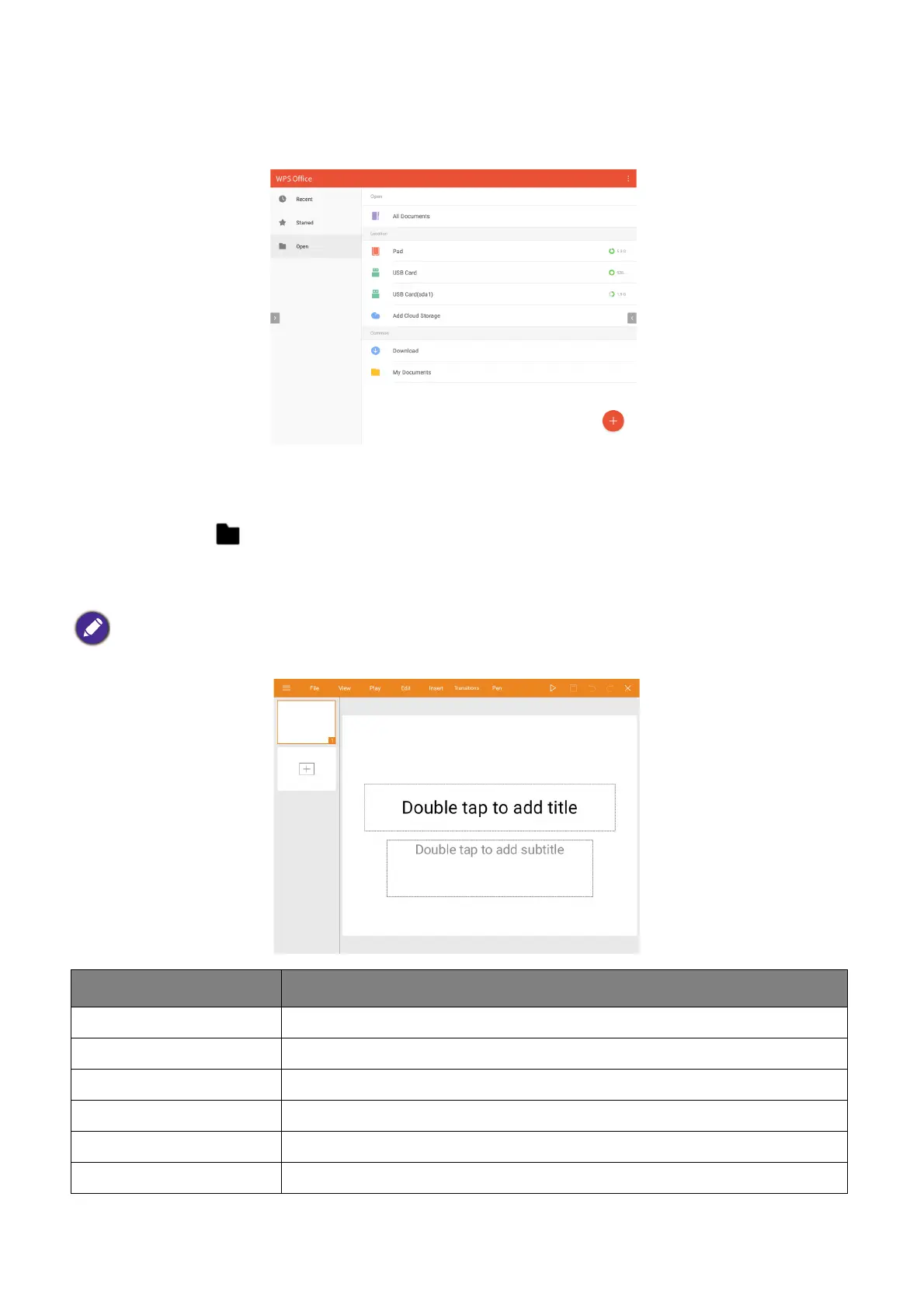
The WPS Office app allows you to open document files including PDFs as well as Microsoft
Word, PowerPoint and Excel documents.
To edit a file with WPS Office:
1. Open the file using the steps described in Connecting a flash drive on page 53.
2. Select Open ( ) on the left panel to browse and open a file located in either the
projector’s internal memory or an external storage device.
Select the function menu on the top panel to access the file format's various functions.
The description below is for a PowerPoint file, the function menus for other file formats will vary.
Function Description
File Select to open, save, share, print, and manage your presentations.
View Select to change or edit the presentation views.
Play Select to start or set up a slide show.
Edit Select to edit the content or format of the slides.
Insert Select to insert tables, pictures, charts, comments, video, or audio.
Transitions Select to apply or adjust the timing of a transition.













 To Next Page