72 Upotreba (pod Launcher izvorom)
Screen Settings
Shortcut
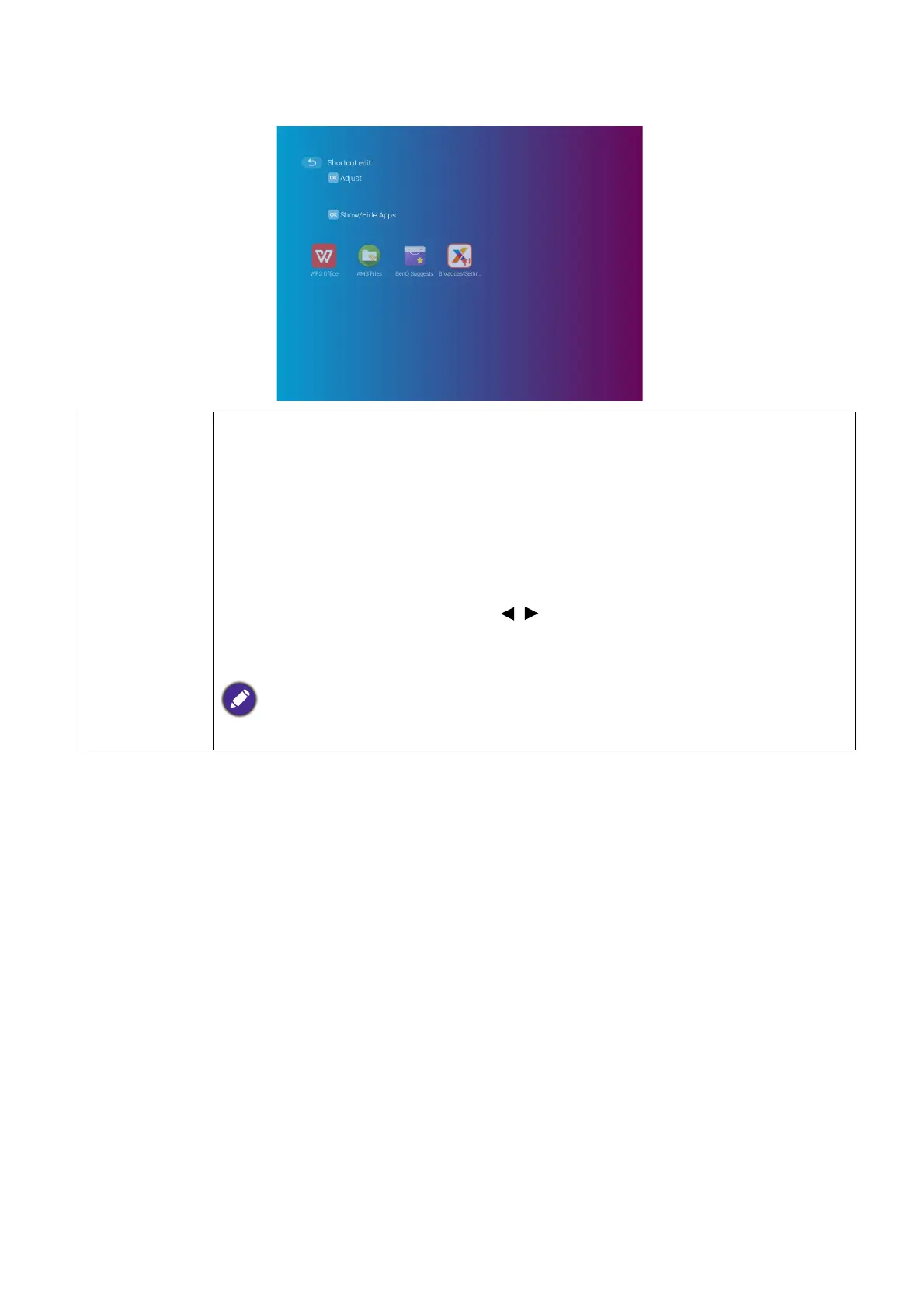
Sets which app shortcuts are displayed on the BenQ Launcher home
screen and their sequence. The home screen requires at least one shortcut
and allows up to ten shortcuts.
• Auto: Enables the projector to automatically arrange the sequence of app
shortcuts on the home screen so that the most recently used app will
appear first in the row.
• Manual: Enables the user to manually arrange which app shortcuts to be
displayed on the home screen and their sequence. Press OK on an app in
the Adjust menu and then press / to adjust the sequence of the apps in
the apps shortcuts section. Press OK on an app in the Show/Hide Apps
menu to check (show) or uncheck (hide) the shortcuts.
This function is only available when Auto is disabled.













 To Next Page