73 Upotreba (pod Launcher izvorom)
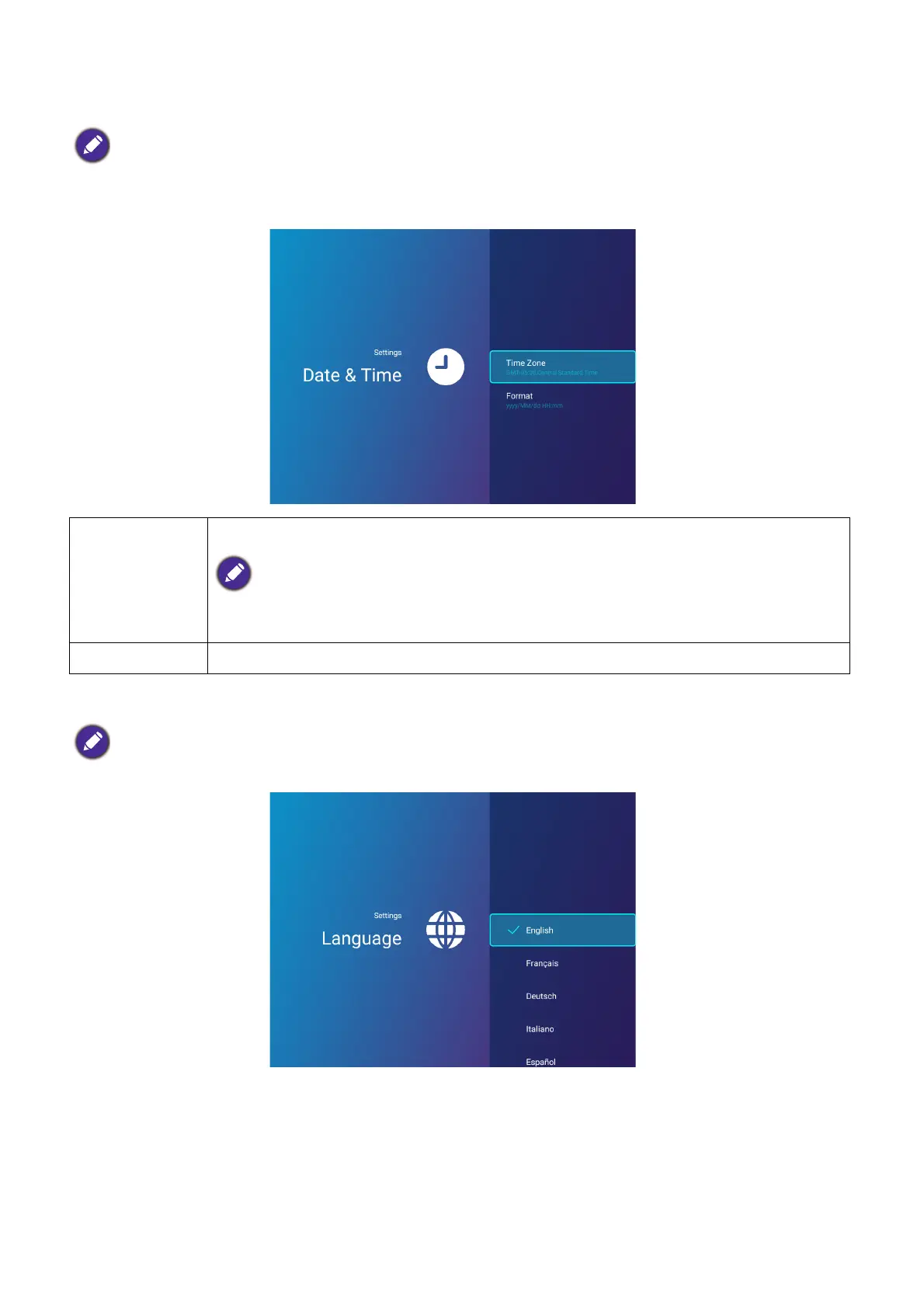
Date & Time
Language
Sets the language for BenQ Launcher.
• When AMS Service is enabled, this menu will not be accessible by Guest AMS accounts.
• The projector’s date and time information is linked to/synched with the Internet, and cannot be manually
set. In instances when the projector does not have access to the Internet, the date and/or time
information displayed may be incorrect.
Time Zone
Sets the time zone for the projector
The Time Zone setting must be set to the correct region for the projector in order for the
X-Sign Broadcast app to work correctly.
Format Sets the date and time format as either HH:MM or YYYY/MM/DD HH:MM.
When AMS Service is enabled, this menu will not be accessible by Guest AMS accounts.













 To Next Page