74 Upotreba (pod Launcher izvorom)
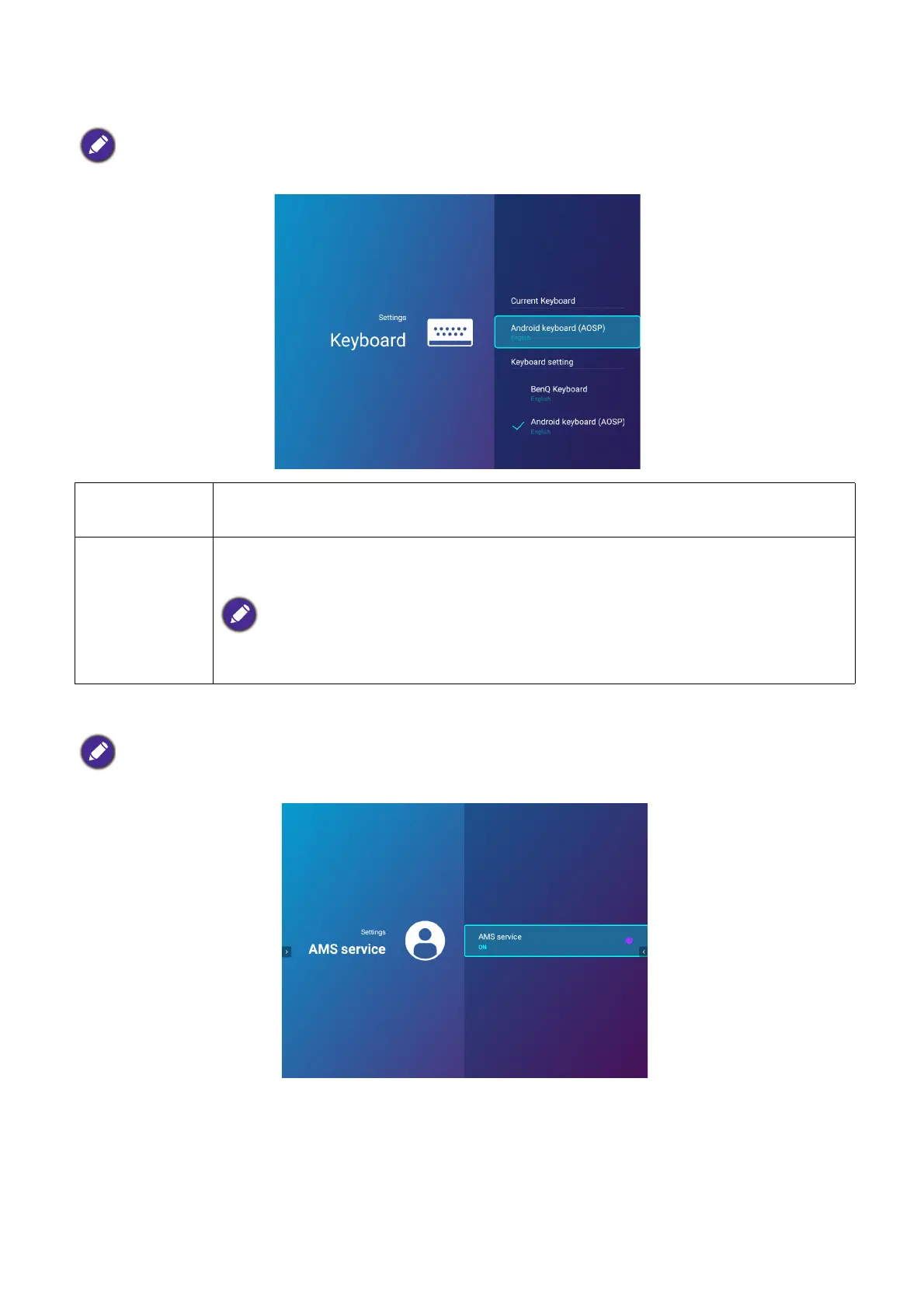
Keyboard
AMS Service
Select whether to enable or disable the BenQ Account Management System.
When AMS Service is enabled, this menu will not be accessible by Guest AMS accounts.
Current
Keyboard
Displays the current keyboard setting.
Keyboard
Settings
Sets the projector’s virtual keyboard for inputting text. The available options
are BenQ Keyboard and Android keyboard (AOSP).
To input Chinese characters, set the language preference to traditional Chinese or simplified
Chinese, and set the keyboard to BenQ Keyboard.
When AMS Service is enabled, this menu will not be accessible by Guest or User AMS accounts.













 To Next Page