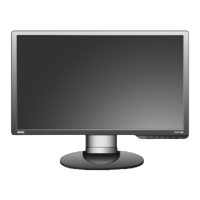
Need help?
Do you have a question about the BenQ G2400WT and is the answer not in the manual?
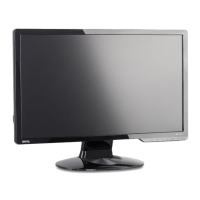
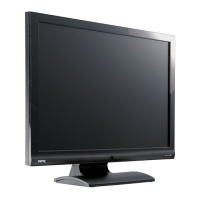
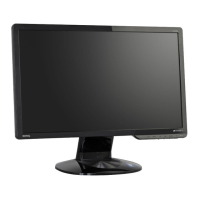
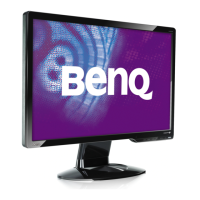
Overview of the monitor's front panel and connections.
Details of the monitor's rear panel and input/output ports.
Instructions for rotating the monitor for portrait viewing orientation.
Guide to adjusting monitor tilt, swivel, and height for optimal viewing.
Step-by-step guide for installing monitor drivers on a new system.
Procedure for updating monitor drivers on a computer with existing software.
Explanation of the monitor's physical control buttons and their functions.
Direct access functions for brightness, contrast, mode, and input selection.
Navigating the On-Screen Display (OSD) for detailed settings adjustment.
Answers to common issues like blurred images, pixel errors, and color faults.
 General
| Screen Size | 24 inches |
|---|---|
| Resolution | 1920 x 1200 |
| Aspect Ratio | 16:10 |
| Panel Type | TN |
| Brightness | 300 cd/m² |
| Contrast Ratio | 1000:1 |
| Response Time | 5 ms |
| Viewing Angle (Horizontal) | 170° |
| Viewing Angle (Vertical) | 160° |
| Weight | 6.5 kg |
| Connectivity | DVI-D, VGA |


 To Next Page