Using BenQ Joybee 120 MP3 Player 55
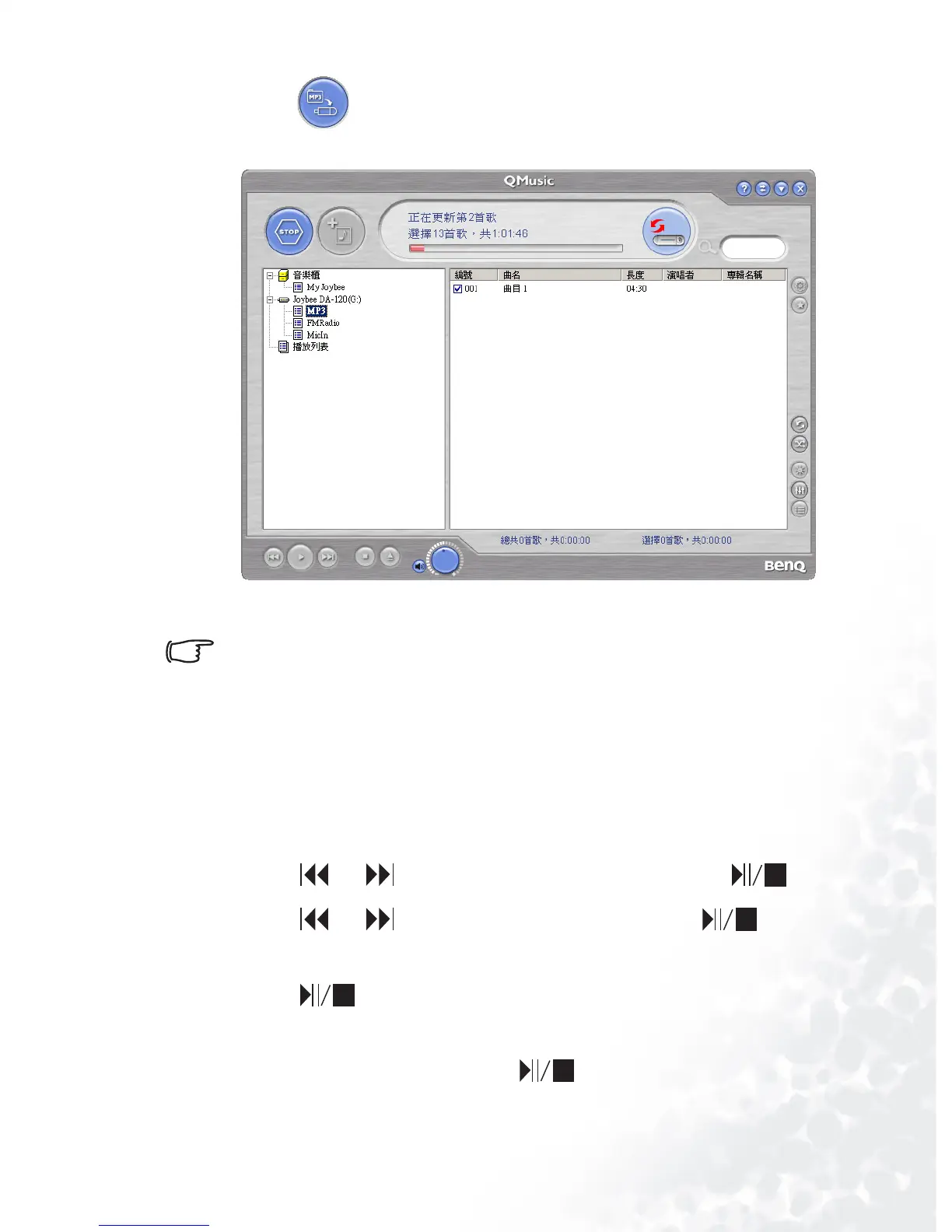
5. Press and QMusic will create a playlist under My Joybee
on the right panel and update the playlist on Joybee 120.
Running playlist
You must create a playlist according to the top instructions
before using the playlist function.
1. If your Joybee 120 has been connected to a PC, you must wait
until the message “PC Link" appear on the screen before dis-
connecting it from your PC. Then, turn on Joybee 120.
2. Launch to the function menu as in "Launching to the func-
tion menu" p.32.
3. Press or to scroll to “SETTING” and press .
4. Press or to scroll to “Playlist” and press .
5. When the message “ON” appears on the screen,
press to run playlist.
If you want to stop the playlist function, repeat steps 2 to 4,
and scroll to “OFF” and press in step 4.



 To Next Page