34
3. Start recording video. Once the video is recorded, it will be placed
in the folder “Eat Breakfast” as you view this video later from the
digital camcorder later.
4. Repeat Step 3 to record more videos in the same sub-category, or
return to Step 2 and select anther category.
To play videos using the Director Mode:
1. In Video mode, touch or press the Playback button to
enter Video Playback mode.
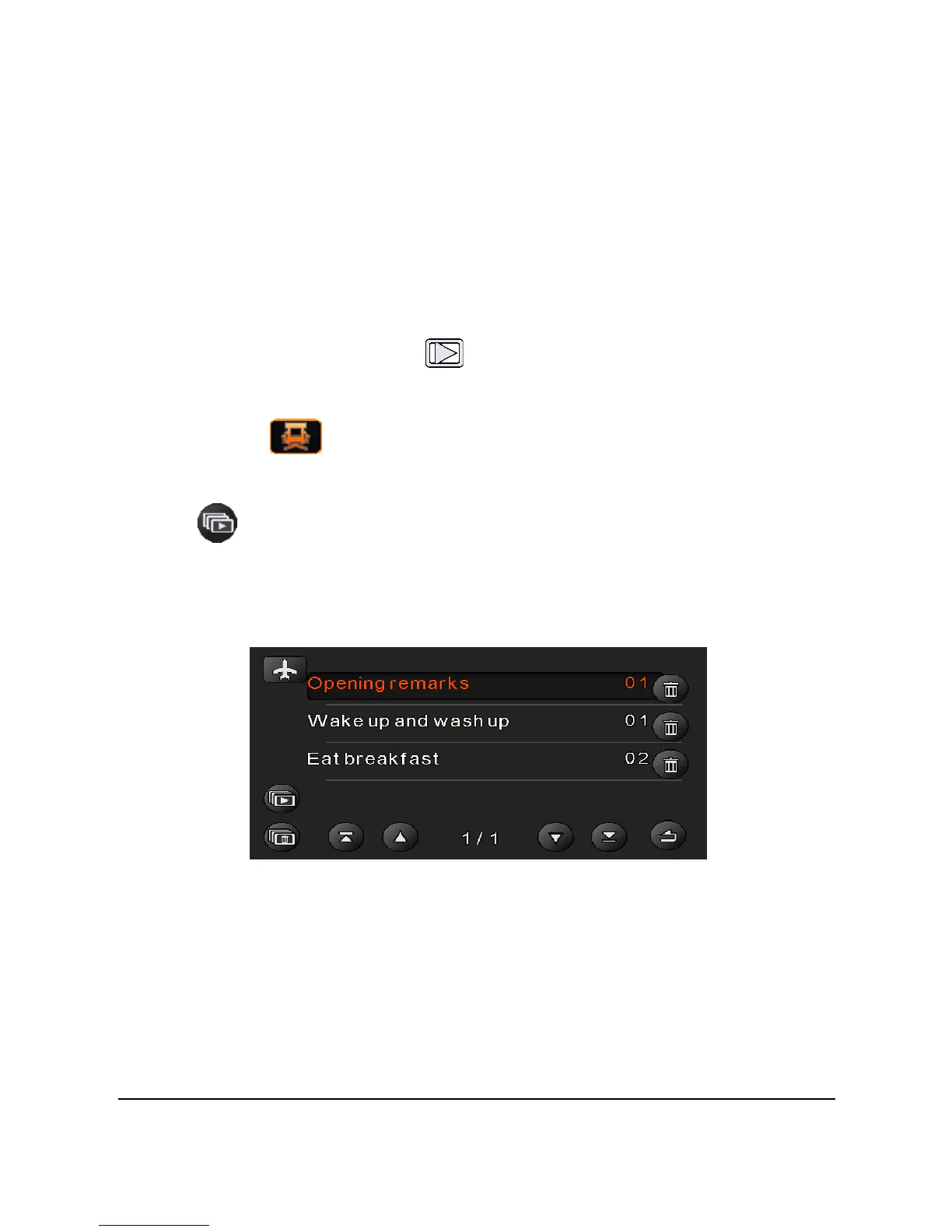
2. Touch to enter the Director Mode playback menu.
3. Touch a category (for example, Holiday getaway) and touch
to start playback of the whole Holiday series. All videos will
be play backed according to the pre-defined folder sequence like a
normal day life (for example, starting from waking up, washing up,
and then eating breakfast, etc.)



 To Next Page