Operation40
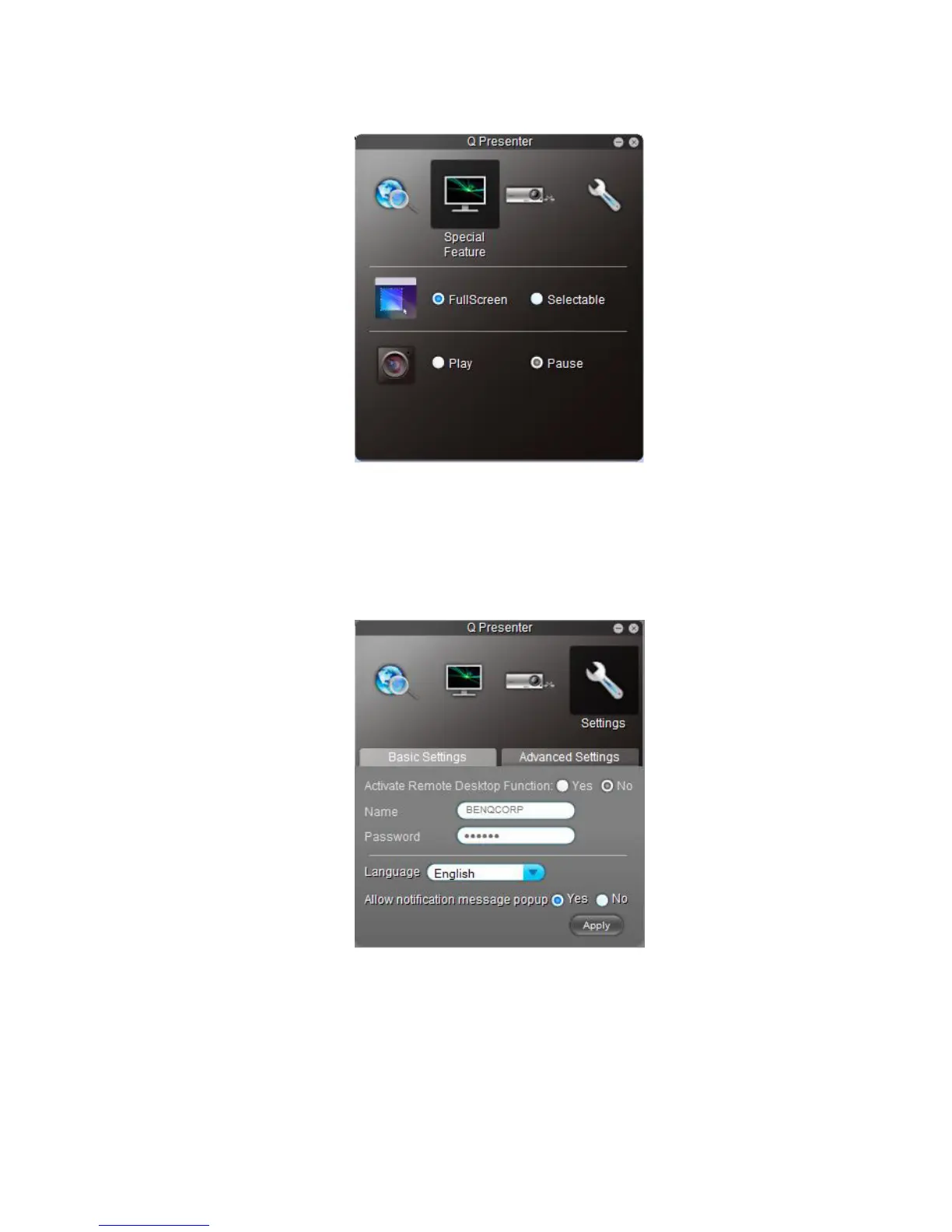
2. The Special Feature page provides some advanced functions to manage the projected
images.
• To display a full screen, click Full Screen.
• To display a partial screen, click Selectable. A square appears on your screen. You
can adjust its size and place it where you want to project.
• To pause projection, click Pause.
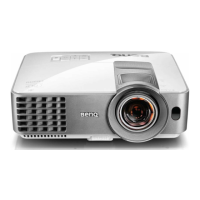
3. The Basic Settings page allows you to configure Q Presenter.
• To change the Q Presenter interface language, click the down arrow to reveal a
drop-down list and select a desired language. Click Apply.
• To allow notification messages to appear, click Yes. Click Apply.



 To Next Page