11 Introduction
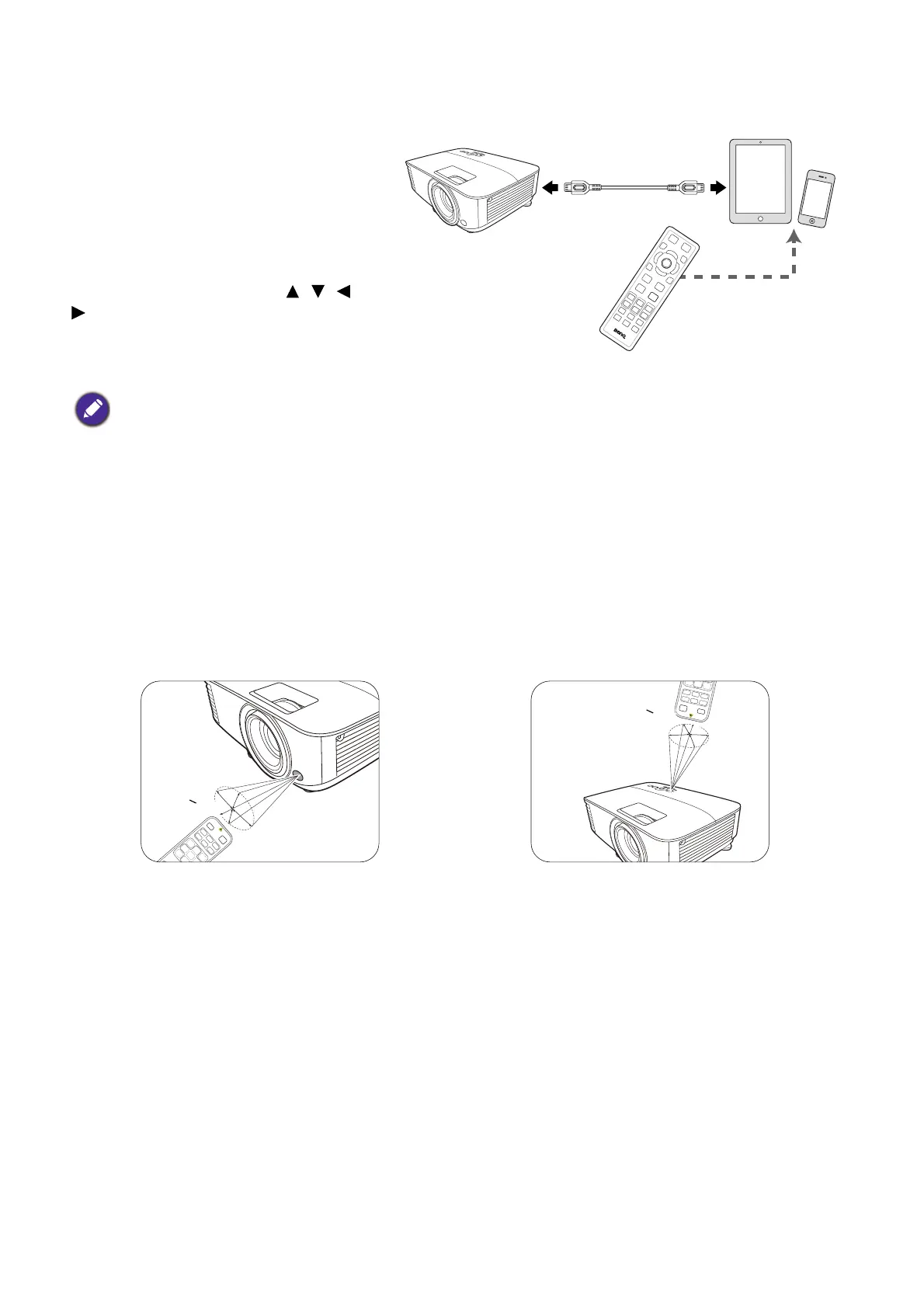
Controlling your smart device with the remote control
When the projector projects the content
from your MHL compatible smart device,
you can use the remote control to
control your smart device.
To enter the MHL mode, press and hold
AUTO for 3 seconds. The following
buttons are available for controlling your
smart device: Arrow keys ( , , ,
), MENU, BACK, OK.
To leave the MHL mode, press and hold
AUTO for 3 seconds.
Remote control effective range
The remote control must be held at an angle within 30 degrees perpendicular to the projector's IR
remote control sensor(s) to function correctly. The distance between the remote control and the
sensor(s) should not exceed 8 meters (~ 26 feet).
Make sure that there are no obstacles between the remote control and the IR sensor(s) on the
projector that might obstruct the infra-red beam.
When the projector is under MHL mode, the keypad on the projector should be with the same definition of the keys
on the remote control.
• Operating the projector from the front • Operating the projector from the top



 To Next Page