37 Maintenance
To obtain the lamp hour information:
1. Go to Advanced Menu - Settings > Lamp Settings and press OK. The Lamp Settings page
appears.
2. Press to select Lamp Timer and press OK. The Lamp Timer information is displayed.
You can also get the lamp hour information on the Information menu.
Extending lamp life
• Setting the Lamp Mode
Go to Advanced Menu - Settings > Lamp Settings > Lamp Mode and select a suitable lamp
power from among the provided modes.
Setting the projector in Economic, SmartEco or LampSave mode extends lamp life.
• Setting Auto Power Off
This function allows the projector to turn off automatically if no input signal is detected after a set
period of time to prevent unnecessary waste of lamp life.
To s e t Auto Power Off, go to Advanced Menu - Settings > Power On/Off Settings > Auto
Power Off and press / .
Timing of replacing the lamp
When the Lamp indicator lights up or a message appears suggesting it is time to replace the lamp,
please consult your dealer or go to http://www.BenQ.com before installing a new lamp. An old lamp
may cause a malfunction in the projector and in some instances the lamp may explode.
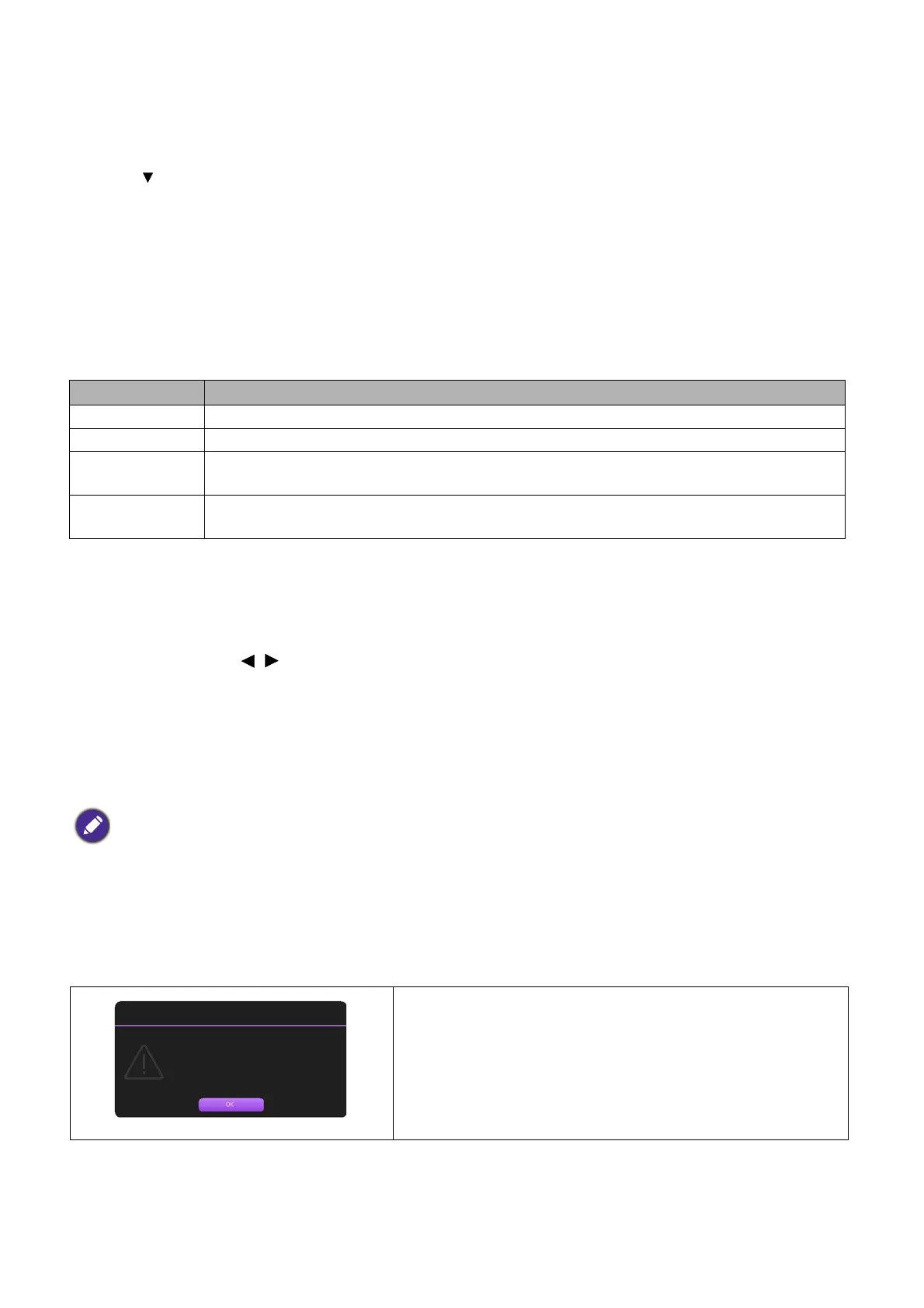
The following Lamp warning displays will remind you to change the lamp.
Lamp mode Description
Normal Provides full lamp brightness
Economic Lowers brightness to extend the lamp life and decreases the fan noise
SmartEco
Adjusts the lamp power automatically depending on the content brightness level while
optimizing display quality
LampSave
Adjusts the lamp power automatically depending on the content brightness level while
offering a longer lamp life
• The apparent brightness of the projected image will vary depending on the ambient lighting conditions, selected
input signal contrast/brightness settings, and is directly proportional to projection distance.
• The lamp brightness will decline over time and may vary within the lamp manufacturers specifications. This is
normal and expected behavior.
• The LAMP indicator light and TEMPerature warning light will light up if the lamp becomes too hot. Turn
the power off and let the projector cool for 45 minutes. If the Lamp or Temp indicator still lights up after turning
the power back on, please contact your dealer. See Indicators on page 41.
Install a new lamp for optimal performance. Press OK to
dismiss the message.
Order a replacement lamp
Equivalent lamp hour >XXXX hours
Order a new lamp at www.BenQ.com
Notice



 To Next Page