Operation34
Adjusting the sound
The sound adjustments made as below will have an effect on the projector speaker. Be sure
you have made a correct connection to the projector audio input. See "Connection" on page
16 for how the audio input is connected.
Muting the sound
To temporarily turn off the sound:
1. Press MENU/EXIT and then press / until the SYSTEM SETUP: Advanced menu
is highlighted.
2. Press to highlight Audio Settings and press MODE/ENTER. The Audio Settings
page displays.
3. Highlight Mute and press / to select On.
Adjusting the sound level
To adjust the sound level, press VOLUME-/VOLUME+ or / , or:
1. Repeat steps 1-2 above.
2. Press to highlight Volume and press / to select a desired sound level.
Turning off the Power On/Off Ring Tone
To turn off the ring tone:
1. Repeat steps 1-2 above.
2. Press to highlight Power On/Off Ring Tone and press / to select Off.
The only way to change Power On/Off Ring Tone is setting On or Off here. Setting the sound
mute or changing the sound level will not affect the Power On/Off Ring Tone.
Controlling the projector through a LAN
environment
You can manage and control the projector from a remote computer when they are properly
connected to the same local area network.
Cable connection
If you are in a DHCP environment:
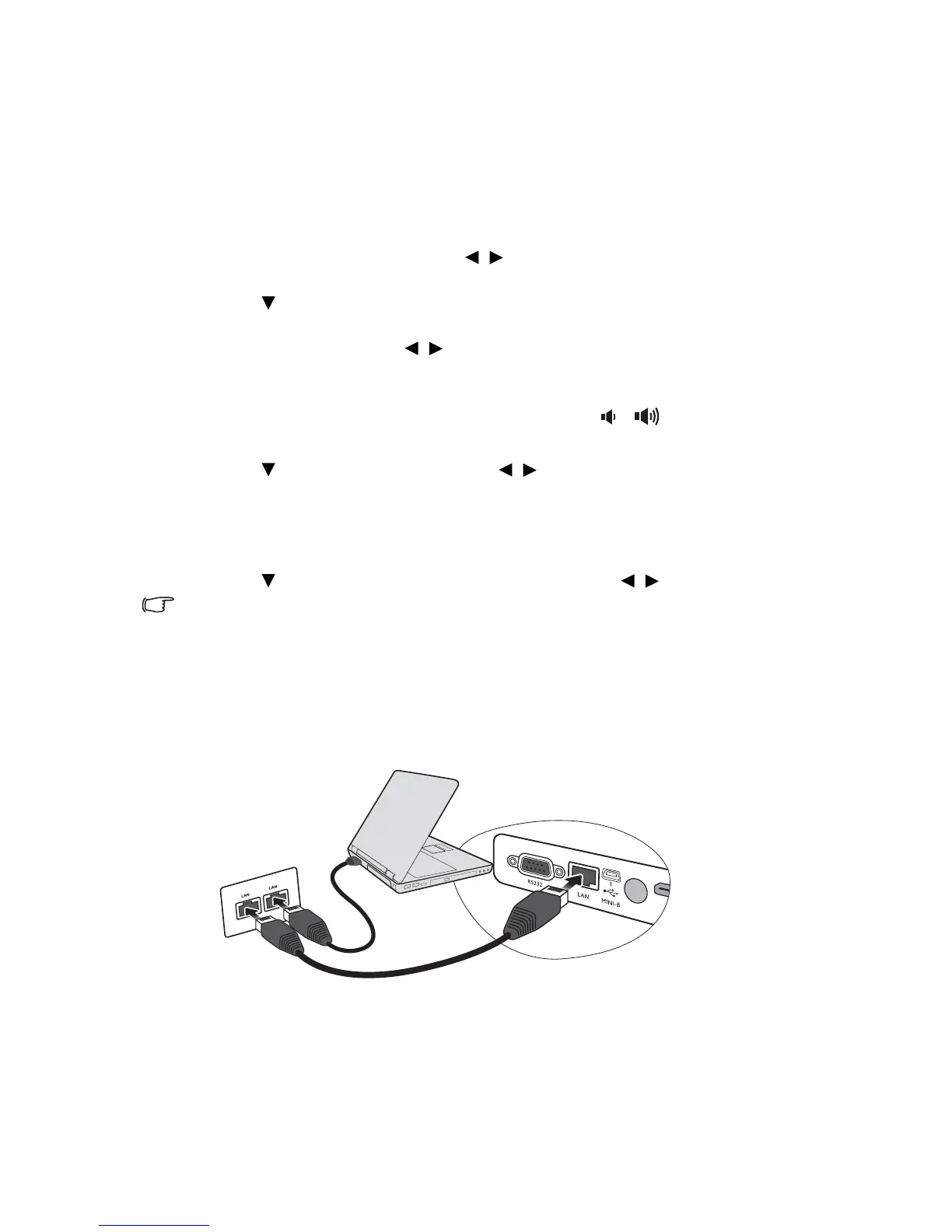
1. Take a RJ45 cable and connect one end to the RJ45 LAN input jack of the projector
and the other end to the RJ45 port on your Ethernet or router.



 To Next Page