Connection 27
Playing sound through the projector
You can make use of the projector speaker in your presentations, and also connect
separate amplified speakers to the AUDIO OUT socket of the projector.
If you have a separate sound system, you will most likely want to connect the audio output
of your Video source device to that sound system, instead of to the mono audio projector.
Once connected, the audio can be controlled by the projector On-Screen Display (OSD)
menus.
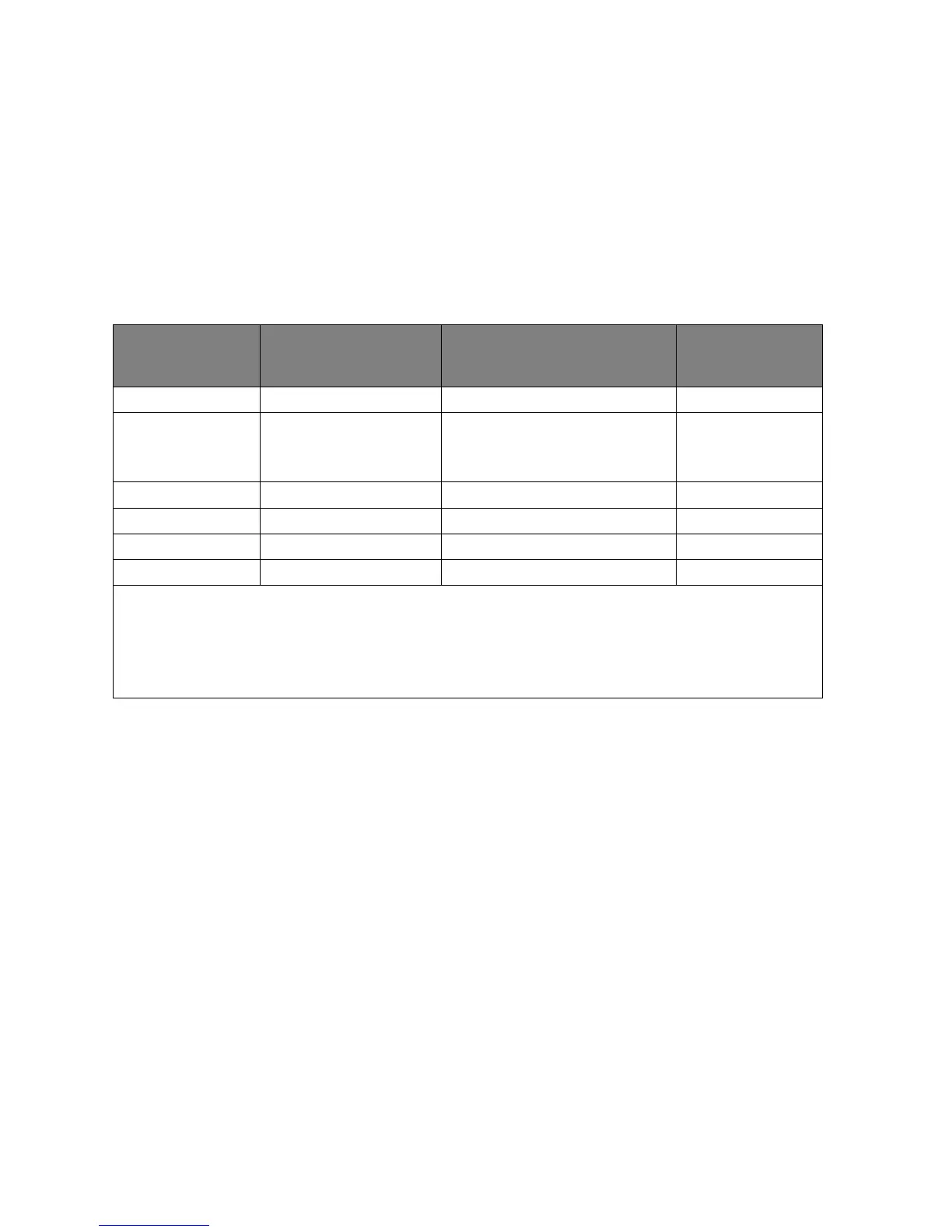
The table below describes the connection methods for different devices, and where the
sound is from.
Device Audio input port
The projector can play
the sound from...
Audio output
port
COMPUTER-1 AUDIO-1 AUDIO-1 AUDIO OUT
COMPUTER-2/
COMPUTER-3/
DVI-D
AUDIO IN-2 (mini jack) AUDIO IN-2
(mini jack)
AUDIO OUT
COMPONENT AUDIO-3 (L/R) AUDIO-3 (L/R) AUDIO OUT
S-VIDEO/VIDEO AUDIO-4 AUDIO-4 AUDIO OUT
HDMI HDMI HDMI AUDIO OUT
DISPLAY PORT DISPLAY PORT DISPLAY PORT AUDIO OUT
The selected input signal determines which sound will be played by the projector speaker, and
which sound will be output from the projector when AUDIO OUT is connected. If you select the
COMPUTER-2/COMPUTER-3/DVI-D signal, the projector can play the sound received from
AUDIO IN-2 mini jack. If you select the COMPONENT signal, the projector can play the sound
received from AUDIO IN-3 (L/R).


 To Next Page