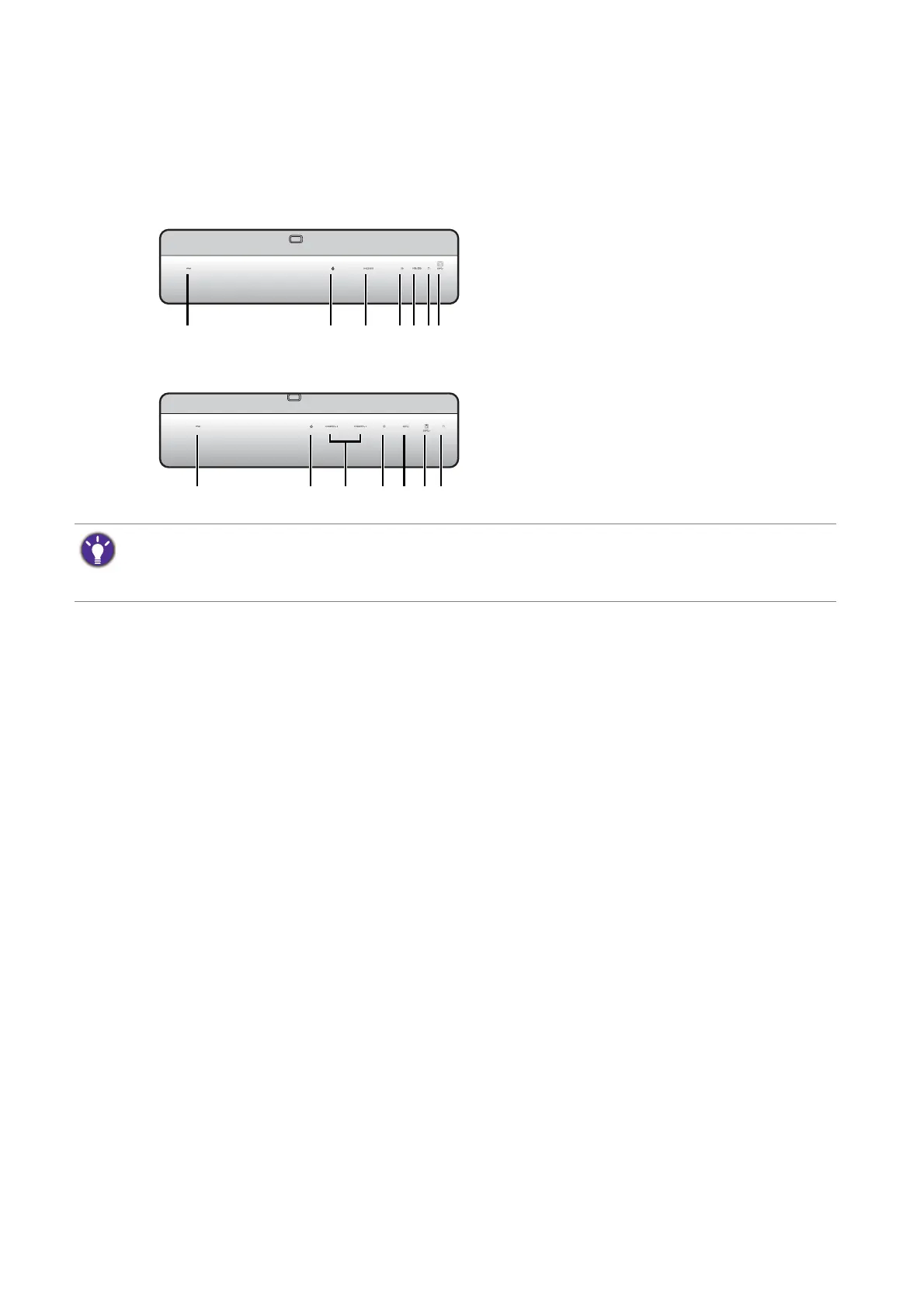
10 Getting to know your monitor
Input and output ports
Available input and output ports may vary depending on your purchased model. Check the
Specification document on the provided CD for details.
SW320 1. AC power input jack
2. Hotkey Puck socket
3. HDMI socket
4. DisplayPort socket
5. Mini DisplayPort socket
6. Headphone jack
7. USB port (upstream; connecting
to the PC)
8. USB Type-C port
SW271
• Depending on the product specifications, the supported resolution and timing may vary.
• Above diagram may vary depending on the model.
• Picture may differ from product supplied for your region.


 To Next Page