22 Operation
Likewise, when you wish to switch from the Advanced OSD menu to the Basic OSD menu, follow
the instructions below:
1. Go to Advanced Menu - System Setup : Basic > Menu Settings and press OK.
2. Highlight Menu Type and press / to select Basic. Your projector will switch to the Basic
OSD menu.
Securing the projector
Using a security cable lock
The projector has to be installed in a safe place to prevent theft. Otherwise, purchase a lock, such as
the Kensington lock, to secure the projector. You can locate a Kensington lock slot on the rear side of
the projector. See item 17 on page 8.
A Kensington security cable lock is usually a combination of key(s) and the lock. Refer to the lock’s
documentation for finding out how to use it.
Utilizing the password function
Setting a password
1. Go to Advanced Menu - System Setup : Advanced > Password. Press OK. The Password
page appears.
2. Highlight Change Password and press OK.
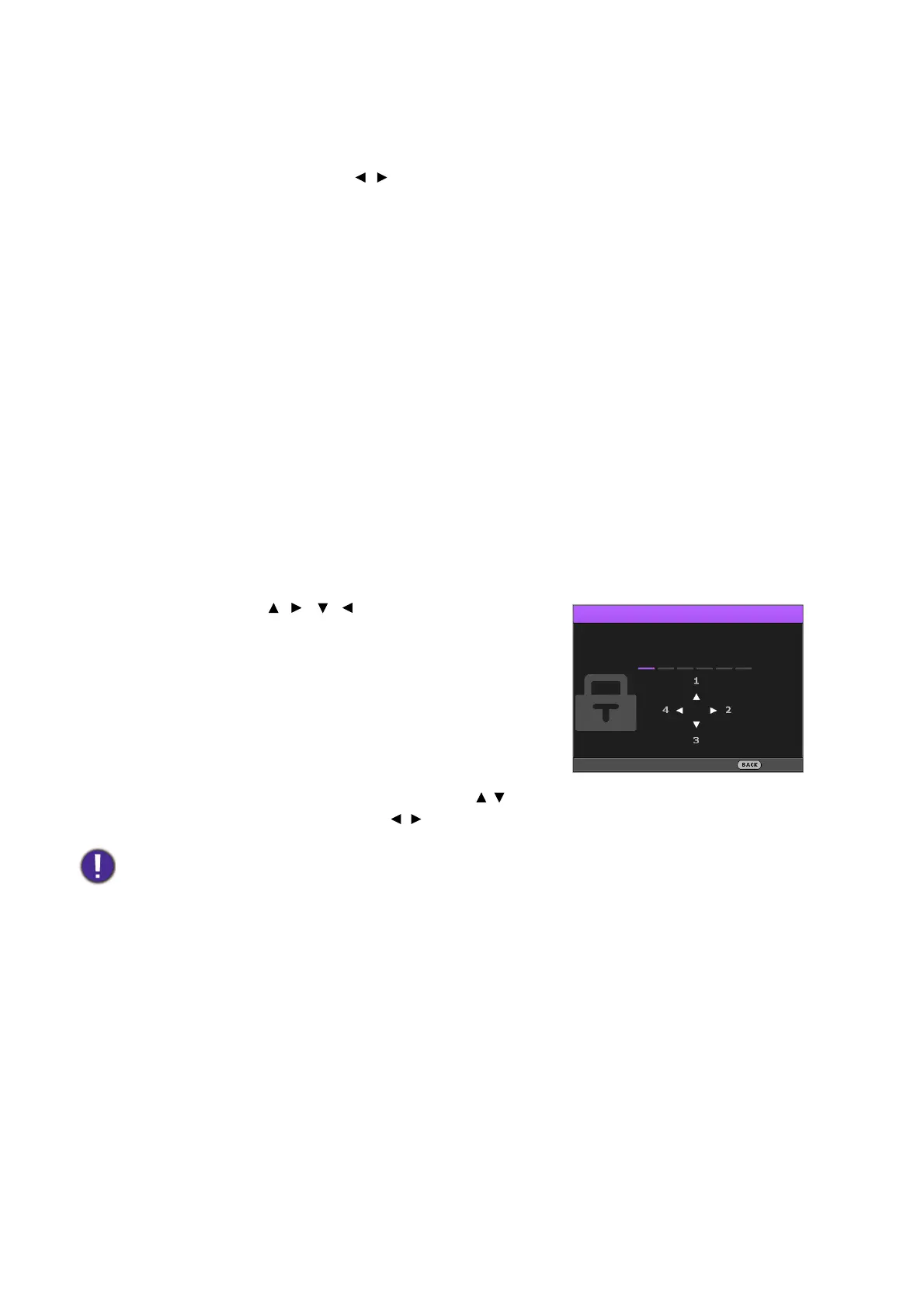
3. The four arrow keys ( , , , ) respectively represent
4 digits (1, 2, 3, 4). According to the password you desire
to set, press the arrow keys to enter six digits for the
password.
4. Confirm the new password by re-entering the new
password.
Once the password is set, the OSD menu returns to the
Password page.
5. To activate the Power On Lock function, press / to
highlight Power On Lock and press / to select On. Input the password again.
• The digits being input will display as asterisks on-screen. Make a note of your selected password and keep it in a
safe place in advance or right after the password is entered so that it is available to you should you ever forget it.
• Once a password has been set and the power on lock is activated, the projector cannot be used unless the
correct password is entered every time the projector is started.



 To Next Page