37 Menu operation
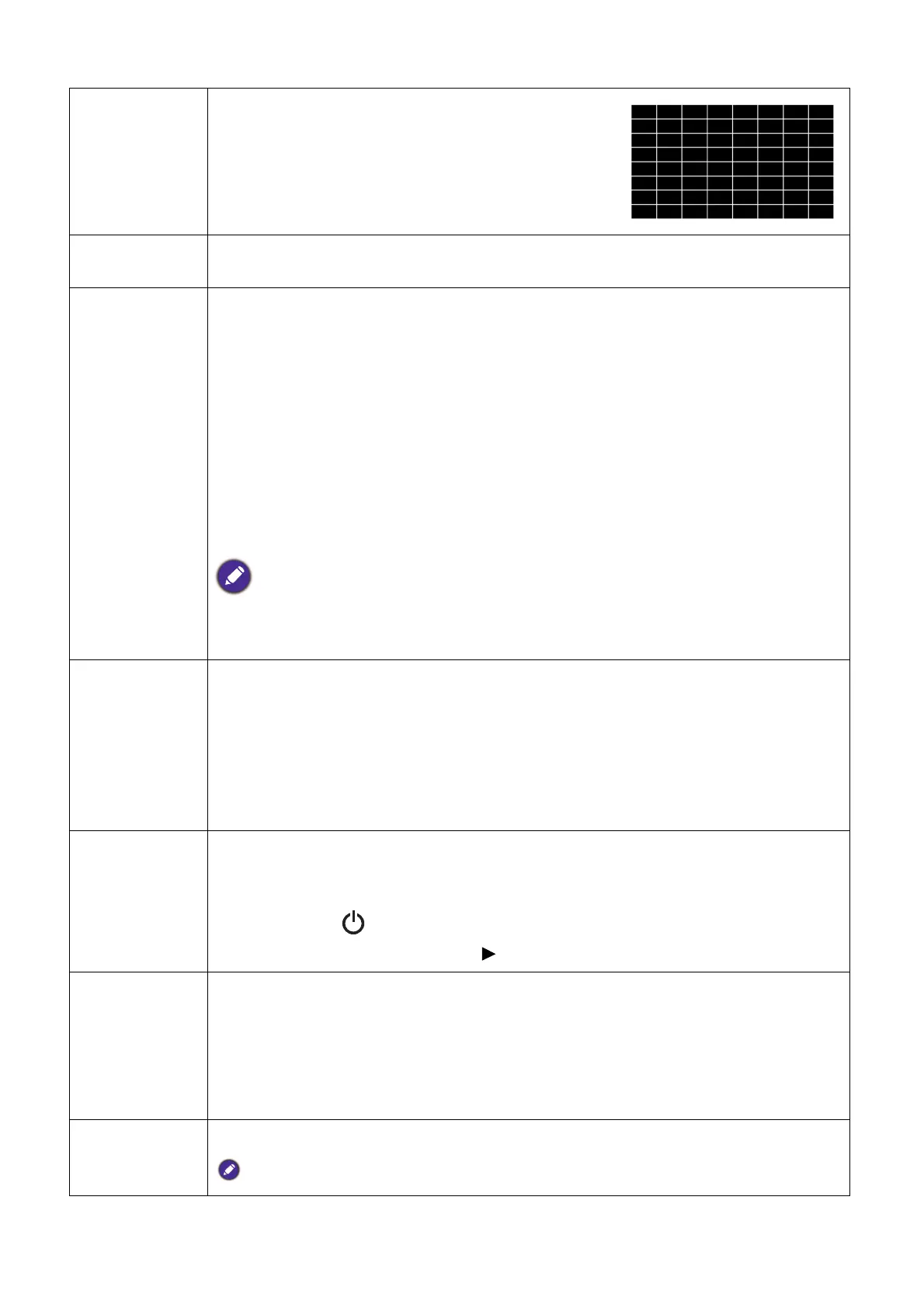
Test Pattern
Adjusts the image size and focus and check that the
projected image is free from distortion.
Quick Cooling
Select On enables the function and projector cooling time will be shortened from a
normal 90-second duration to approximately 15 seconds.
High Altitude
Mode
We recommend you use the High Altitude Mode when your environment is
between 1500 m –3000 m above sea level, and ambient temperature is between
0°C–30°C.
Operation under "High Altitude Mode" may cause a higher decibel operating
noise level because of increased fan speed necessary to improve overall system
cooling and performance.
If you use this projector under other extreme conditions excluding the above, it
may display auto shut-down symptoms, which is designed to protect your projector
from over-heating. In cases like this, you should switch to High Altitude mode to
solve these symptoms. However, this is not to state that this projector can operate
under any and all harsh or extreme conditions.
Do not use the High Altitude Mode if your altitude is between 0 m and 1500 m and ambient
temperature is between 0°C and 35°C. The projector will be over cooled, if you turn the mode on
under such a condition.
Password
For security purposes and to prevent unauthorized use, you may set up password
security for the projector. See Utilizing the password function for details.
• Change Password
You will be asked to enter the current password before changing to a new one.
• Power On Lock
Limits use of the projector to only those who know the correct password.
Key Lock
With the control keys on the projector locked, you can prevent your projector
settings from being changed accidentally (by children, for example).
When you select On to enable this function, no control keys on the projector will
function, except POWER.
To unlock the keys, press and hold on the projector for 3 seconds.
LED Indicator
When you select On, all LED indicators on the projector function normally. See
Indicators for more details.
When you select Off, the LED indicators are off after you turn on the projector and
the splash screen displays. However, if the projector is not working properly, the
LED indicators light or flash to remind you that a problem may occur. See also
Indicators for more details.
Reset All
Settings
Returns all settings to the factory preset values.
The following settings will still remain: Picture, Keystone, Language, Projector Position,
Menu Type, Password, Key Lock, Reset Light Timer, and High Altitude Mode.



 To Next Page