Operation2
Operation
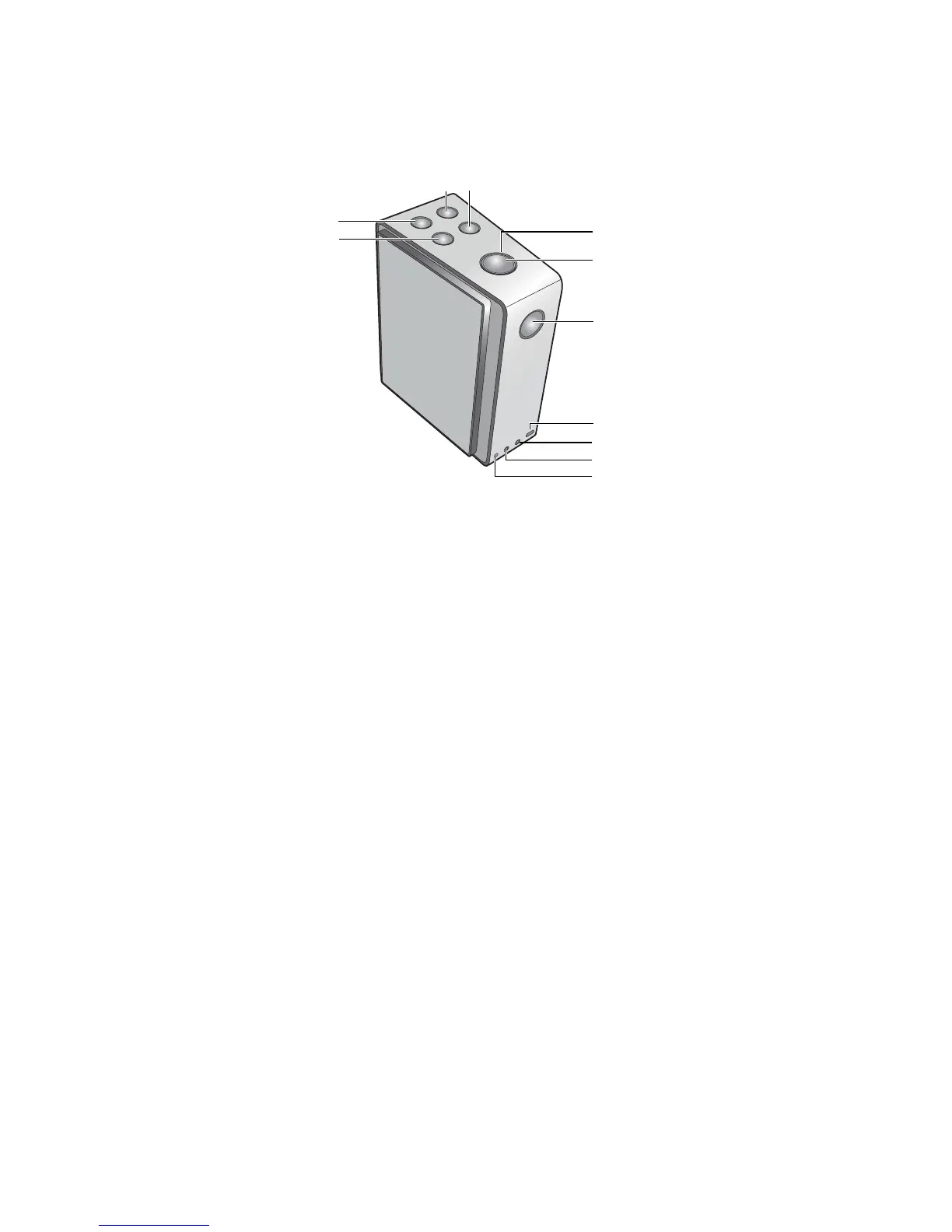
Buttons & connectors
Connecting to AC outlet
Please charge the battery for 3 hours for the first time using your BenQ
treVolo Bluetooth
®
speaker by connecting it with the power adapter
plugging into a live AC (main) outlet. You can begin to use the speaker while
the battery in charge. On the top of the speaker, the circle of power button
lit in blue with 100% battery power charged and blinks in blue with 81% or
more of remaining power, in green with 80%~31% of power, and in red with
30% or less of power.
Turn on and off the speaker
To turn on or off the speaker, press and hold power button for 2 seconds or
more. The speaker produces a short beep either when turned on or off.
A. Sound mode
(Phone hang up)
E. LED indicator I. Line-in jack
B. Volume up F. Power J. Line-out jack
C. Volume down G.
Bluetooth
®
K. Power charger-in
jack
D. Play/pause
(Answer)
H. Micro USB port



 To Next Page