Connections
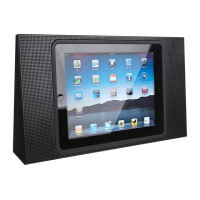
You can connect multiple
sources to your BeoPlayA8,
either using the dock, the
connection panel or wirelessly
through your network.
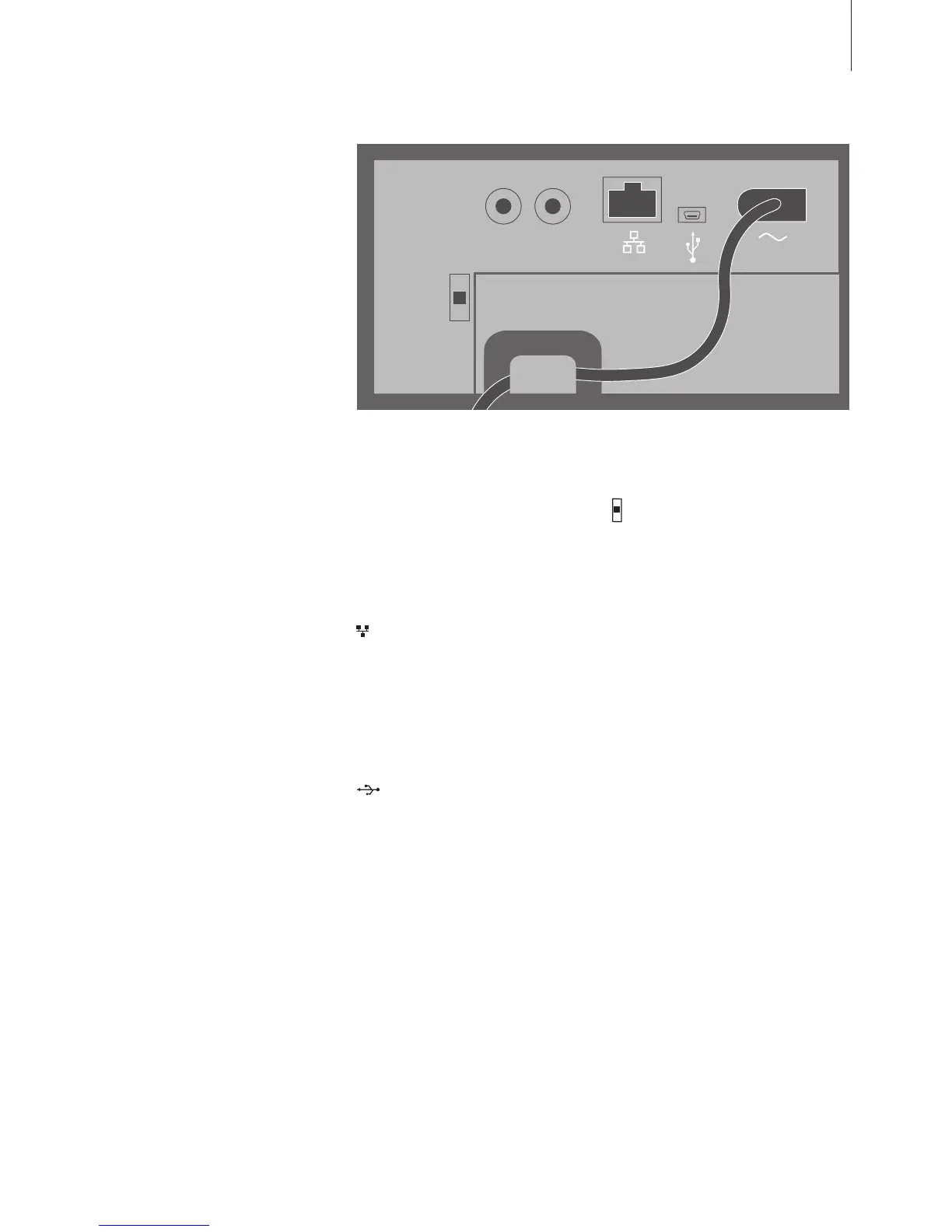
To access the connection panel,
remove the back cover. Pull out
the cover at the bottom to
release the locks, then lift it off.
The product label is placed on
the rear part of BeoPlayA8.
Find instructions on how to set
up BeoPlayA8 in a network
behind the back cover, or see
the Quick Start Guide.
Priority of sources:
1. AirPlay
2 iPod/iPhone/iPad dock
3. Sources connected to line-in
4. Sources connected to USB
Starting a source with higher
priority will always interrupt a
source with lower priority. A
source with higher priority must be
stopped to start a source with
lower priority.
Position switch
For an optimum sound experience,
you must set the position switch to
the correct position:
FREE(top)… Use this position if
BeoPlayA8 is placed on a table
orshelf not close to a wall.
WALL(middle)… Use this position
if BeoPlayA8 is placed close to
the wall, for example, mounted
on the wall bracket.
CORNER(bottom)… Use this
position if BeoPlayA8 is placed in
a corner.
LINE-IN (R/L)
Phono sockets for connection of
an external audio source, for
example, an MP3 player.
Ethernet
For a wired connection, see the
Quick Start Guide. Also used for
software updates, see the FAQs on
www.beoplay.com/a8/support for
more information.
USB (mini)
For connection to a computer to
play audio stored or streamed on
your computer. If Windows Media
Player or iTunes is already running
on your computer when you
connect BeoPlayA8, you must
stop and then restart playback.
~ Mains supply
Use the enclosed mains cord only.
(R) LINE-IN (L)
FREE
WALL
CORNER
POSITION
11
For safety reasons fasten the mains cord behind the small peg, before
running it out from the connection panel.
NOTE! Make sure the cable
connection between the product
and the router does not exit the
building to avoid contact with high
voltage.



 To Next Page