Service and Installation Manual
When it displays the code St
,
press the key
,
display the code Po
,
then press Set key, display 00, at this
time, press or to input the password of administrator menu.
Press Set key again to confirm the password input, and the controller will automatically verify the correctness
of password. When it passes, it could select parameter items St
、
Po
、
C1
、
C2……Cd3 (that is, any
parameter items both in the administrator menu and user manuals) by pressing the key or . Or else, only
the parameters items St and Po available, others could not be displayed.
When the parameter item is selected, press Set key to enter to the setting of the current item, press or
to modify the value, and then press Set key to return to the menu.
Under the status of parameter setting, press key or no key operation within 30s, it will exit from parameter
setting and automatically save the current parameter value.
Note: The password input of administrator menu only is valid for single entering. After exit from the
parameter setting by pressing , it needs to input the correct password again for next parameter
adjustment.
2) Temperature viewing
In the status of temperature measuring and controlling, press to view the current evaporator sensor
measured temperature value (note: evaporator sensor is enables and works properly).
3) Manually forced operation
In the status of temperature measuring and controlling, press for three seconds to force the switch
between refrigeration, defrost/defrost delay, defrost dripping.
4) One-key restore operation
In the status of temperature measuring and controlling, press the Set key + key at the same time for 10
seconds, the controller performs a one-key restore operation, that is, restores all parameters to the factory
default values, and the rSt code is displayed after successful execution.
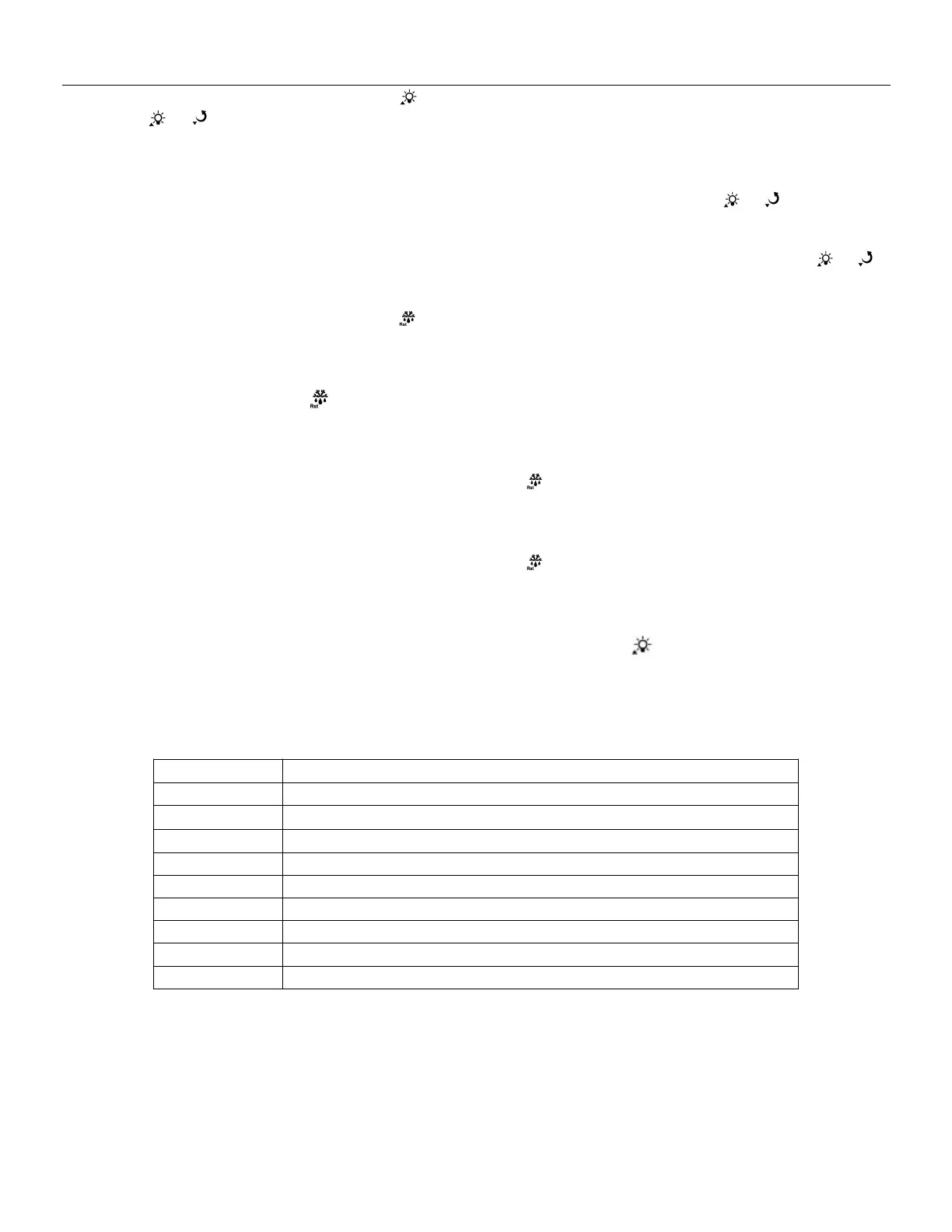
4. Internal Alarm
Cabinet temperature sensor failure
Evaporator sensor failure
Condenser high temperature alarm
Condenser high temperature protect
Cabinet high temperature alarm
Cabinet low temperature alarm
Copy card programming failure
Inconsistent data between copy card and controller, programming failure


 To Next Page
 Loading...