Deluxe Peltier Air Cooler H295 Instructions for Use
Please read and retain these instructions for future reference v001: 28/09/20
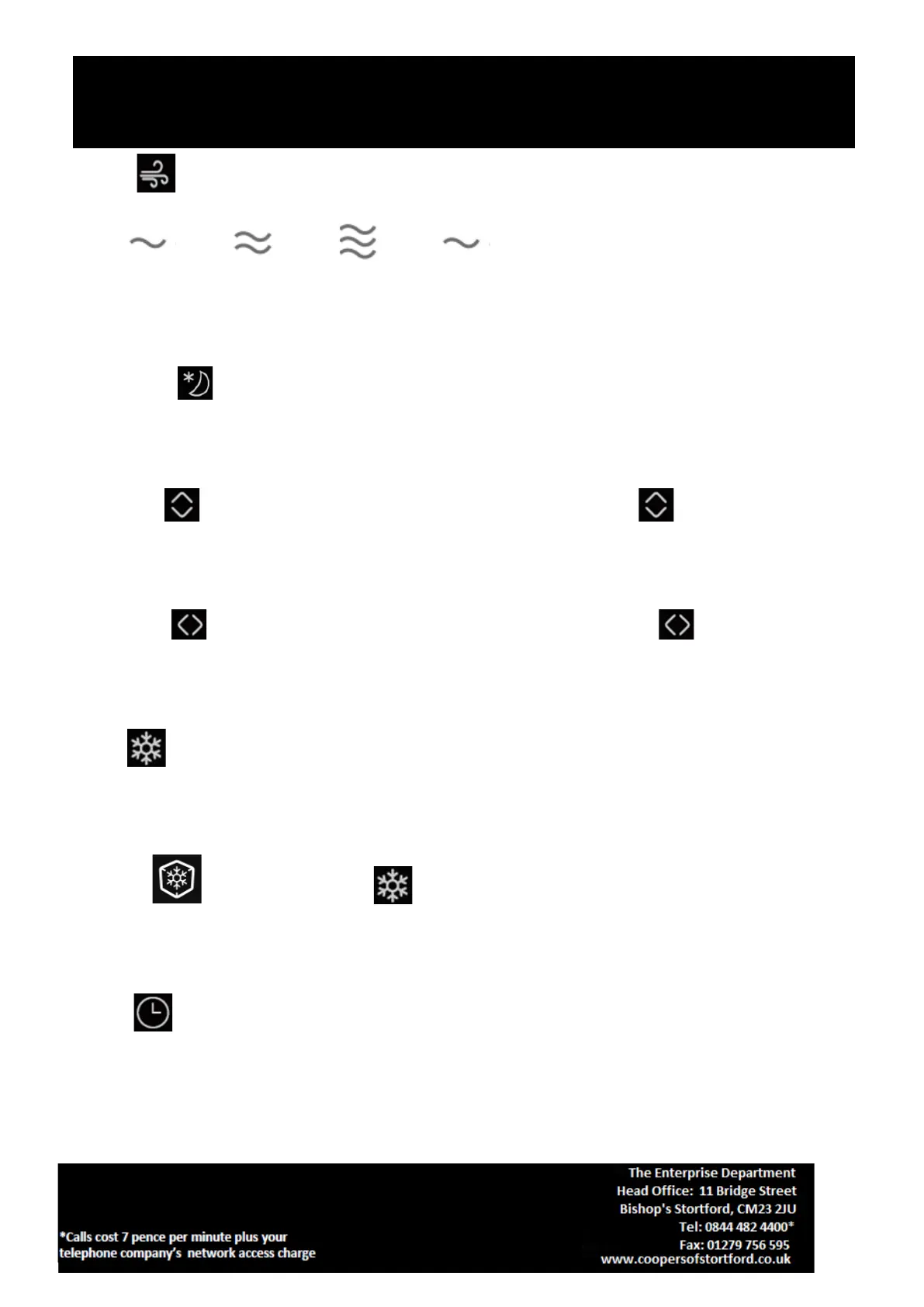
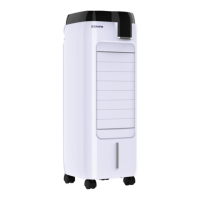
SPEED : Press this button to select desired fan speed,
LOW →MID →HIGH →LOW
in sequence. At the same time digital display shows 1 for LOW, .2 for MID, 3 for HIGH.
SLEEP MODE : Press this button to select desired wind mode. Programs are pre-set alternating
between different fan speeds. Press button again to exit sleep mode.
UP/DOWN : Press this button once for the louvers to swing vertically. The indicator will be
displayed. Press again for fixed air direction.
LEFT/RIGHT : Press this button once for the louvers to swing horizontally, the indicator will be
displayed. Press again for fixed air direction.
COOL : Press this button once to start the evaporative cooling function. Press this button again to
cancel.
ICE COOL : Press the button twice to start the ICE cooling function. Press this button again to
cancel.
TIMER : The timer can be set between 0.5 to 8 hours, increasing by 0.5 hour intervals. You can see the
timer on the digital display. When the digital display shows 8 hours, press this button again to cancel.


 To Next Page