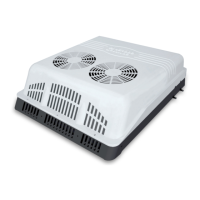
Deluxe Peltier Air Cooler H295 Instructions for Use
Please read and retain these instructions for future reference v001: 28/09/20
5. Only use the unit with a correct power outlet.
6. Insert the plug pin into a wall socket and turn on the power switch which is at the side of the unit. A
small beep sound can be heard and the power indicator will be on.
Note:
• •To protect against electric shock, do not remove the plug from the wall socket with wet hands.
• ‚ Do not unplug from outlet while moving the unit.
• ƒ Insert the plug pin into the wall socket and make sure it is connected well.
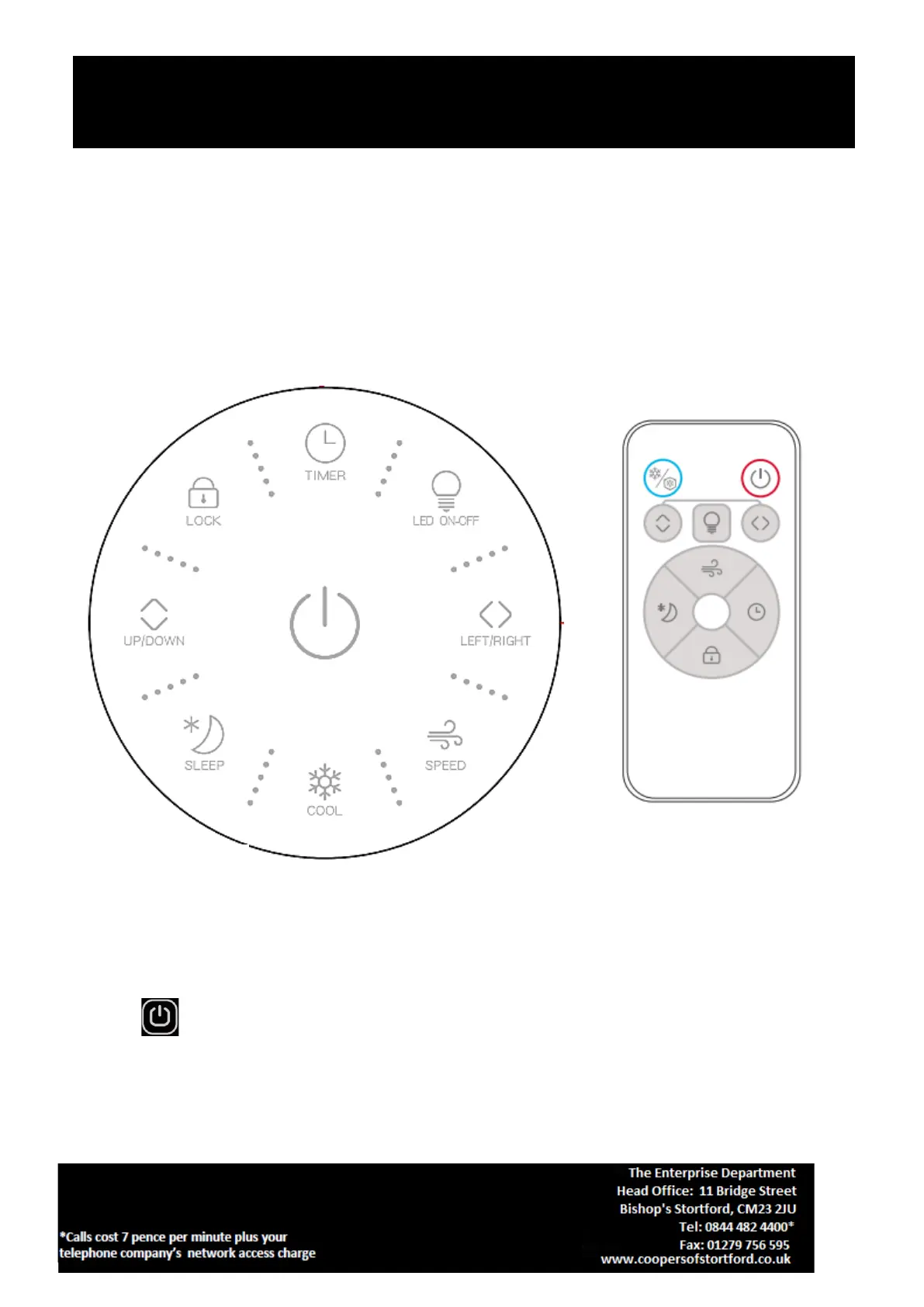
Control Panel and Remote Control Instructions
Insert the plug pin into a wall socket and turn on the power switch which is at the side of the unit. A small
beep sound can be heard and the power indicator will be on.
POWER : Press this button once to switch the unit on. It will start up with MID in 3 seconds and then
revert to work under the memorized status. If used for the first time, it will start up with MID in 3 seconds
and then work with LOW. Press this button again to turn OFF.


 To Next Page