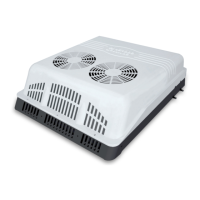
Deluxe Peltier Air Cooler H295 Instructions for Use
Please read and retain these instructions for future reference v001: 28/09/20
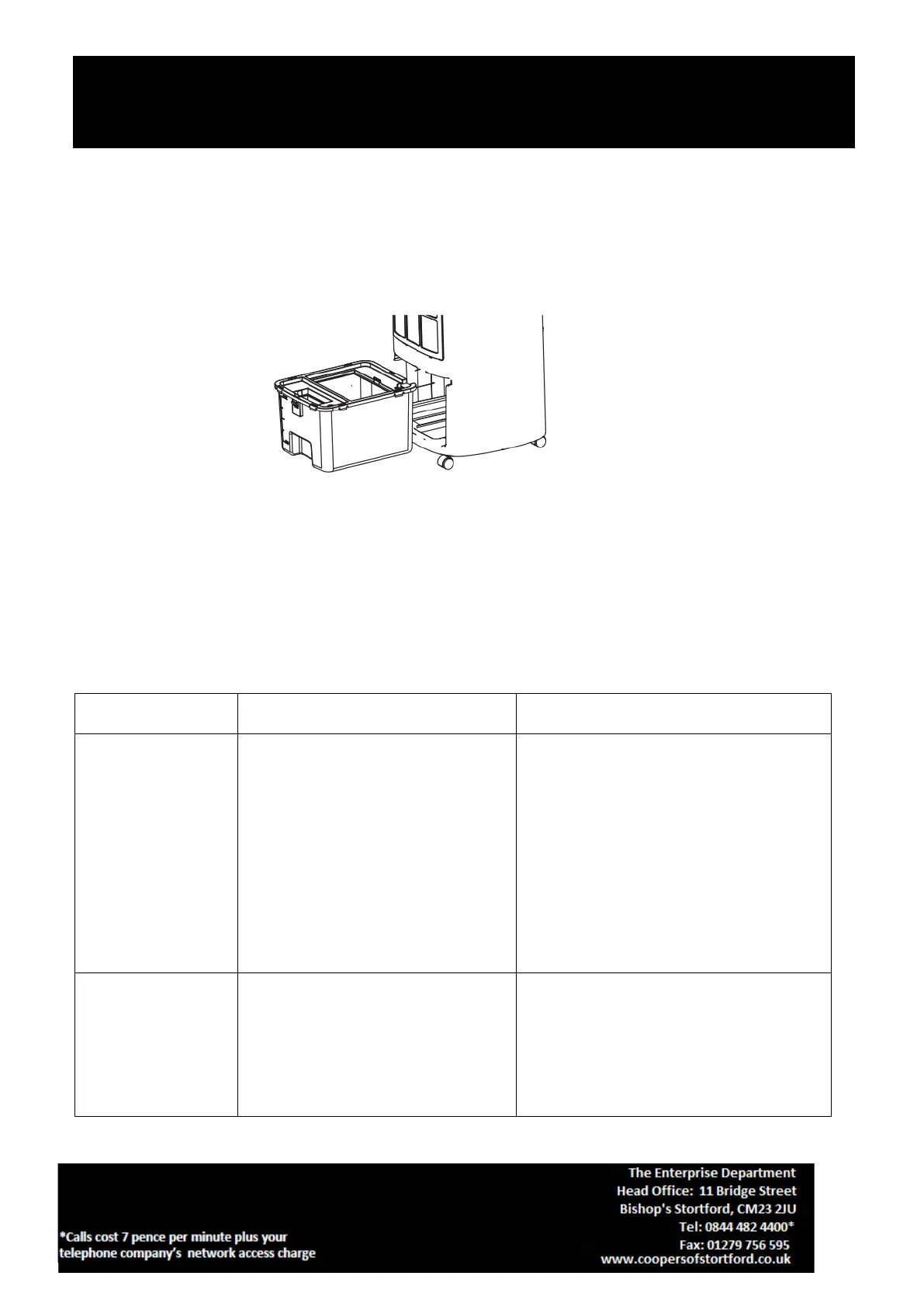
Cleaning the water tank
1. Remove plug from wall socket.
2. Pull out the water tank.(shown in fig.5)
3. Clean the water tank with a little mild detergent on a towel and then rinse in water.
4. Put the water tank back in place after cleaning.
Note: After some time operation, dust and dirt may occur in the water tank. It is recommended to change
water and clean water tank frequently.
Cleaning the body
1. Remove plug from wall socket.
2. Do NOT use abrasive cleaners or sharp utensils to clean the unit body. For slight dirt on the body, wipe it
off with a soft damp cloth. For greasy dirt, squeeze a little toothpaste or mild detergent on a soft damp
cloth, and then wipe the dirt off.
3. Let it dry completely before next use.
Troubleshooting
Please check against the following list.
1. The plug is not securely inserted
into the socket or not connected
well.
2. The ‘I’ button, on the power switch
which is at the side of the unit body,
is not pressed.
3. The “ON/OFF” button is not
pressed.
1. Insert the plug pin into the wall socket
and make sure it is connected well.
2. Press the ‘I’ button, on the power switch
which is at the side of the unit body.
3. Press “ON/OFF” button after plugged in.
1. The filtration mesh is clogged with
dust and dirt, which affects the unit’s
performance.
2. The air vent is obstructed.
1. Clean the filtration mesh.
2. Remove the foreign objects from the air
vent.


 To Next Page