42
Using hearing aid with iPhone, iPad,
and iPod touch
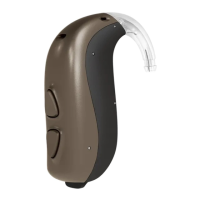
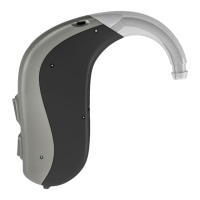
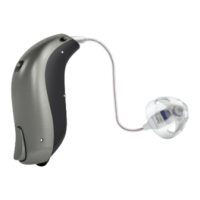
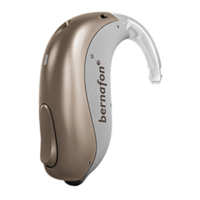
Your hearing aid is a Made for iPhone
®
hearing aid
and allows for direct communication and control with
an iPhone
®
, iPad
®
or iPod
®
touch.
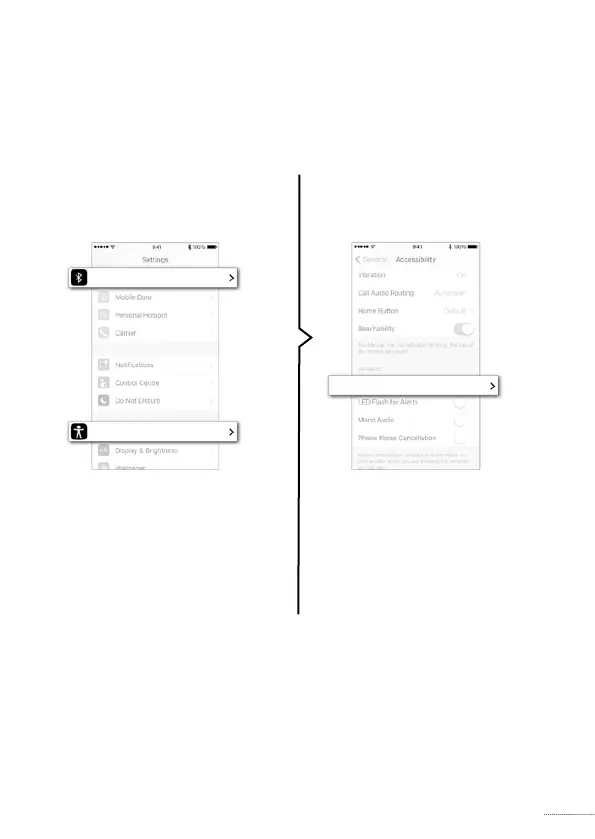
For assistance in pairing and using these products
with your hearing aid, please contact your hearing
care professional or visit our support site at:
www.bernafon.ca/library.
For information on compatibility, please visit
www.bernafon.ca/products/accessories.
✼
Direct audio streaming is currently not supported by
Android™.
1. Settings
is on. Then choose
2. Accessibility




 To Next Page