Setting up software
56
> Insert the BERNINA USB stick (optional accessory) with enough free storage capacity into the machine's
USB slot.
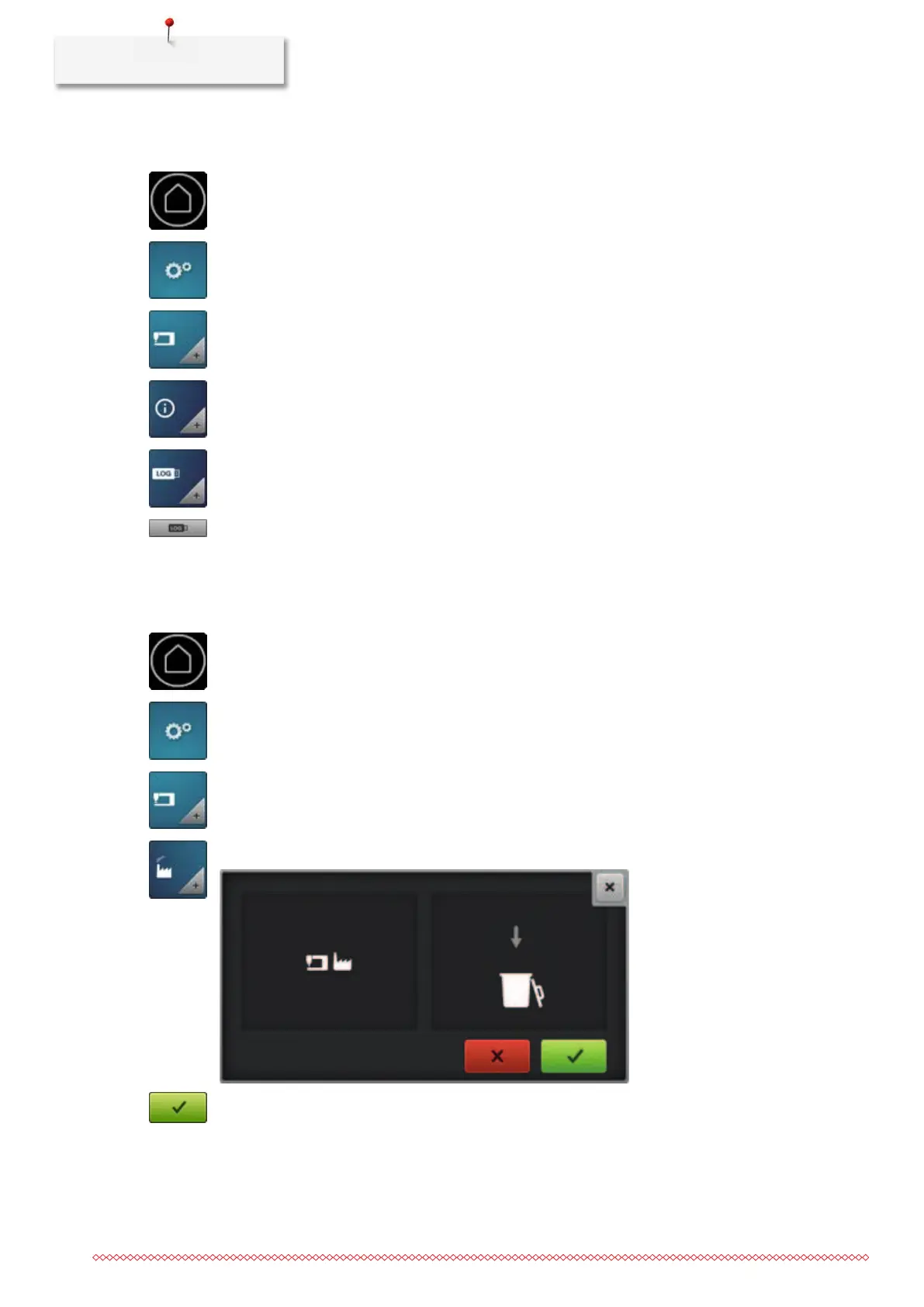
> Tap «Home».
> Tap «Setup Pogram».
> Tap «Machine settings».
> Tap «Information».
> Tap «Service data».
> To save the service data, tap «Export the service data».
– While the data is being saved, the icon will appear dark with a white border.
> Once the icon appears gray again, remove the USB stick.
3.15 Restoring factory settings
> Tap «Home».
> Tap «Setup Pogram».
> Tap «Machine settings».
> Tap «Factory setting».
> To restore the factory settings, tap «Confirm».



 To Next Page