EasyManua.ls Logo

BERTHOLD TECHNOLOGIES LB4710-050 - User Manual

BERTHOLD TECHNOLOGIES LB4710-050
227 pages
Print Icon
To Next Page IconTo Next Page
Loading...
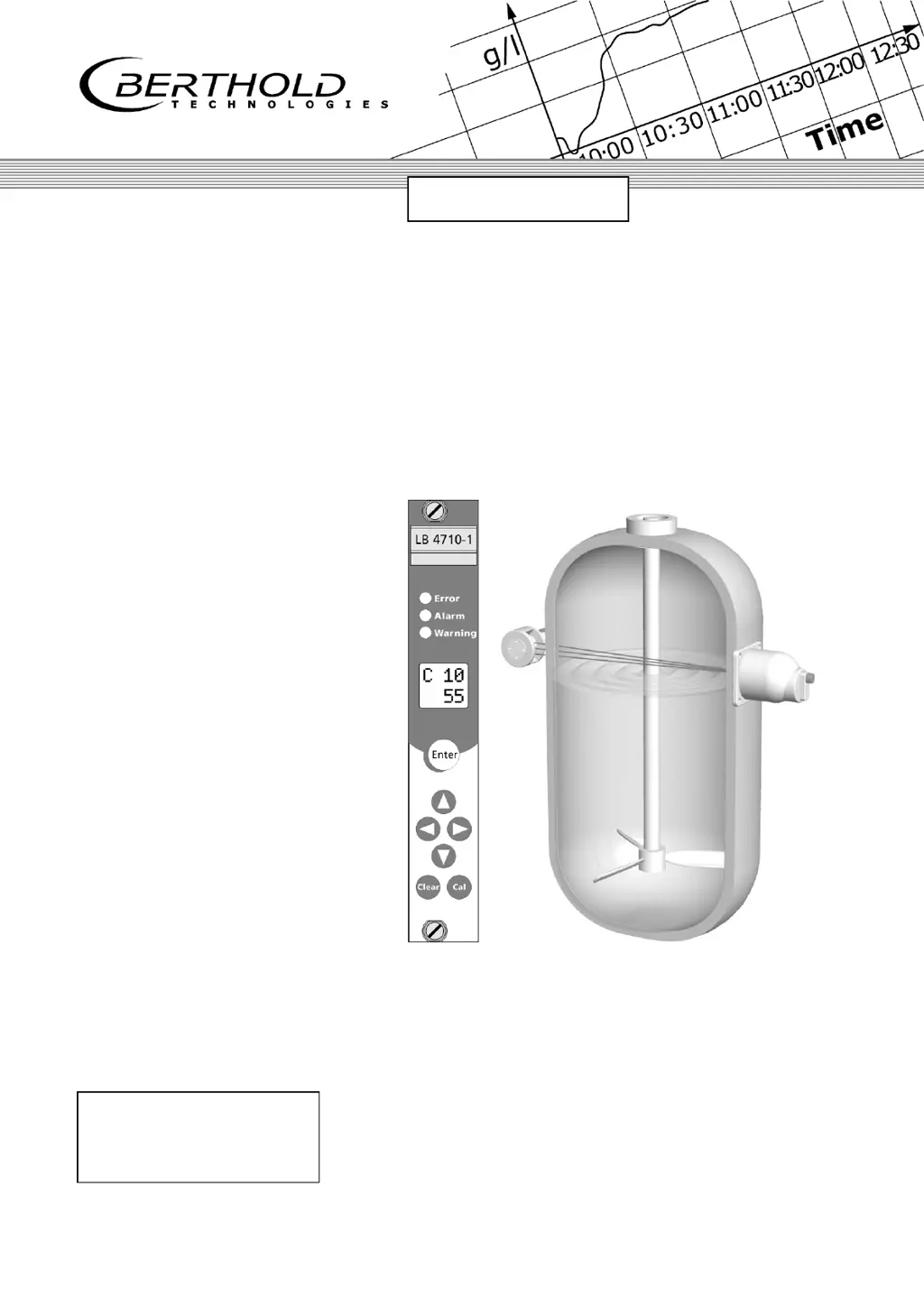
Process Control
Limit Switch
Mini-Switch LB 471
Hardware Manual
ID No. 39505 BA2
Rev. No.: 03 17. Nov. 2015
Soft. Version: 1.12 or higher
detect and identify
User’s Guide

Table of Contents

Questions and Answers

Summary

Chapter 1. Definitions

Chapter 1. General Information

1.1 Use and Function

Describes the purpose and application of the LB 471 Mini Switch as a level monitoring device.

1.2 Target Group

Identifies the intended audience for the user's guide and personnel qualifications.

Chapter 2. Operation

2.1 Basics of Operation

Explains the use of buttons, display, and LEDs on the evaluation unit's front panel.

Chapter 2. Safety

2.1 Safety Concept

Outlines the safety design principles and international radiation exposure limits.

2.2 Symbols and Pictograms

Explains safety symbols used in the guide for hazard identification.

Chapter 3. Parameters

3.1 Standard Mode; Professional Mode

Compares the features and differences between standard and professional operating modes.

3.4 Parameter Description

Explains individual parameters, their codes, values, and functions in detail.

Chapter 3. Functional Safety

3.1 Use and Function

Details the application of the LB 471 Mini Switch for level detection in various conditions.

3.2 Safety Function

Describes the system's safety function based on count rate changes and safe status modes.

Chapter 4. Getting Started

4.1 Turning On the Supply Voltage

Guides on the initial power-up sequence and display indications of the device.

4.4 Calibration in Standard Mode

Details the empty calibration process necessary to prepare the measurement.

Chapter 4. Instrument Description

4.1 Function

Explains the non-contact Gamma absorption measurement principle of the LB 471 Mini Switch.

4.3 Detectors

Describes the Geiger-Müller detector, its types, and protection.

Chapter 5. Explanations

5.1 Zero Count Rate

Explains the zero count rate, its importance, and methods for its determination.

5.2 Empty Calibration

Details the empty calibration process and factors influencing it.

Chapter 5. Installation

5.1 Transport to the Installation Site

Provides instructions and safety precautions for transporting system components.

5.2 Installing the Detector

Guides on mounting the detector, including alignment and environmental considerations.

Chapter 6. Error Messages

Chapter 7. Service

7.1 Troubleshooting Table

Lists common problems, their causes, and remedies for troubleshooting the device.

7.2 Reset

Explains the procedure for resetting the device to its factory settings.

Chapter 10. Servicing the Shielding

10.1 Checking Shielding and Source

Details procedures for checking the shielding and source locking mechanism.

Chapter 11. Radiation Protection

11.1 Basics and Directives

Covers fundamental radiation protection principles, limits, and personnel responsibilities.

11.2 Radiation Dose Calculations

Explains how to calculate expected radiation exposure for safety precautions.

Chapter 12. Disposal

Chapter 13.Technical Data

13.1 Evaluation Unit

Lists technical specifications for the evaluation unit, including design, power, and temperature.

13.2 Detectors

Provides technical data for GM, NaI, and Super-Sens detectors.

Chapter 14. Certificates

14.1 ATEX Certificate for Evaluation Unit LB 4710-XXX

Presents the ATEX certificate for the evaluation unit.

14.2 ATEX Certificate NaI Detector

Shows the ATEX certificate for the NaI detector.

14.3 ATEX Certificate GM Detector

Provides the ATEX certificate for the GM detector.

Chapter 15.Technical Drawings

15.1 NaI Detector

Shows technical drawings and specifications for NaI detectors with and without collimators.

15.2 GM Detector

Provides technical drawings and specifications for GM detectors, including Ex and non-Ex versions.

15.3 Super-Sens Detectors

Presents technical drawings and specifications for Super-Sens detectors with various configurations.

15.4 Point Source Shielding LB 744 X

Includes drawings and specifications for LB 744X point source shielding models.

15.5 Dimensions of the Evaluation Unit

Shows dimensional drawings for the evaluation unit in 19" rack, wall housing, and cassette formats.

15.6 Connection Diagrams

Illustrates connection diagrams for 19" rack, wall housing, and cassette configurations.

Chapter 8. Appendix

Summary

Chapter 1. Definitions

Chapter 1. General Information

1.1 Use and Function

Describes the purpose and application of the LB 471 Mini Switch as a level monitoring device.

1.2 Target Group

Identifies the intended audience for the user's guide and personnel qualifications.

Chapter 2. Operation

2.1 Basics of Operation

Explains the use of buttons, display, and LEDs on the evaluation unit's front panel.

Chapter 2. Safety

2.1 Safety Concept

Outlines the safety design principles and international radiation exposure limits.

2.2 Symbols and Pictograms

Explains safety symbols used in the guide for hazard identification.

Chapter 3. Parameters

3.1 Standard Mode; Professional Mode

Compares the features and differences between standard and professional operating modes.

3.4 Parameter Description

Explains individual parameters, their codes, values, and functions in detail.

Chapter 3. Functional Safety

3.1 Use and Function

Details the application of the LB 471 Mini Switch for level detection in various conditions.

3.2 Safety Function

Describes the system's safety function based on count rate changes and safe status modes.

Chapter 4. Getting Started

4.1 Turning On the Supply Voltage

Guides on the initial power-up sequence and display indications of the device.

4.4 Calibration in Standard Mode

Details the empty calibration process necessary to prepare the measurement.

Chapter 4. Instrument Description

4.1 Function

Explains the non-contact Gamma absorption measurement principle of the LB 471 Mini Switch.

4.3 Detectors

Describes the Geiger-Müller detector, its types, and protection.

Chapter 5. Explanations

5.1 Zero Count Rate

Explains the zero count rate, its importance, and methods for its determination.

5.2 Empty Calibration

Details the empty calibration process and factors influencing it.

Chapter 5. Installation

5.1 Transport to the Installation Site

Provides instructions and safety precautions for transporting system components.

5.2 Installing the Detector

Guides on mounting the detector, including alignment and environmental considerations.

Chapter 6. Error Messages

Chapter 7. Service

7.1 Troubleshooting Table

Lists common problems, their causes, and remedies for troubleshooting the device.

7.2 Reset

Explains the procedure for resetting the device to its factory settings.

Chapter 10. Servicing the Shielding

10.1 Checking Shielding and Source

Details procedures for checking the shielding and source locking mechanism.

Chapter 11. Radiation Protection

11.1 Basics and Directives

Covers fundamental radiation protection principles, limits, and personnel responsibilities.

11.2 Radiation Dose Calculations

Explains how to calculate expected radiation exposure for safety precautions.

Chapter 12. Disposal

Chapter 13.Technical Data

13.1 Evaluation Unit

Lists technical specifications for the evaluation unit, including design, power, and temperature.

13.2 Detectors

Provides technical data for GM, NaI, and Super-Sens detectors.

Chapter 14. Certificates

14.1 ATEX Certificate for Evaluation Unit LB 4710-XXX

Presents the ATEX certificate for the evaluation unit.

14.2 ATEX Certificate NaI Detector

Shows the ATEX certificate for the NaI detector.

14.3 ATEX Certificate GM Detector

Provides the ATEX certificate for the GM detector.

Chapter 15.Technical Drawings

15.1 NaI Detector

Shows technical drawings and specifications for NaI detectors with and without collimators.

15.2 GM Detector

Provides technical drawings and specifications for GM detectors, including Ex and non-Ex versions.

15.3 Super-Sens Detectors

Presents technical drawings and specifications for Super-Sens detectors with various configurations.

15.4 Point Source Shielding LB 744 X

Includes drawings and specifications for LB 744X point source shielding models.

15.5 Dimensions of the Evaluation Unit

Shows dimensional drawings for the evaluation unit in 19" rack, wall housing, and cassette formats.

15.6 Connection Diagrams

Illustrates connection diagrams for 19" rack, wall housing, and cassette configurations.

Chapter 8. Appendix

BERTHOLD TECHNOLOGIES LB4710-050 Specifications

General IconGeneral
BrandBERTHOLD TECHNOLOGIES
ModelLB4710-050
CategorySwitch
LanguageEnglish

Related product manuals