EasyManua.ls Logo

BERTHOLD TECHNOLOGIES LB4710-150 - User Manual

Default Icon
227 pages
Print Icon
To Next Page IconTo Next Page
Loading...
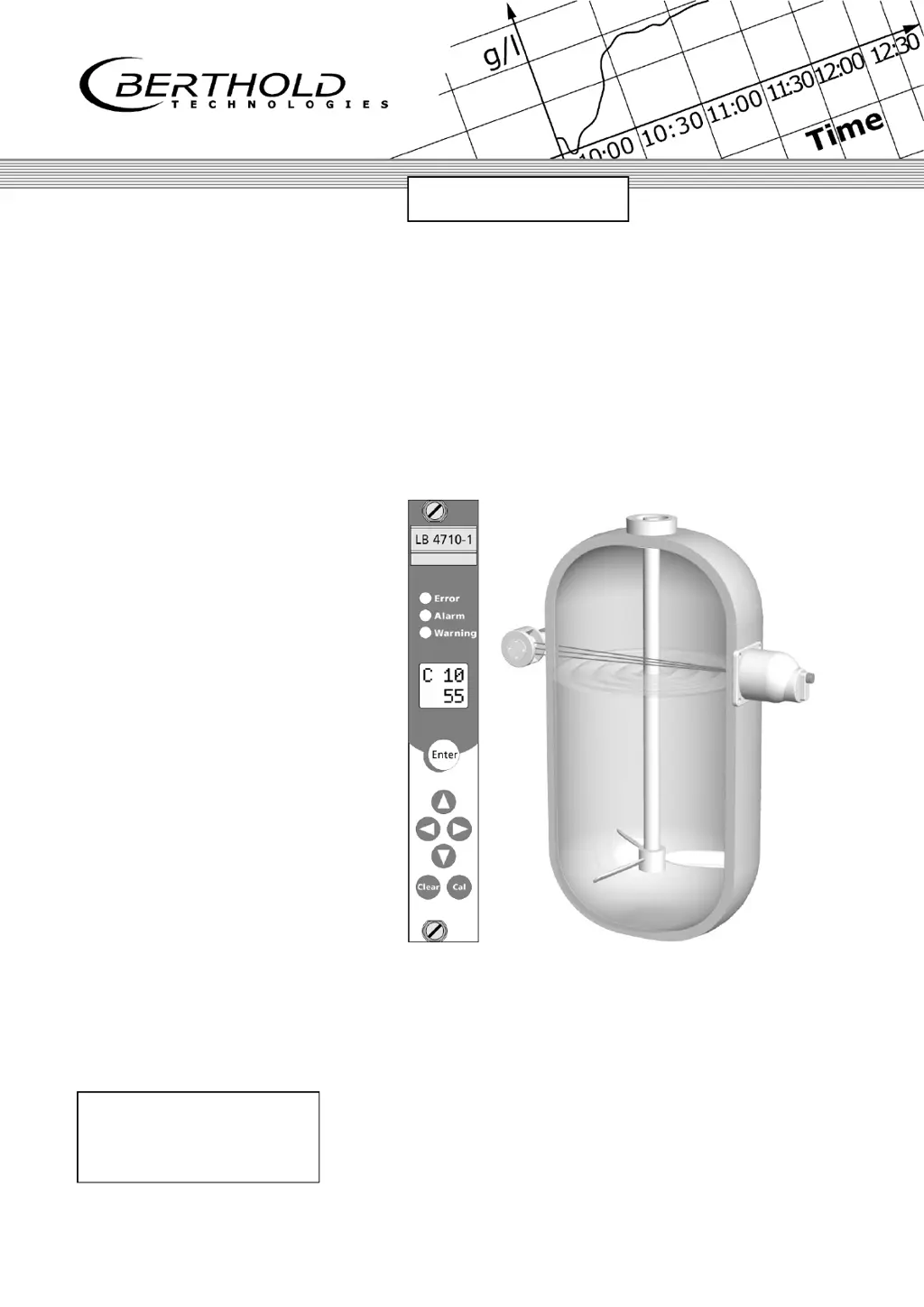
Process Control
Limit Switch
Mini-Switch LB 471
Hardware Manual
ID No. 39505 BA2
Rev. No.: 03 17. Nov. 2015
Soft. Version: 1.12 or higher
detect and identify
User’s Guide

Table of Contents

Questions and Answers

  • N
    Nancy MillerAug 9, 2025
    Why does the display vary too much on my BERTHOLD TECHNOLOGIES Switch?
    • G
      George TylerAug 9, 2025
      If the display varies too much on your BERTHOLD TECHNOLOGIES Switch, it could be due to several reasons. The time constant might be too small, in which case you should increase it. Another cause could be a count rate that is too low, so you should check the source age and irradiation level and replace the detector. Finally, detector stabilization may be faulty, so consider replacing the detector.
  • S
    steven59Aug 14, 2025
    What to do if the count rate is too low on my BERTHOLD TECHNOLOGIES Switch?
    • C
      Charles AndersonAug 14, 2025
      If the count rate is too low on your BERTHOLD TECHNOLOGIES Switch, first check if the shielding is not open or not properly open and lock the shutter in the OPEN position. Also, verify that the useful radiation is correctly aligned towards the detector and optimize the alignment. Container installations in the radiation path may be the cause, so offset the irradiation level. Additionally, remove any wall deposits in the container. Finally, the source may have reached the end of its service life, so replace the source.
  • J
    Judy FieldsAug 21, 2025
    Why does the display drift on my BERTHOLD TECHNOLOGIES Switch?
    • V
      Victor RichAug 21, 2025
      If your BERTHOLD TECHNOLOGIES Switch display drifts, it could be due to wall deposits on the container wall; perform a new empty calibration. Alternatively, the photomultiplier might be faulty, so replace it.
  • S
    Summer HardinAug 27, 2025
    How to fix no display on BERTHOLD TECHNOLOGIES LB4710-150 Switch?
    • C
      Colleen PatrickAug 27, 2025
      If there is no display on your BERTHOLD TECHNOLOGIES Switch, check the power line to ensure there is a power supply. Also, check the fuse.
  • R
    Ryan SimonSep 2, 2025
    What to do if the display is not readable on BERTHOLD TECHNOLOGIES LB4710-150?
    • A
      Anthony HowellSep 2, 2025
      If the display on your BERTHOLD TECHNOLOGIES Switch is not readable, it could be due to a processor error. Observe the error code and perform a reset by keeping the Clear button pushed down while you turn on the power supply. Alternatively, the evaluation unit may need replacement.

Summary

Chapter 1. General Information

1.3 Radiation Protection Courses

Details the required radiation protection training courses and their validity period.

Chapter 2. Safety

2.1 Safety Concept

Outlines the safety rules and principles for the system design and operation.

2.3 Radiological Safety Officer

Defines the responsibilities of the appointed radiological safety officer.

2.5 Radiation Protection Areas

Defines and describes exclusion, controlled, and monitoring areas around the radiation source.

2.6 Safety Installations

Covers safety installations, including source shieldings and their components.

2.7 General Safety Instructions

Provides essential safety instructions and general regulations to be followed.

2.8 Emergency Instructions

Details emergency procedures and principles for health and safety during incidents.

Chapter 3. Functional Safety

3.2 Safety Function

Describes the system's safety function related to count rate changes due to product presence.

3.3 Safety Requirement

Presents safety integrity levels, failure fractions, and hardware fault tolerance requirements.

3.6 Behavior during Operation and Malfunctions

Explains system behavior during normal operation and how to handle malfunctions.

3.7 Recurrent Performance Test

Describes the procedure and intervals for recurrent performance testing.

3.8 Safety-Technical Data

Lists essential safety-technical data, including failure rates and reaction times.

Chapter 4. Instrument Description

4.3 Detectors

Provides detailed information on the different types of detectors used with the system.

Chapter 5. Installation

5.2 Installing the Detector

Provides instructions for mounting and installing the detector, including fastening methods.

Chapter 7. Shielding Installation

7.1 General Installation Instructions

Provides general instructions and safety precautions for installing shielding.

Chapter 8. Electrical Installation

8.1 Connecting Evaluation Unit and Detector

Provides instructions for connecting the evaluation unit to the detector.

Chapter 9. Maintenance

9.1 Malfunctions

Lists common malfunctions, their causes, and recommended remedies.

9.4 Repairing the Detector

Guides users on how to repair or replace detector components.

9.5 Replacing the Source

Details the procedure and safety precautions for replacing the radioactive source.

Chapter 10. Servicing the Shielding

10.1 Checking Shielding and Source

Describes periodic tests for shielding and source integrity.

10.2 Leak Test

Explains the procedure for performing recurrent leak tests, including documentation.

Chapter 11. Radiation Protection

11.1 Basics and Directives

Covers fundamental principles and international directives for radiation protection.

Chapter 12. Disposal

Chapter 3. Parameters

3.5 Calibration

Guides users through the calibration process, including error handling.

Chapter 4. Getting Started

4.4 Calibration in Standard Mode

Describes the process of performing empty calibration for measurement setup.

Chapter 5. Explanations

Chapter 6. Error Messages

Chapter 7. Service

7.1 Troubleshooting Table

Provides a table listing common problems, their causes, and remedies.

BERTHOLD TECHNOLOGIES LB4710-150 Specifications

General IconGeneral
BrandBERTHOLD TECHNOLOGIES
ModelLB4710-150
CategorySwitch
LanguageEnglish

Related product manuals