14
EN
Congratulations on your new camera! This user ma-
nual will help you learn the basics of capturing your
life’s most incredible moments!
To power ON: Press the Power/Mode Button
To power OFF: Press and hold the Power/Mode Button
Turn camera ON and repeatedly press the Power/Mode
Button to cycle through camera modes and settings. The
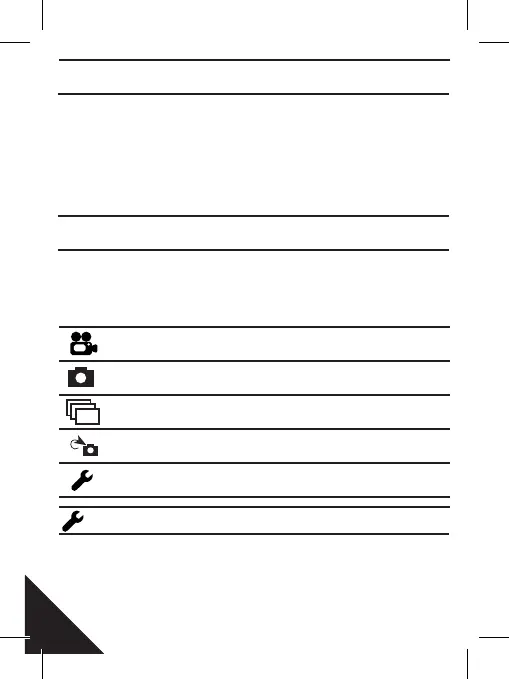
modes will appear in the following order: Video, Photo,
Burst Photo, Time Lapse, Settings.
Press the Shutter/Select Button to enter the settings menu.
Repeatedly press the Power/Mode Button to cycle through
options and press the Shutter/Select Button to select desi-
red option or use the Up/Playback or Down/Wi-Fi Button to
GETTING STARTED
OVERVIEW
SETTINGS
Video
Photo
Burst photo
Time lapse
Settings
Record Video
Capture a single photo
Capture photo bursts
Shoot a series of photos
at set time intervals
Adjust camera setting,
resolution and more



 To Next Page