9
7.12 Other Tooling
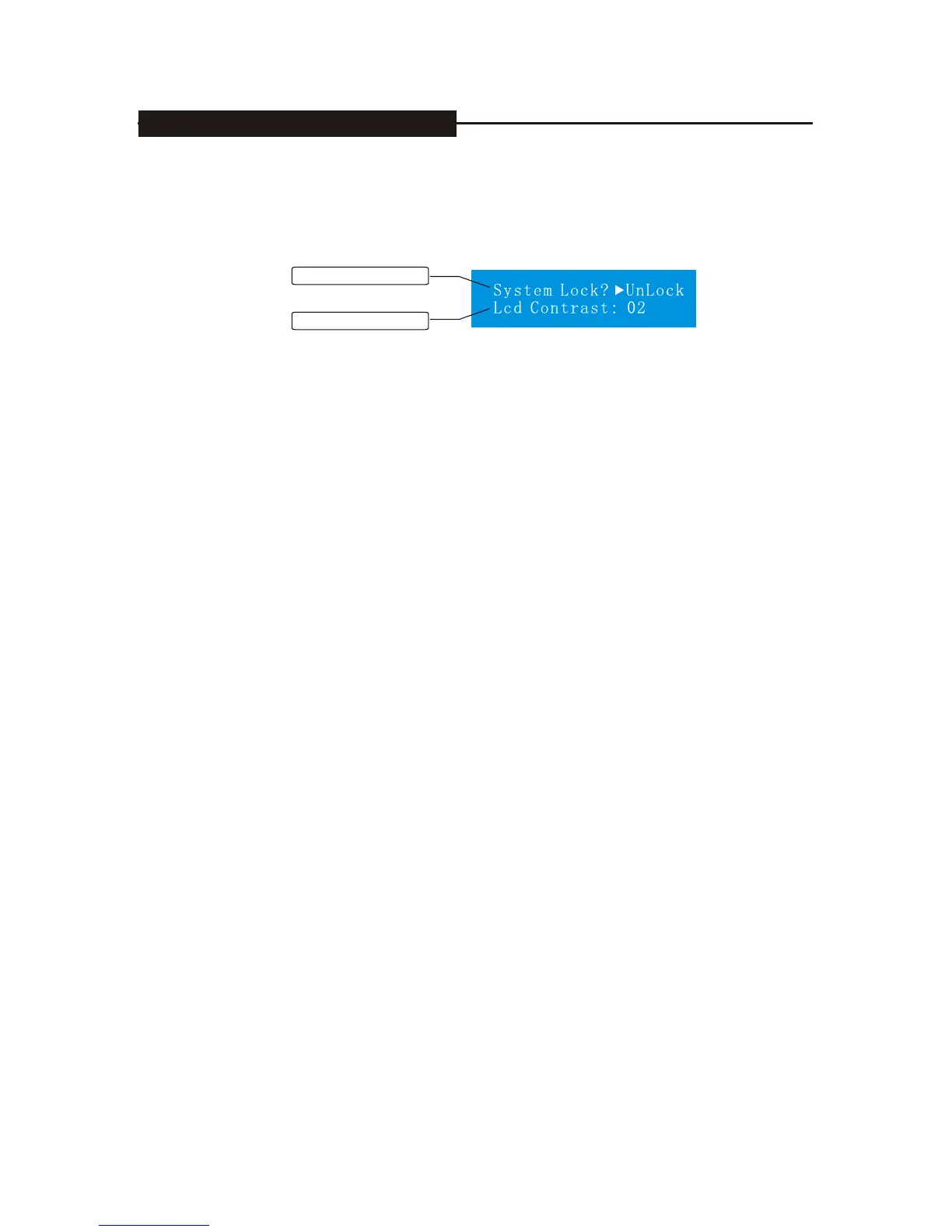
Press utility to enter the setting screen of assistant function, we can set the plate lock
and contrast, see the following:
Switch of system lock
LCD contrast
Press Para to choose LCD contrast, and press +/- to adjust contrast, we can choose
00(weak), 01(normal), 02(strong).
Press Para to choose plate lock for the setting of switch, press+/-, and transfer
unlock/lock, lock here means the plate lock is effective, expect mute and utility ,other
ones we can not edit ,off means all the functions can be operated on the boards.
7. DISPLAYS AND OPERATION


 To Next Page