5
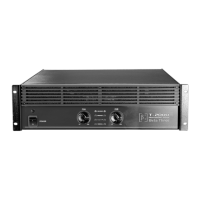
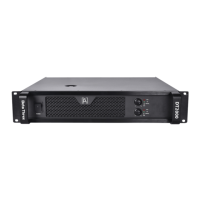
1、Indication of power ON/OFF
2、Indication of system status: the green light indicates it is in normal operation,
and the orange light means it is in protection mode.
A、When the system is in preparation state within 6 seconds after powering on the amplifier,
and the protective muting is triggered to prevent noise emitting from the loudspeaker. The
indicator light will turn green when the system is ready for operation.
B、When the channel is currently in protection mode, resulting from unusual condition such as
overheating, and output overcurrent.
Each power/protect LED indicator is an individual indication of each channel.
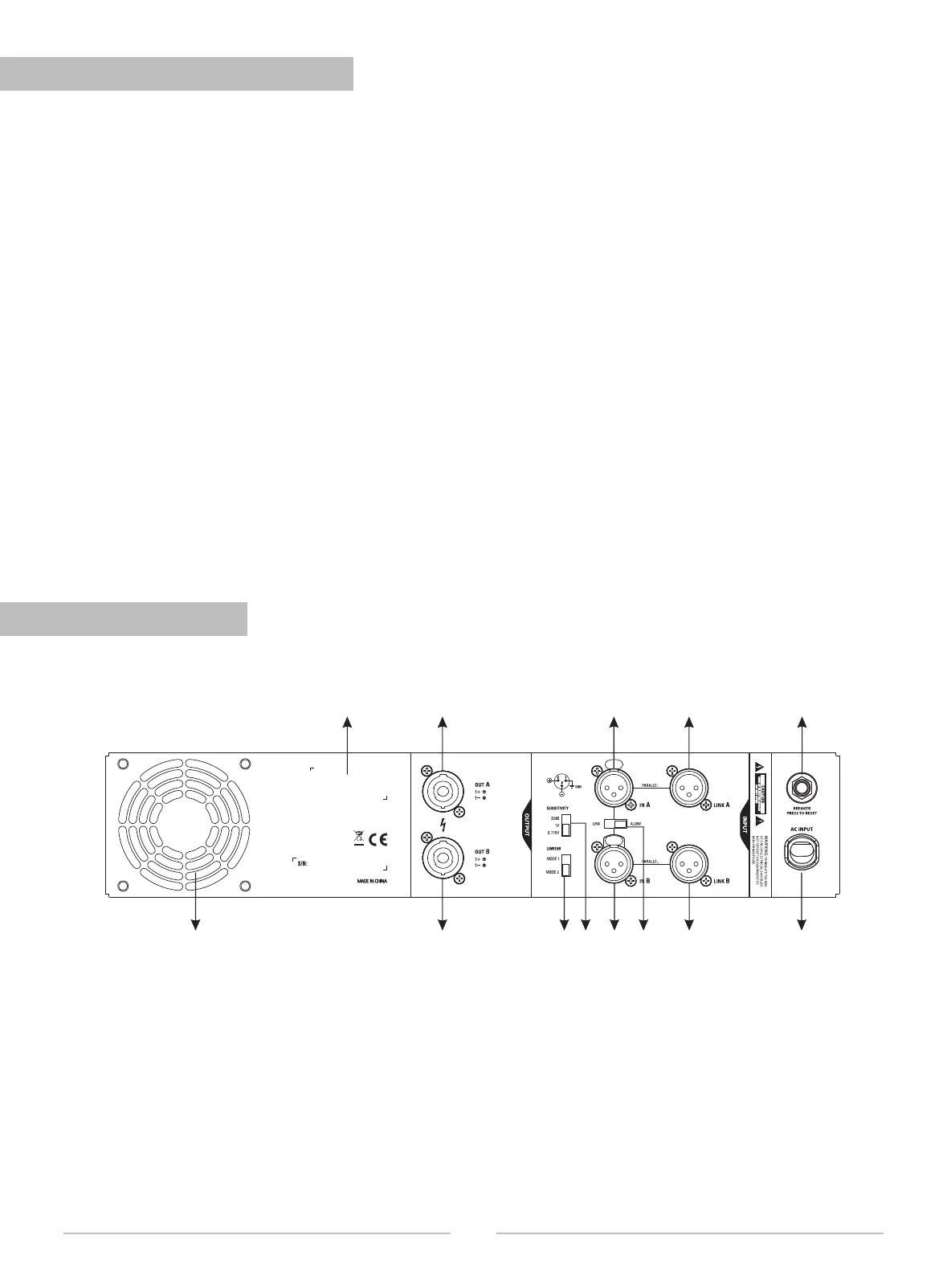
1、Label (mark with consumed AC voltage, rated current )
2、Channel A power output (NL4 jack )
3、Channel A signal input (XLR jack)
4、Link A output (XLR jack, parallel with input A)
5、Circuit breaker
6、Fan
7、Channel B power output (NL4 Jack )
8、 Limiter mode switch
9、 Sensitivity mode switch
10、Channel B signal input (XLR jack)
11、Link switch (Channel A and Channel B)
12、Link B output (XLR jack, parallel
with input B)
13、Power cord
2 3 4
5
6
131211109
8
7
1
Two channels
5. FRONT PANEL INDICATOR
6. REAR PANEL
说明书
文件(图)号
商品劳务号
物品规格
物品名称
(图名)
三基音 响科技 有限公司
1 0 3 . 0 5 . 0 0 0 9 . 0 0 8 1 4
三基/β3/DT系 列说 明书(英 文)
专业功放
版本
第8页 共17页
物品类别
A
Each output signal LED indicator is an individual indication of each channel.
The following conditions will cause the power/protect LED indicator to light up:
The indicator light will light up when the input signal is too large, and the distortion resulting from
brief flashes will not be significant. But please do not leave the amplifier in this state for a long
time, as it will cause the deterioration to sound quality and may damage the loudspeaker. Please
lower the volume or reduce the amplitude of the input signal when the indicator light flashes
frequently.
The signal LED indicator on the circuit is equivalent to the parallel connection at the output of the
amplifier. Therefore, when the gain knob is turned to the minimum position, the SIG light will not
be lit whether there is an input signal or not.
Each clipping LED indicator (PEAK) is an individual indication of each channel.


 To Next Page