Charging
Powering on your speaker
Your speaker ships with a partial charge. Before using your speaker for the first time,
connect it to a USB wall charger (not included) or computer that is powered on. Your
speaker does not need to be fully charged, but it does require the initial connection
to activate the battery.
Note: Use a 1000 mA power source for the best speaker charging experience. Using
a power source with less than 1000 mA may result in a slower charging time or your
speaker may not be able to charge while playing audio.
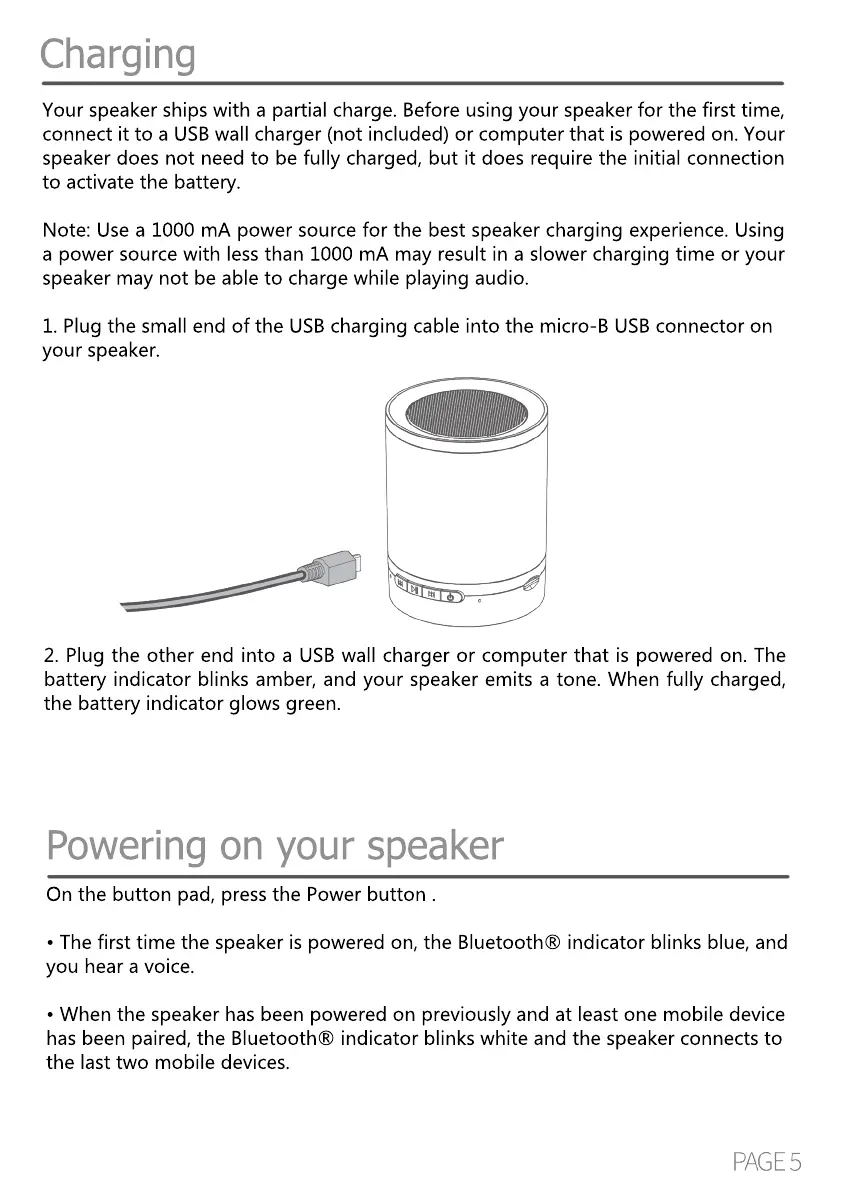
1. Plug the small end of the USB charging cable into the micro-B USB connector on1. Plug the small end of the USB charging cable into the micro-B USB connector on
your speaker.
2. Plug the other end into a USB wall charger or computer that is powered on. The
battery indicator blinks amber, and your speaker emits a tone. When fully charged,
the battery indicator glows green.
On the button pad, press the Power button .
• The first time the speaker is powered on, the Bluetooth® indicator blinks blue, and
you hear a voice.
• When the speaker has been powered on previously and at least one mobile device
has been paired, the Bluetooth® indicator blinks white and the speaker connects to
the last two mobile devices.


 To Next Page