Pairing Your Mobile Device
When you power your speaker on for the first time, the speaker automatically
searches
Once paired, you hear “Connected to <mobile device name>,” and the Bluetooth
indicator glows solid white.
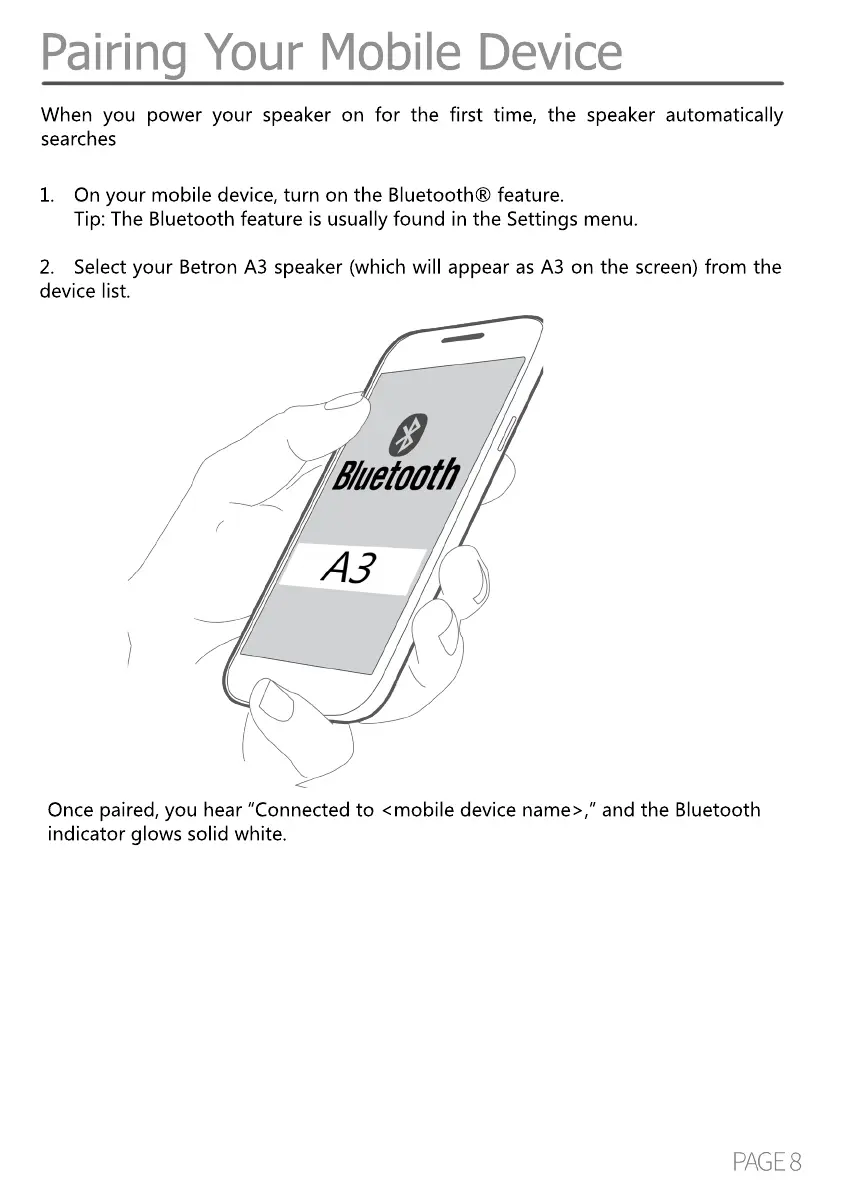
1. On your mobile device, turn on the Bluetooth® feature.
Tip: The Bluetooth feature is usually found in the Settings menu.
2. Select your Betron A3 speaker (which will appear as A3 on the screen) from the
device list.


 To Next Page