Using the Multi-function button
Playback controls
Speakerphone controls
Play
Pause
Skip forward to the next track
Skip backward to the previous track
Press MFB
Press MFB
Press MFB Twice
Press MFB Three Times
Make a call
Switch a call from speakerphone to
your mobile device, while on a call
Answer a call
Reject a call
End a call
Switch between callsSwitch between calls
Press and hold the MFB to access
voice control on your mobile device.
Press and hold MFB
Press MFB
Press and hold MFB
Press MFB
WhileWhile on a call, press the MFB to
answer a second call. Press twice to
switch between the calls.
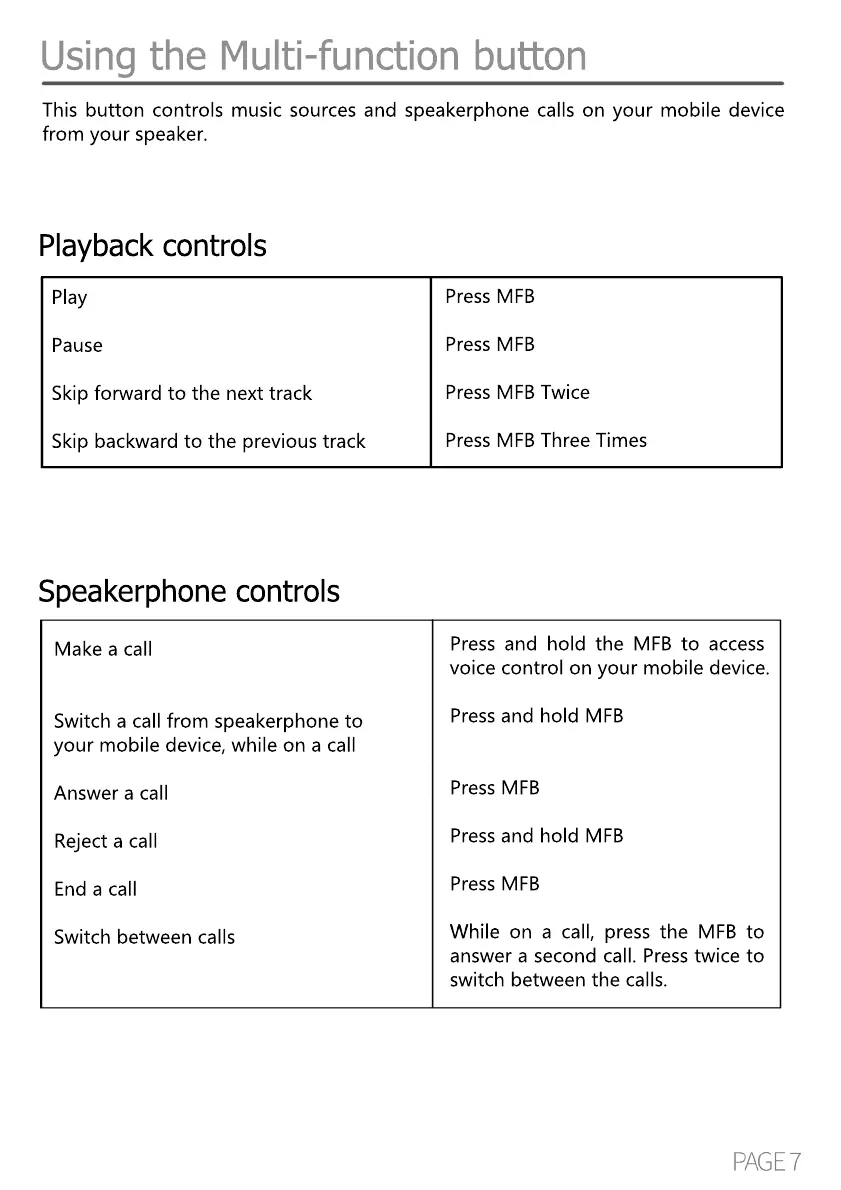
This button controls music sources and speakerphone calls on your mobile device
from your speaker.



 To Next Page