L
O
C
K
P
I
N
POWER
CAN
LOCKED
M
-PO
W
ER
RAM
P
TILT ANGLE
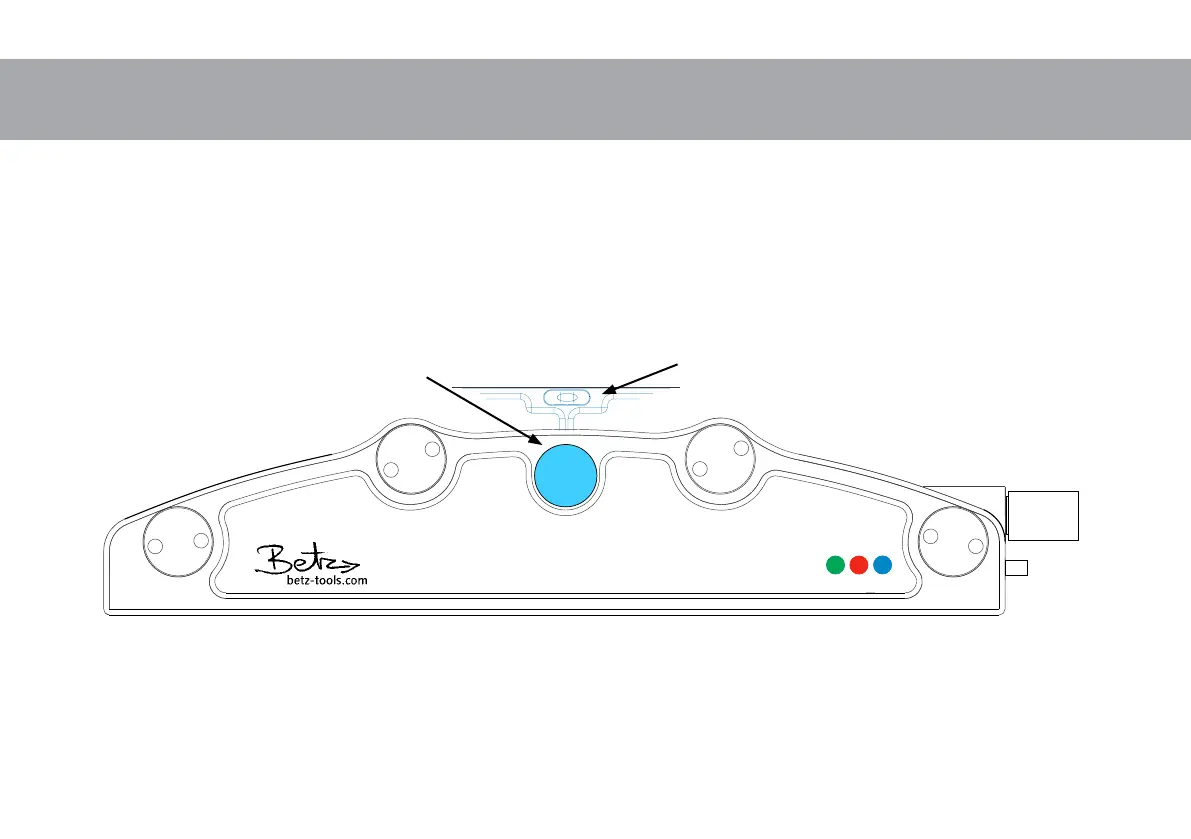
Frontside and Basics to Start
Power LED: On = Ready to go
Flashing = ”Zero” Initialisation ca. 5 sec.
Locked LED: On = Lock Pin engaged
Flashing = Fault Restart
CAN LED: On = External CAN Device is connected.
Wave must be in a leveled position before connecting to power.
Power LED flashes keep Wave in position ”Zero” Initialisation runs for about 5 sec.
Lock Pin must be engaged before turning into ”upside down” mode.
Lock Pin
unlock pull and turn
Spirit level to adjust
the Horizon



 To Next Page