Hypertension
Category
Systolic
(in mmHg)
Diastolic
(in mmHg)
Action
Optimal < 120 < 80
Continue
self-monitoring
Source: WHO, 1999 (World Health Organization)
It is important to consult your doctor regularly for
advice. Your doctor will tell you your individual values
for normal blood pressure as well as the value above
which your blood pressure is classified as dangerous.
The classification on the display and the scale on
the unit show which category the recorded blood
pressure values fall into. If the systolic and diastolic
values fall into two dierent WHO categories, the
WHO classification Indicator on the device always
shows the higher category.
8. Displaying and Deleting Measurements
Every successful measurement is stored along with its
date and time. If there are more than 60 measurements,
the oldest measurement is deleted.
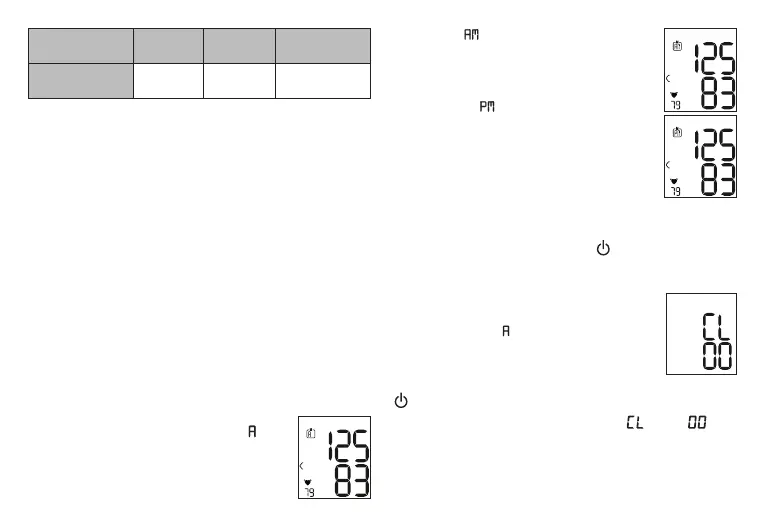
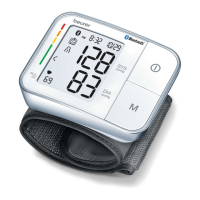
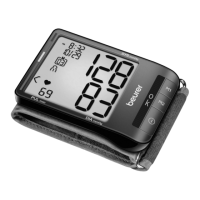
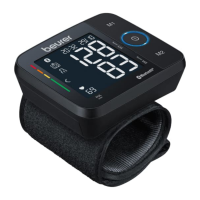
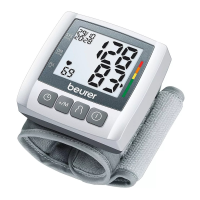
Press the Memory Button M; will
display along with the average value of
all saved measurements for the active
user number. Press the Memory Button
M again;
will appear on the LCD
Display along with the average morning
(5 AM - 9 AM) measurements for the last
seven days. Press the Memory Button M
a third time; will appear on the LCD
Display along with the average evening
(6 PM - 8 PM) measurements for the last
seven days.
Press the Memory Button M again to
display the last measurement taken.
Keep pressing the Memory Button M to
display earlier measurements. To shut the device o,
press the START/STOP button .
Deleting Stored Values:
To delete measurements, you must first
select a user memory. Press the Memory
Button M until
appears in the LCD
Display along with the average measured
values. Press and hold both the Memory
Button M and the START/STOP button
for five seconds; all stored measurements for the
active user number will be deleted. “ ” and “ ” will
appear in the display and the device will then shut o.
17


 To Next Page