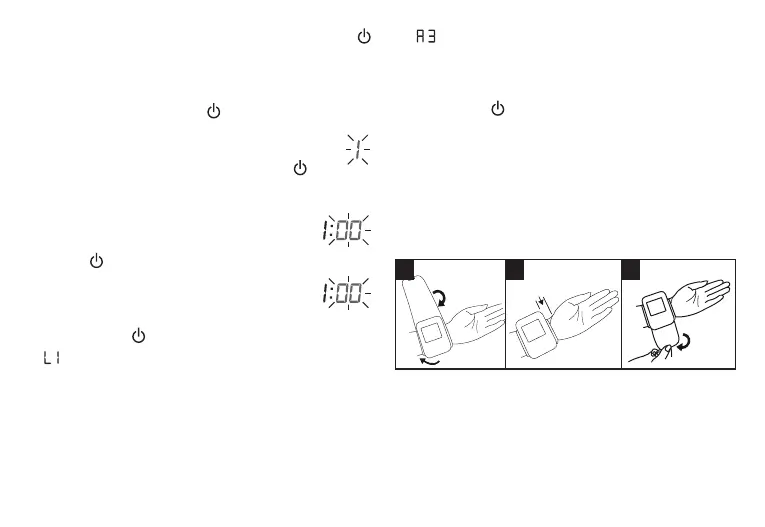
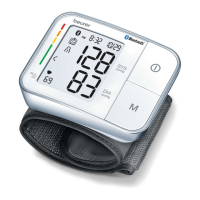
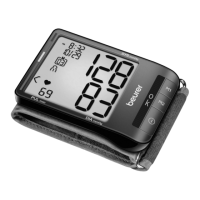
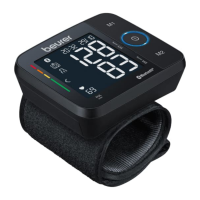
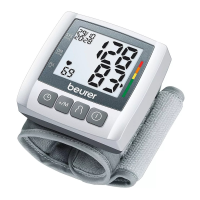
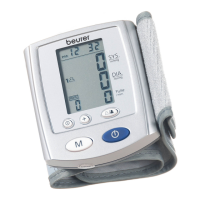
the year and then press the START/STOP button
to confirm.
4. The month flashes on the LCD Display. Press the
Memory Button M to set the month and then press
the START/STOP button
to confirm.
5. The day flashes on the LCD Display. Press
the Memory Button M to set the day and
then press the START/STOP button
to
confirm.
6. The hour flashes on the LCD Display.
Press the Memory Button M to set the
hour and then press the START/STOP
button
to confirm.
7. The minutes flash on the LCD Display.
Press the Memory Button M to set the
minutes and then press the START/
STOP button
to confirm.
8.
will flash on the LCD Display and the unit will
announce 'English'. Press and hold the Memory
Button M
to select a language; when the preferred
language is announced, press the Memory Button
M to confirm.
L1 = English L3 = Spanish
L2 = French L0 = No audio output
9. “
” will flash on the LCD Display to indicate
the volume level. To lower or shut o the audio
response, press and hold the Memory Button M to
select a volume level (o - A3), then press the ON/
OFF Button to exit; the unit will also shut o by
itself after a few seconds if no buttons are pressed.
6. Measuring Blood Pressure
Keep the blood pressure monitor at room temperature
when measuring. Measurements can be performed
on either wrist.
Attaching the cu
1 2 3
1. Remove clothing and jewelry from your lower arm.
Ensure that blood circulation in the arm is not
restricted by tight clothing or similar items.
2. Place the unit on the inside of your wrist with your
palm facing upwards.
AM
AM
14


 To Next Page