22
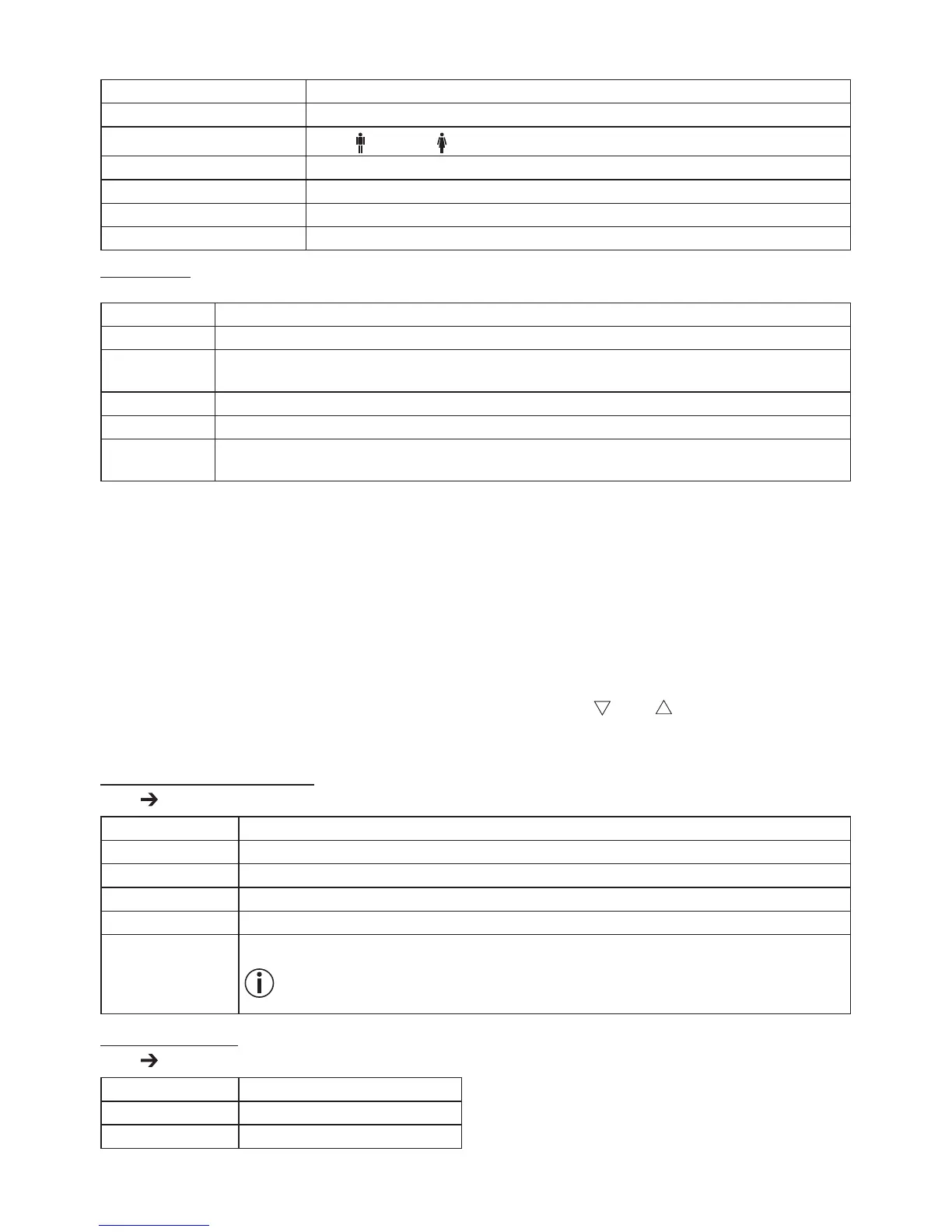
The following settings must be set or entered in the “beurer Healthmanager” app:
User data Set values
Initials Max. 3-digit (A-Z, 0-9)
Gender
Male ( ), female ( )
Height 100 to 250 cm (3' 3.5" to 8' 02")
Date of birth Year, month, day
Activity level 1 to 5
Target weight kg/lb/st (for progress graph)
Activity levels
The medium-term and long-term perspective is decisive when selecting the activity level.
Activity level Physical activity
1 None.
2
Low: little and light physical exertion
(e.g. going for walks, light gardening work, gymnastic exercises).
3
Medium: physical exertion, at least 2 to 4 times a week for 30 minutes each.
4 High: physical exertion, at least 4 to 6 times a week for 30 minutes each.
5
Very high: intensive physical exertion, intensive training or
hard physical work, daily for at least 1 hour.
The app assigns the next free user memory space (person 1 – person 10) to you.
–
C
arrying out the measurement: For automatic personal recognition, the first measurement must be assigned to
your personal user data. The app will prompt you to do this. See section „9. Taking measurement“ for how to
do this.
8. Set-up without app
We recommend using the app for the initial use and implementing all settings. See section „7. Set-up with app“.
However, this can also be carried out on the device itself.
–
I
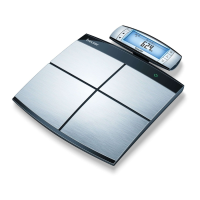
nsert the batteries and place the scale on a solid surface (“CONNECT WITH APP” will flash on the scale’s
LCD).
–
S
pecify device/time/user settings on the control unit. To do so, use the [ ] and [ ] buttons and confirm with
[SET ].
a. Specifying device settings
[SET ] “SET_UNIT ”
Sequence Set values
Language
D G F E I
Measurement unit kg – lb – st
Time 24 h – 12 h
Guest mode ON_OFF
Bluetooth
®
ON_OFF
When set to “OFF”, a Bluetooth
®
connection is only possible if the handheld unit is
switched on.
b. Setting the time
[SET ] “SET_TIME”
Sequence Set values
Date Year – Month – Day
Time Hours – Minutes


 To Next Page