23
c. Setting user data
[SET ] “SET_USER”
User data Set values
Initials Max. 3-digit (A-Z, 0-9)
Gender
Male ( ), female ( )
Height 100 to 250 cm (3' -03" to 8' -02")
Date of birth Year, month, day
Activity level 1 to 5 (see section 7)
Target weight kg/lb/st, in kg (for progress graph)
User PIN Assigned automatically for Bluetooth
®
use at a later time
–
C
arrying out the measurement: For automatic personal recognition, the first measurement must be assigned to
your personal user data. See section „9. Taking measurement“ for how to do this.
Logging in to the app at a later time
If you have carried out the initial use of the scale without using the app, you can set up your user on the
app as follows.
–
D
ownload the free “beurer HealthManager” app from the Apple App Store (iOS) or from Google Play
(Android™).
–
S
tart the app and follow the instructions.
9. Taking measurement
Switch on scale/measure weight
–
P
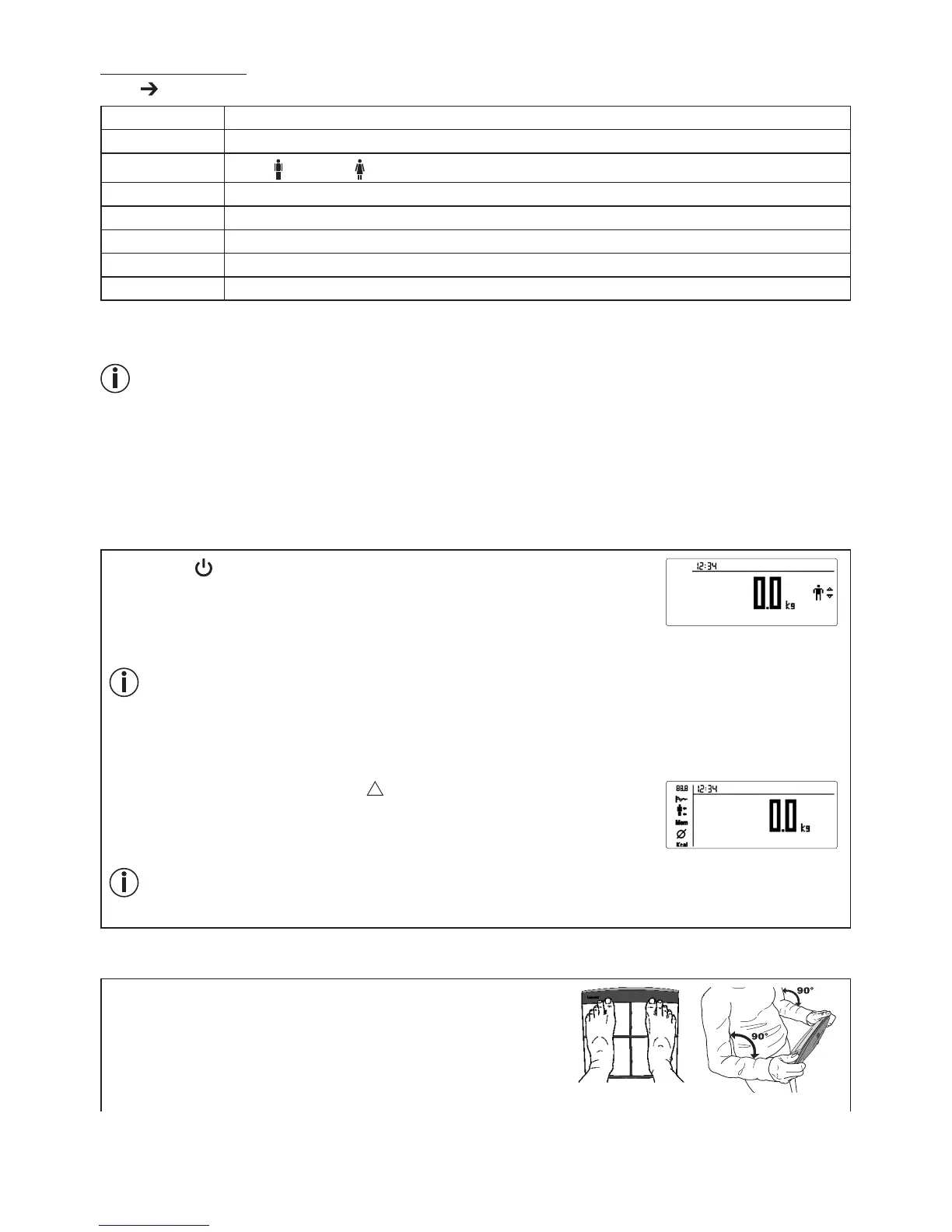
ress the [ ] button on the control unit.
0.0 kg appears in the display.
–
T
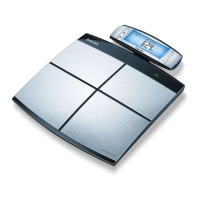
he scale is then ready to take a weight measurement. To measure your
weight, step onto the scale with your weight distributed evenly on both feet.
26-07-2017
For a new measurement, the scale assigns the measurement to the user whose most recently saved
measurement falls within +/3kg of this. If automatic user assignment is not successful, only the weight
without initials is displayed. This happens if no definite assignment is possible or the measured value is
outside +/3kg. In this case, you should select the user manually.
Manual user selection:
Select your user by pressing the right [ ] button. If necessary, press the button
several times.
Press the [SET] button or wait three seconds.
26-07-2017
P1
If you activate the user “GUEST”, you will need to re-enter the user data before every measurement.
In “GUEST” mode, the user data and measured values are not stored. You have the option to switch
“GUEST” mode on or off, see section 8a.
Diagnosis
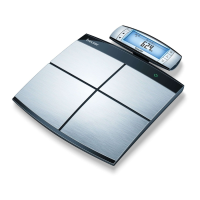
With the control unit switched on, stand on the scale barefoot
holding the control unit in your hands. Hold the control unit with
the underside of your thumbs on the front electrodes and with your
fingers pressed firmly against the back electrodes. When you are
holding the control unit in your hands, the weight of the unit is auto-
matically deducted.


 To Next Page