12
Voice output when voice function
is active
Average values
•
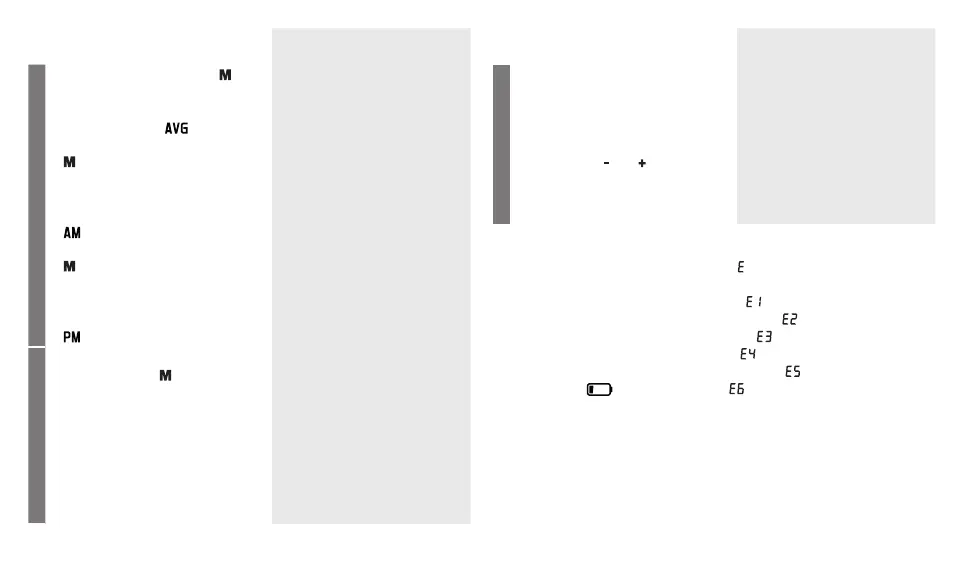
Press the Memory button . The
average value of all saved meas-
ured values in this user memory
is displayed first .
•
If you press the Memory button
again, the average value of
the morning measurements for
the last 7 days will be displayed
(morning: 5 a.m. – 9 a.m., display
).
•
If you press the Memory button
again, the average value of
the evening measurements for
the last 7 days will be displayed
(evening: 6 p.m. – 8 p.m., display
).
Average count:
Systole ... mmHg
Diastole ... mmHg
Heart rate ... beats per minute
According to the WHO guide-
lines your blood pressure is ...
Individual measured values
•
If you continue to press the
Memory button , the most re-
cent individual measured values
are displayed in turn with the
date and time.
Memory space ...
Systole ... mmHg
Diastole ... mmHg
Heart rate ... beats per minute
According to the WHO guide-
lines your blood pressure is ...
Voice output when voice function
is active
Delete measured values
•
The measured values in the cor-
responding user memory can
be deleted by switching on the
device, selecting the desired user
memory and pressing the func-
tion buttons and simultane-
ously for 5 seconds .
All the counts in the memory
have been erased.
•
The device will go directly into
standby mode (clock mode).
8. Error message/trouble shooting
In the event of errors, the error message _ appears on the display.
Error messages can occur when
1. it was not possible to record the pulse
(
),
2. you move or speak during the measurement ( ),
3. the cuff is fastened too tightly or loosely ( ),
4. errors occur during the measurement ( ),
5. the pump pressure is higher than 300 mmHg ( ),
6. the batteries are almost empty ( ).
In such cases, repeat the measurement. Ensure that you do not move or
speak.
If necessary, reinsert or replace the batteries.



 To Next Page