7
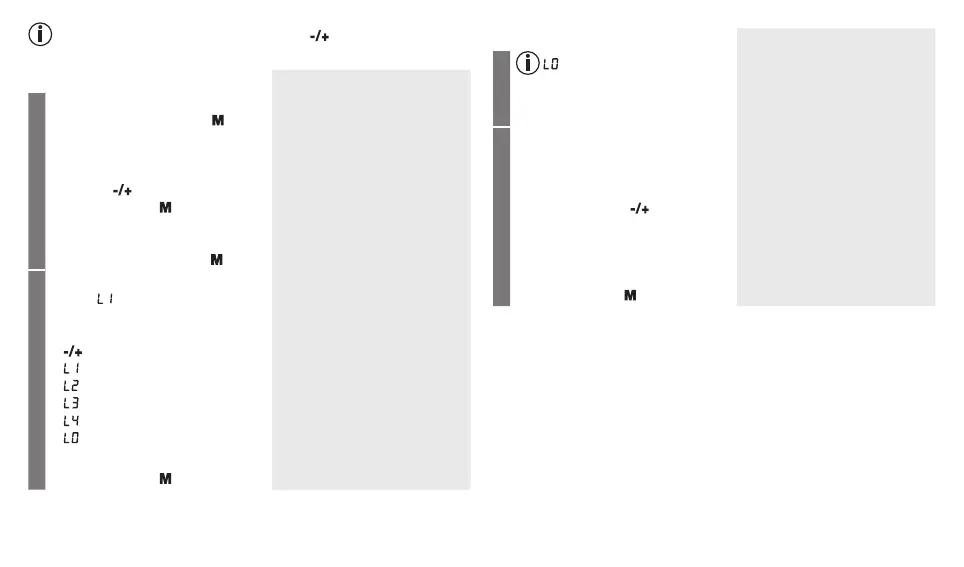
If you press and hold the function buttons , you can set the values
more quickly.
Voice output
Date/Time
•
Insert the batteries or press and
hold the Memory button for
5 seconds.
The year flashes on the display.
The device is ready for use.
You may start measuring.
•
Set the year with the function
buttons and confirm with the
Memory button .
•
Set the month, day, hour and
minutes and confirm each setting
with the Memory button .
Language
The language will flash on the
display .
•
You can select the following lan-
guages with the function buttons
:
= English
= Spanish
= Portuguese
= Greek
= Language off
English
Español
Português
Ελληνικά
Confirm your selection with the
Memory button .
Voice output
Language
= Language off means
that there is no voice output
and therefore no acoustic
playback.
Volume
Volume level Vo1 flashes on the
display.
•
You can set the volume of the
selected language using the
function buttons :
Vo3 = loud
Vo2 = medium
Vo1 = quiet
Confirm your selection with the
Memory button .
Operation with the mains part
You can also operate this device with a mains part.
When doing so, there must not be any batteries in the battery compart-
ment. The mains part can be obtained from specialist retailers or from the
service address using order number 071.60.
•
To prevent possible damage to the device, the blood pressure monitor
must only be used with the mains part described here.
•
Insert the mains part into the connection provided for this purpose on
the right-hand side of the blood pressure monitor. The mains part must
only be connected to the mains voltage that is specified on the type
plate.
•
Then insert the mains plug of the mains part into the mains socket.



 To Next Page