9
Selecting memory
Voice output when voice function
is active
User memory
•
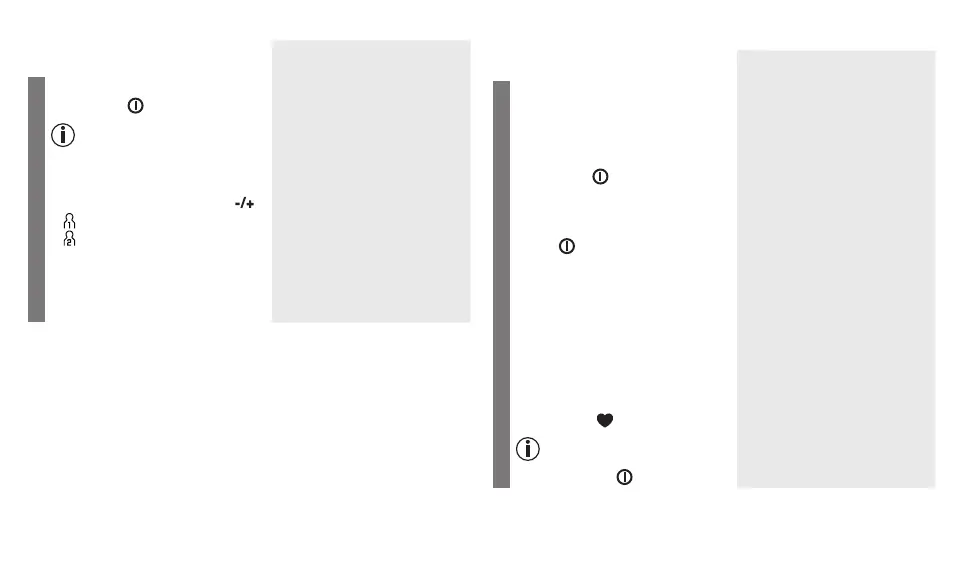
Switch on the device with the
Start/stop button.
When the device is switched
off, the time and date are per-
manently displayed.
The device is ready for use.
You may start measuring.
•
Select the desired user memory by
pressing the function buttons .
User memory 1
User memory 2
You have 2 memories, each with
60 memory spaces to store the
measurements of 2 different people
separately.
Performing the blood pressure measurement
Voice output when voice function
is active
Measurement
•
As described before, attach the
cuff and adopt the posture in
which you want to perform the
measurement.
•
Switch on the device with the
Start/stop button.
•
A display check is performed, during
which all display segments light up.
•
Start the device with the Start/
stop button. The memory
space that will be used is dis-
played.
The device is ready for use.
You may start measuring.
•
The cuff is inflated to 190 mmHg.
The cuff’s air pressure is slowly
released. If a tendency for high
blood pressure is already recog-
nised, the cuff is reinflated and
the cuff’s pressure is increased
again. As soon as a pulse is de-
tected, the symbol flashes.
Measuring can be cancelled at
any time by pressing the Start/
stop button .



 To Next Page