28 Beurer GL44 mg/dL
6.2 Displaying average blood glucose values
You can display the average measured blood glucose value from the last 7, 14, 30 and 90 days.
1
Switch the monitor on using the on/o button [4]. The initial display is shown briefly. Press
the “+” rocker switch twice [6].
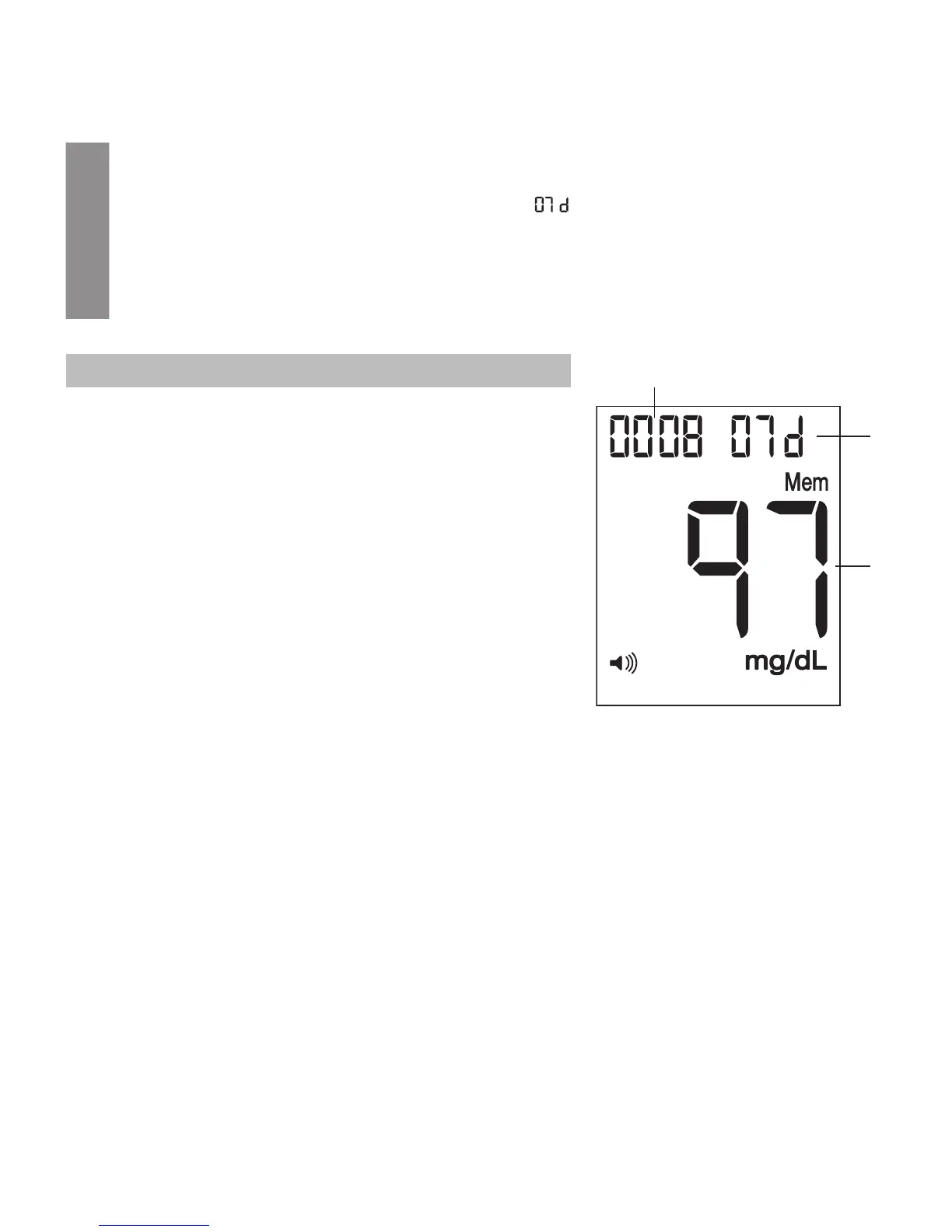
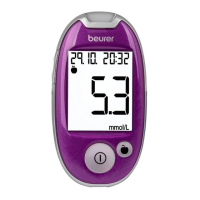
The measurement unit of the blood glucose value, “ ” and the average value are displayed.
2
Press “+” [6] repeatedly to display the average value for 7, 14, 30 and 90 days.
3
You can cancel the process at any time. For this purpose, press the On/O button or wait
until the device switches itself o automatically after two minutes.
Pos. Explanation
1
2
3
1 Average value
2 Time period, e.g. 7
3 Number of saved values used to calculate the aver-
age


 To Next Page