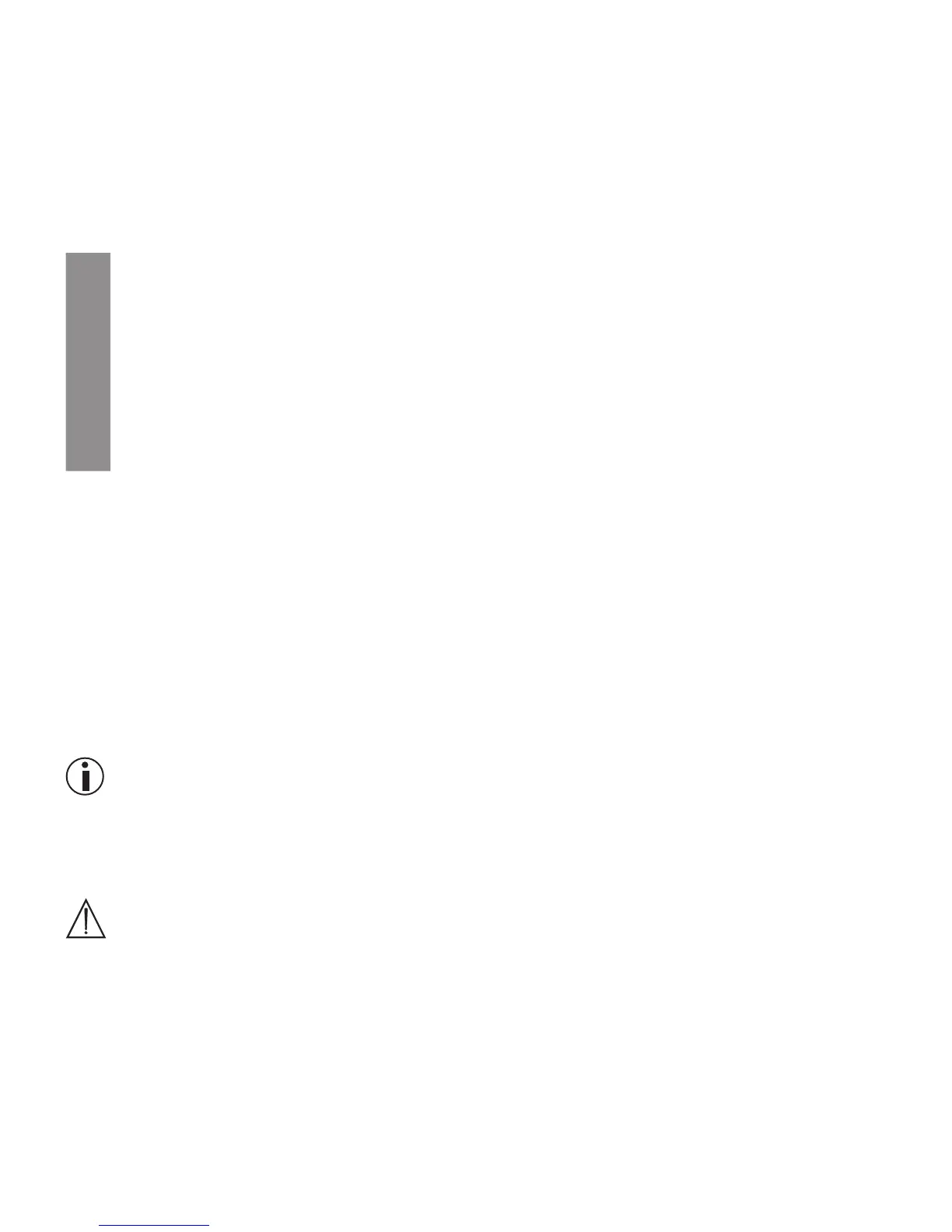
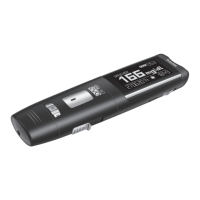
Beurer GL44 mg/dL 31
6.5 Deleting the entire memory for measured values
You have two options to delete the measured value memory.
Option 1: Proceed as described in “4.2 Making and changing basic settings”.
After explaining how to set the beep, the section explains how to delete the measured value memory.
Option 2 is described in the following chapter.
6.6 Reset to basic settings
1
The blood glucose monitor must be switched o.
2
Remove the battery compartment lid.
3
Press the ‘RESET’ button for 1 second. All settings and measured values are subsequently
deleted.
4
Close the battery compartment lid again.
5
The blood glucose monitor is now in the settings mode.
6.7 Transferring measurements to a PC
The GL44 blood glucose monitor includes a PC interface [5] that enables you to transfer measured
values saved on the device to a PC (for the position of the port, see page 12). The GL44 is compat-
ible with Diabass and SiDiary.
The docking station with connection cable and software is commercially available as the “Beurer
GL44-PC kit” accessory (see “Delivery scope, replacements and accessories”). A CD with blood
glucose diary software is included in the GL44-PC kit. This software enables you to evaluate your
measured values, add insulin doses and print results. The software helps you and your GP to better
monitor your blood glucose level.
For more information, please read the GL44-PC kit Instructions for Use. There you will find all the
information required for the data transfer and a detailed description of the software.
Note
•
An eective evaluation is only possible if you have correctly set the date and time (see page 16).
•
During data transfer, no measurements can be taken.
•
The measurements remain saved on the blood glucose monitor after they have been transferred to
the PC.
Important
Use only the original Beurer docking station and connection cable for the data transfer, otherwise
you may damage your blood glucose monitor or PC.
Preparation
•
Position the blood glucose monitor near to your PC.
•
Set up the docking station and connect it to the PC using the cable supplied.
•
Install the evaluation software on your PC as described in the Beurer PC kit Instructions for Use.


 To Next Page