32
4.2 Prior to initial use:
Pay attention to the following points in order to obtain precise measurements:
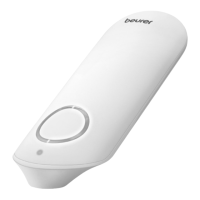
• The electrodes must be positioned directly against the skin.
• If your skin or hands are dry, moisten them using a damp cloth before taking the measure-
ment.
• If the electrodes are dirty, remove the dirt using a soft cloth or cotton bud dampened with
disinfectant alcohol.
• During the measurement, do not touch your body with the hand with which you are taking
the measurement.
• Please note that there must be no skin contact between your right and left hand (measure-
ment method C) or hand and chest (measurement methods A/B). Otherwise, the measure-
ment cannot be taken correctly.
• Stay still during the measurement, do not speak and hold the device still. Movements of any
kind will falsify the measurements.
• If possible, take the measurement when sitting or lying down and not when standing.
5. Taking measurements
1
. Three different methods of taking the measurement are available. Start with measure-
ment method A, “right index finger–chest”. If this method does not deliver measurements,
or delivers only unstable measurements (“EE” is frequently displayed), switch to method
B “left index finger–chest” and, if necessary, to method C “left hand–right hand”.
The most suitable method/procedure depends on the heart configuration (shape of the
heart) of each individual user. If it is not possible to take stable measurements using a given
measurement method, this could have a harmless cause such as the shape of the heart.
However, the cause may also be an illness or disease.
Note: measurement method C offers maximum comfort, but offers a much lower
measurement stability than methods A or B.
2
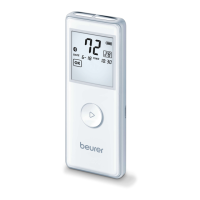
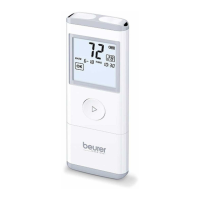
. To switch on the device, press the On/Off button for approx. three sec-
onds. The device shows the full display.


 To Next Page