40
7.3 Transferring ECG data to a PC
Proceed as follows to transfer ECG data to a PC:
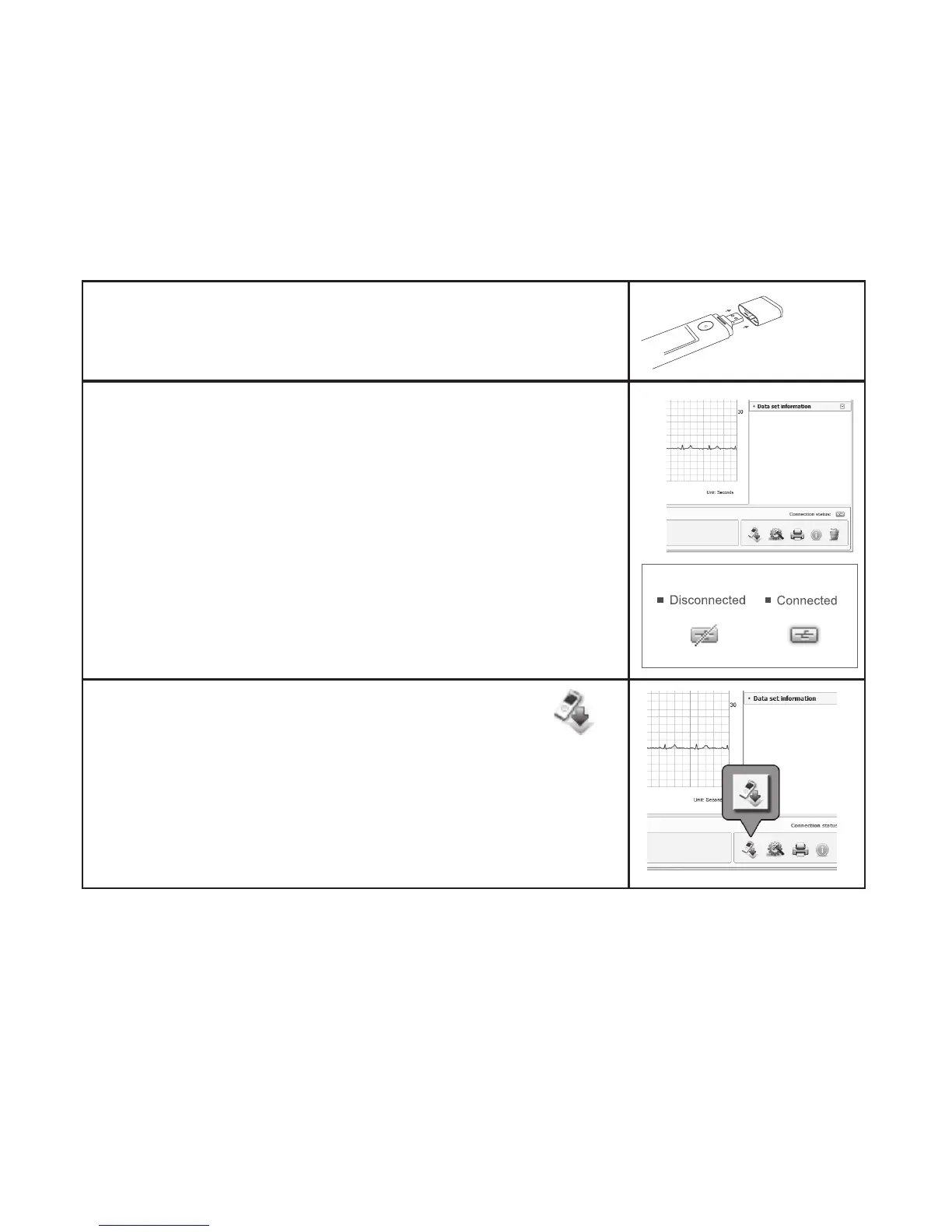
1. Remove the lower cover from the device.
2.
Connect it to the USB port on your computer.
Check that a connection is established.
3.
Start the download by clicking the download symbol
and follow the instructions.


 To Next Page